
Printable QR Code Generator for Flyers, Labels & Packaging
Create high-resolution printable QR codes for flyers, menus, stickers, labels, packaging, posters, and business cards. Use clean contrast, safe sizing, padding, and print-ready export.
Free QR code generator
Create a QR code online
Generate QR codes for websites, email, phone numbers, vCards, Wi-Fi, plain text, forms, PDF files, and campaign links. Customize colors, add a logo or frame, then download a print-ready PNG or SVG.
Choose QR code type
Website QR code, Email QR code, Phone QR code, vCard QR code, Wi-Fi QR code, Text QR code, SMS, WhatsApp, event, and download links.
Add your content
Enter your website URL, contact details, message, phone number, location, or file destination before generating the QR code.
Customize and download
Adjust QR colors, error correction, logo, frame, size, and margin. Generate QR Code, Download PNG, Download SVG, or Save and track scans.
Print-ready QR codes
Design the QR code for the material where it will actually be scanned
A printable QR must work in the finished layout, not only as a sharp image on screen. Physical size, contrast, the clear area around the symbol and the destination all belong in the print proof.
Choose a static code for content that will remain fixed. Choose a managed dynamic URL when the destination may change after the material is printed; this avoids replacing print solely because a resource address changed.
Check the exported layout on the intended material at actual size. The example below separates pixel resolution from physical dimensions so that a larger download is not mistaken for a complete print test.
Example: checking a QR image in a print layout
Image resolution and printed size are separate decisions. For example, an 800-pixel image placed at 300 pixels per inch occupies about 67.7 mm, including any margin already inside the image.
- Layout decision
- Record the physical size, material and expected scanning distance in the print proof.
- Clear area
- Keep the QR quiet zone clear of captions, frames, trim marks and nearby graphics. A QR symbol normally needs four modules of clear space on each side.
- Acceptance check
- Test the exported layout at actual size on the intended material and open the destination, rather than testing only the original image on a monitor.
The resolution calculation is not a minimum-size recommendation or a scanning guarantee. Dense content, finish, curvature, lighting and camera behavior still matter. A successful screen preview does not certify a print run.
Print quality
Prepare QR codes for real paper, signs, labels, and packaging
Print readyA printable QR code has to survive ink, material, distance, lighting, size limits, and design choices. The export should be sharp, readable, and paired with a destination that is ready before print.

Start with size, quiet zone, and contrast
Match QR size to the real scan distance: label, business card, flyer, poster, window sign, or package insert all behave differently.
Keep the quiet zone clean, preserve strong contrast, and avoid decorative treatments that damage the finder corners or pattern.
Use the right export for the printer
SVG or PDF is safer for professional layouts because vector artwork preserves crisp edges at different sizes.
Raster formats can work for small jobs, but test the final file at printed size before sending a batch to production.
Print only after the scan path is ready
A beautiful QR image still fails if the landing page is slow, unclear, expired, or not mobile-friendly.
Test the QR image, printed layout, and destination together before approving the final file.
Business card
Use enough size and a clear CTA for vCard, portfolio, booking, or profile links.
Flyer or poster
Increase QR size for distance and pair it with a strong destination promise.
Product label
Protect quiet zone and link to setup, care, warranty, safety, or reorder pages.
Restaurant table tent
Use durable print, strong contrast, and a current menu destination.
Printable QR codes need proof, not hope
Export clean artwork, print a sample, scan it from the real distance, and verify the destination before production.
Scan-safe design
Design printable QR codes around readability first
DesignBrand color, logo, frame, and CTA can help a printed QR feel intentional, but scan reliability comes first: clear pattern, quiet zone, contrast, size, and real-world testing.
Add branding after the code scans cleanly
Risk
Heavy decoration can make a printed QR look polished while weakening the actual scan.
Better
Use brand color, logo, and frame only where the QR pattern remains readable on the final material.
Make the printed promise visible
Risk
A bare QR code gives people no reason to scan and no clue what opens.
Better
Add concise CTA copy such as “Scan for menu,” “Get setup guide,” or “Book appointment.”
Customize corners and modules
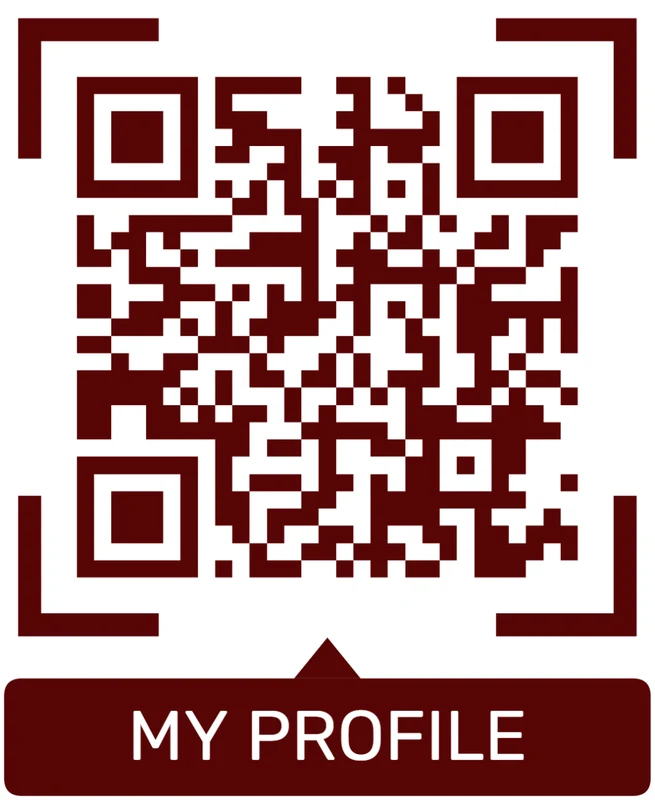
Standard pattern
A colored framed code already looks better, but it can still look like every other QR code.
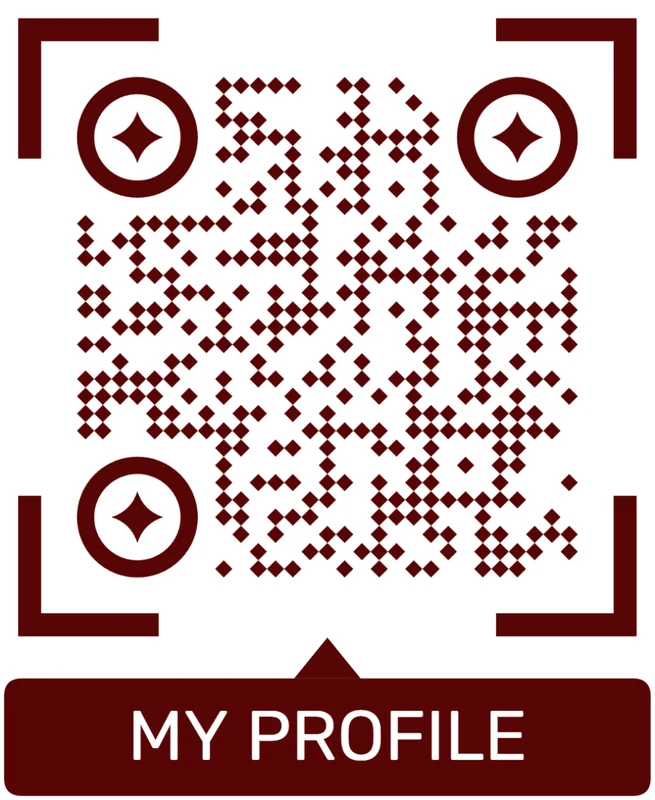
Custom eyes and module shape
Rounded modules, styled finder corners, and cleaner patterns can make the code feel premium. Keep the three corner markers clear.
Add a logo carefully
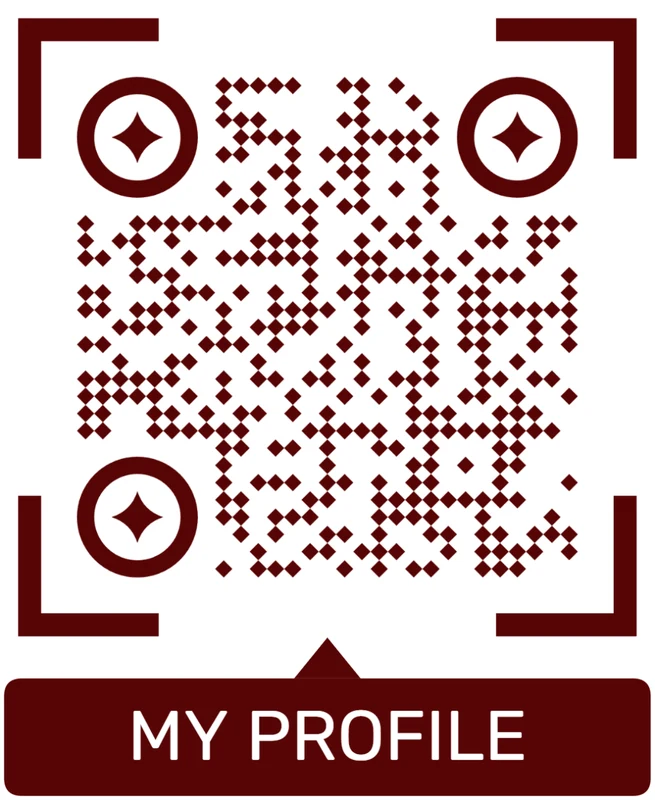
Styled QR code
A styled code can look polished, but people may still not know what brand, profile, file, or campaign it represents.
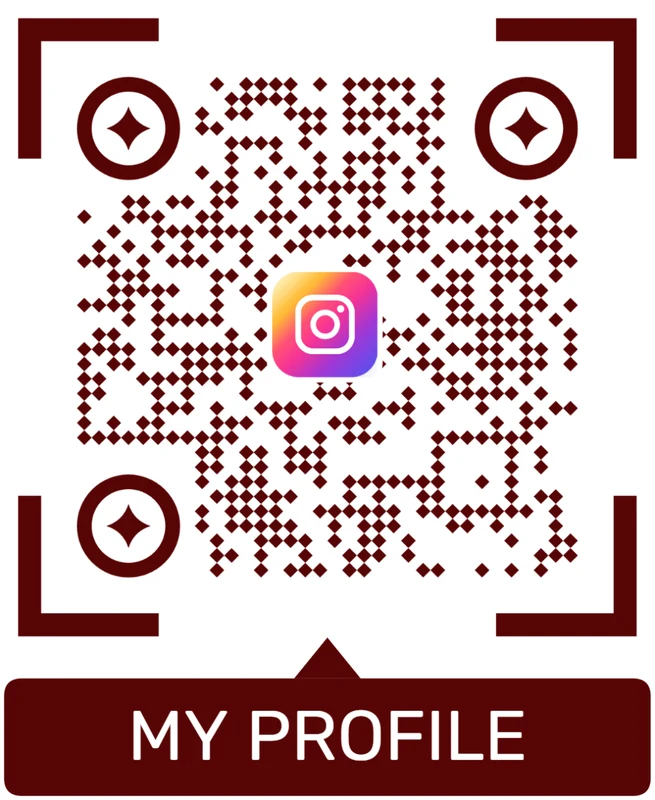
Logo QR code
A centered logo helps signal the destination. Keep it small, use a clean background behind it, and test the exported code.
A printable QR design must still work in the real placement
Judge the final printed sample, not only the design preview on screen.
Print placement
Place printable QR codes where the scan promise makes sense
PlacementPrintable QR placement should match the physical moment: a label during setup, a table tent before ordering, a flyer during interest, a poster from a distance, or packaging during unboxing.

The QR is easy to see but not useful yet
A large QR can still be ignored if people are walking past, carrying items, or unsure what the scan opens.
Placement should be judged by scan intent, not just layout visibility.
The QR appears when the next step is natural
Put setup codes on packaging, menu codes on tables, booking codes on cards, and event codes near schedule or RSVP copy.
The printed CTA should name the payoff before the phone comes out.
What did the person just do?
Unboxing, reading, waiting, shopping, checking in, or comparing should shape the destination.
How far away is the scan?
Cards, labels, table tents, posters, and windows need different QR sizes.
Will material affect scanning?
Gloss, folds, curves, texture, and outdoor light require proof testing.
Is the CTA specific?
Say what opens: menu, PDF, booking, warranty, directions, event, or setup guide.
Flyer or poster
Use for campaigns, events, offers, registrations, maps, and landing pages.
Product packaging
Open setup, care, warranty, safety, manuals, reviews, and reorder paths.
Business card or badge
Send scanners to contact save, portfolio, booking, profile, or link hub.
Table tent or counter sign
Best for menus, Wi-Fi, reviews, feedback, loyalty, and service help.
Poster or event sign
Best where people pause: registration line, booth, waiting area, seat back, schedule board, or exit path. Weak when people only pass at speed.
Business card
Useful after a conversation because the person already knows why they might save a contact, open a portfolio, book a call, or follow up.
Window sign
Good for after-hours menus, booking, pickup instructions, or quick offers. Avoid complex actions when the person is outside and just walking by.
Cover or front label
Use it only when the promise is immediate and clear. Otherwise the better scan moment is often inside the material or after the first interaction.
Printable QR placement should make scanning feel obvious
Put the code where the person understands the value and can scan without fighting the material or distance.
Print context
A code for a business card and a code for a poster are different jobs
Small printed pieces need high contrast and enough physical size for close scanning. Posters and window signs need larger codes, a visible call to action, and enough quiet zone around the pattern. Packaging needs extra care because curves, reflections, folds, and texture can reduce scan reliability. Menus need to work under uneven lighting. Book interiors need enough margin and print clarity. The final material should guide the QR size and layout.
If the QR code will appear in many places, use a dynamic version and track scans. Analytics can show whether a poster, label, flyer, receipt, menu, package, or book page is actually getting attention, which is hard to know from print alone. Separate codes per placement are even better when you want to compare performance.
A good printable QR code also needs a clear promise beside it. “Scan for menu,” “Open setup guide,” or “View product details” works better than a lonely code. Scanning is a small action, but people still need a reason.






