
Free QR Code Generator - Make Your First QR Code Online
Create free QR codes for links, text, email, Wi-Fi, menus, cards, packaging, and everyday sharing. Use the full generator when you need logos, frames, dynamic links, and tracking online.
Free QR code generator
Create a QR code online
Generate QR codes for websites, email, phone numbers, vCards, Wi-Fi, plain text, forms, PDF files, and campaign links. Customize colors, add a logo or frame, then download a print-ready PNG or SVG.
Choose QR code type
Website QR code, Email QR code, Phone QR code, vCard QR code, Wi-Fi QR code, Text QR code, SMS, WhatsApp, event, and download links.
Add your content
Enter your website URL, contact details, message, phone number, location, or file destination before generating the QR code.
Customize and download
Adjust QR colors, error correction, logo, frame, size, and margin. Generate QR Code, Download PNG, Download SVG, or Save and track scans.
Free creation
Create a useful QR code first, then make it ready for real use
A free QR code generator should help you create a working code quickly, but the real goal is not only to download a square image. A good QR code needs the right destination, a scan-friendly design, a clear call to action, and an export format that fits the place where people will see it. A link on a screen, a business card, a flyer, a label, and a poster all need slightly different choices.
Use QR Code Lab for everyday QR codes such as URLs, text, email, Wi-Fi, social profiles, menus, business cards, flyers, packaging, events, and marketing materials. Static QR codes are fine when the data is fixed and direct, such as a simple URL or device action. Dynamic QR codes are better when the printed code may need edits, tracking, a campaign page, or a destination that can change after launch.
The practical question is simple: what should happen after the scan, and will that answer stay true later? If the code will meet customers, guests, readers, students, or buyers in the real world, test it before printing and make sure the destination is easy to use on a phone.
QR type decision
Choose the free QR setup by what the scan should open
Start hereA free QR code can open a URL, text, email, Wi-Fi, phone number, vCard, PDF, form, social profile, menu, map, or campaign page. Start with the destination, then decide whether it must stay editable after print.
URL QR code
Use for websites, landing pages, menus, product pages, portfolios, booking pages, and campaign pages.
Best dynamic when links may changePDF / File QR code
Use for menus, manuals, worksheets, bonus materials, brochures, certificates, ZIP archives, and checklists.
Dynamic is safer for printvCard QR code
Use for business cards, badges, counters, portfolios, sales materials, and follow-up contact details.
Static opens native contact saveWi-Fi QR code
Use for cafes, hotels, offices, classrooms, venues, rental spaces, and guest networks.
Usually best as staticForm QR code
Use for feedback, registrations, quote requests, surveys, support requests, applications, and check-in.
Dynamic helps forms evolveWhatsApp / messaging QR
Use when the next step is a conversation: support, sales, booking, delivery questions, or consultation.
Prefilled messages reduce frictionMaps QR code
Use for venues, offices, stores, events, pickup points, property listings, booths, and meeting locations.
Great for physical destinationsSocial QR code
Use for Instagram, TikTok, YouTube, X, LinkedIn, Behance, creator pages, and community profiles.
Best when relationship continuesPayment link QR code
Use for invoices, tips, donations, event payments, deposits, checkout pages, and payment requests.
Make amount and context clearNative action?
Wi-Fi, vCard, email, phone, and SMS often work best when the action is encoded directly, especially if the native phone interface matters.
Editable or measurable?
Use a dynamic QR code when the destination may change, files may be replaced, campaigns need analytics, or printed material must stay useful later.
Several actions?
Use a microlanding page when one scan should offer buttons, files, contact, feedback, booking, social links, or multiple next steps.
Pick the scan promise before choosing decoration
The strongest QR code starts with a clear promise: open this page, download this file, join this network, save this contact, or claim this offer.
Choose static or dynamic QR by what can change after the code is shared
DecisionStatic QR is direct and final. Dynamic QR adds a managed link that can be edited, tracked, and reused when a printed or shared destination changes later.
Static QR is best for final data
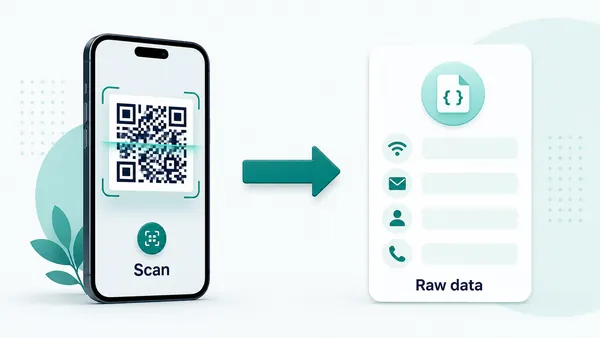
A static QR stores the final payload inside the QR pattern, so the phone can open a direct URL, text, Wi-Fi prompt, email draft, phone number, vCard, or calendar action.
This is ideal when the value is permanent and you do not need scan reporting, campaign comparison, or destination edits.
After the code is printed or shared, the encoded content cannot be changed in QR Code Lab.
Dynamic QR is best for destinations that may move
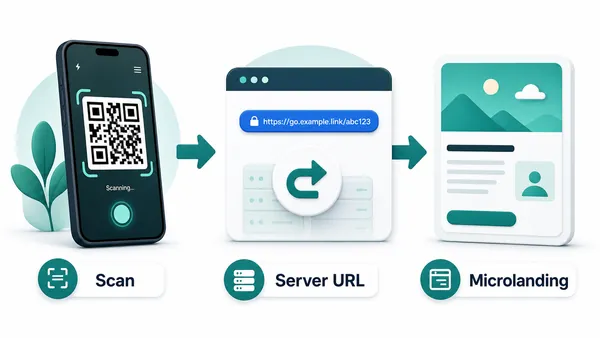
A dynamic QR stores a managed URL first, then redirects scanners to the current destination behind it.
That makes it useful for PDFs, menus, landing pages, campaigns, forms, product pages, offers, and any print that may need updates.
It also enables scan reporting so teams can compare attention by campaign, material, or placement.
Quick decision
Scan-safe design
Design the free QR code so it looks intentional and still scans
DesignA QR code can use a frame, color, logo, or CTA, but readability comes first: contrast, quiet zone, size, and a clear printed promise decide whether people can scan it.
Add branding only after the code is readable
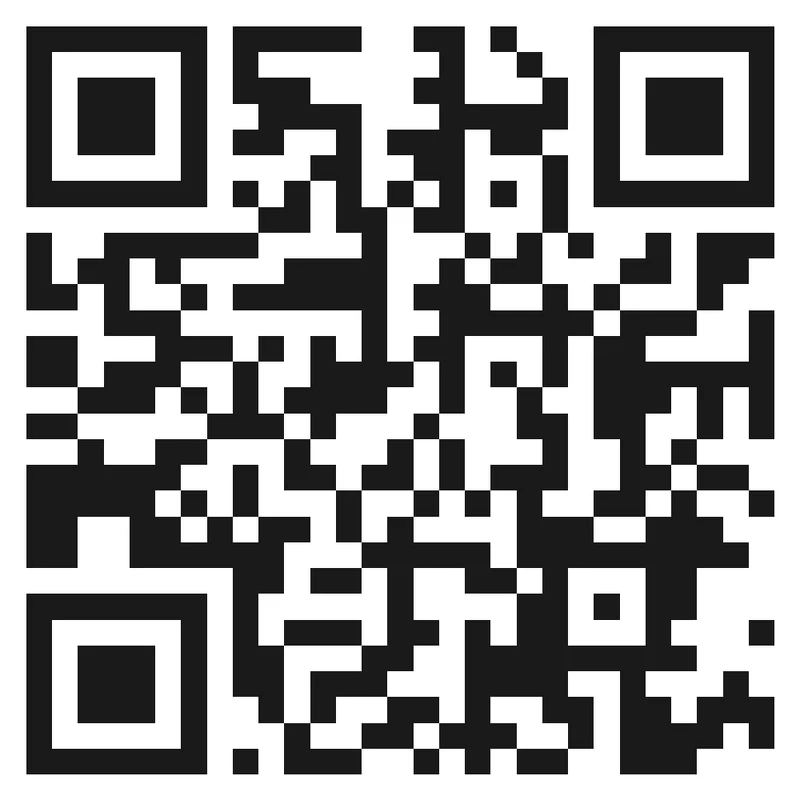
Risk
Low contrast, crowded art, tiny size, or a missing quiet zone can make a QR look polished but fail in the real placement.
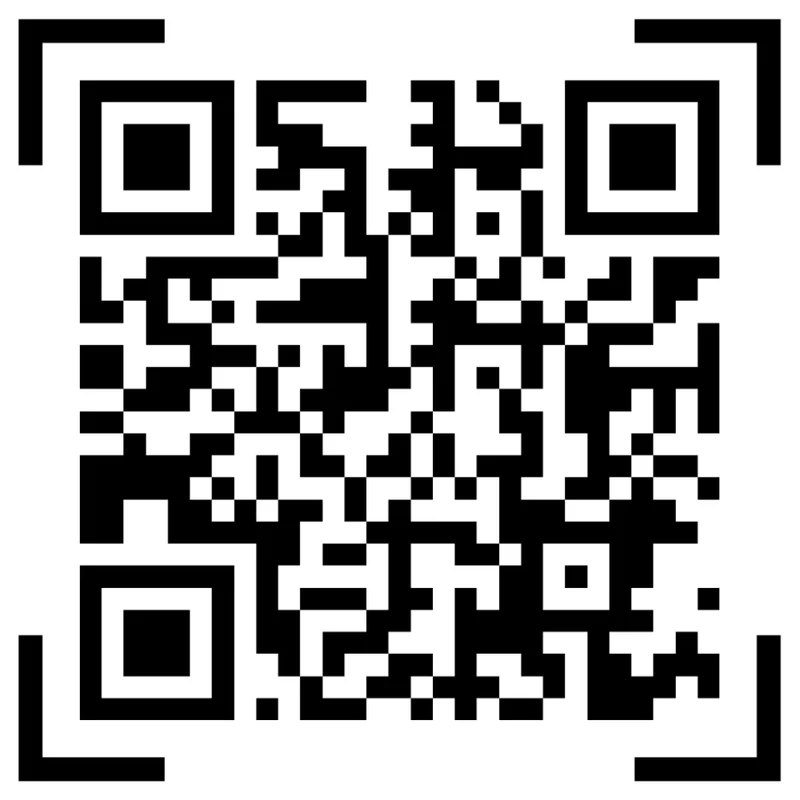
Better
Keep the QR pattern clean, preserve quiet zone, use brand color carefully, and place a short CTA beside the code.
Add color and a clear CTA
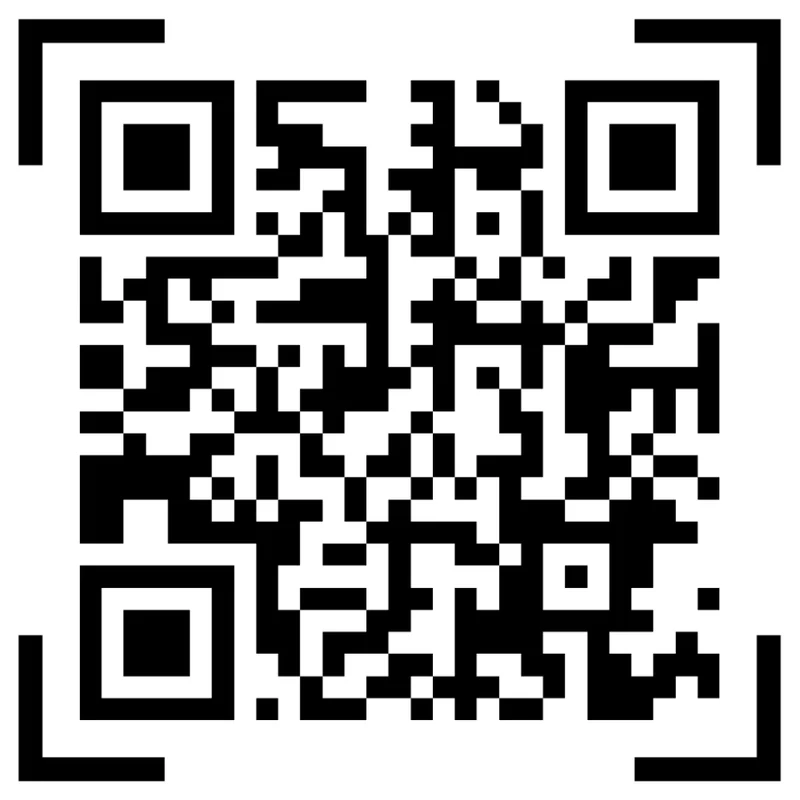
Black framed code
A black framed code is readable, but it may not explain what the scanner gets after the scan.
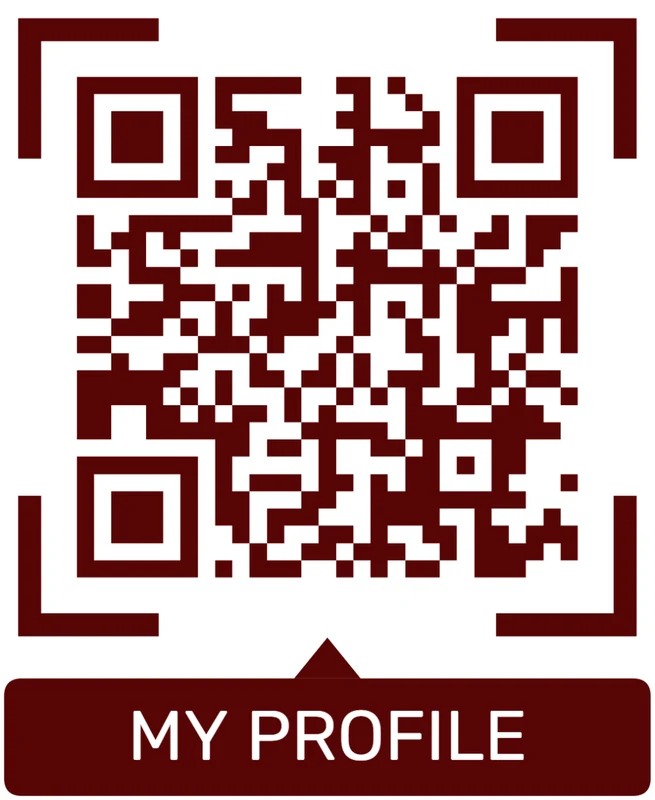
Brand color + scan prompt
Use a strong brand color and a short CTA like “Scan for menu”, “Get the PDF”, or “Save contact”. The CTA should promise the next step.
Customize corners and modules
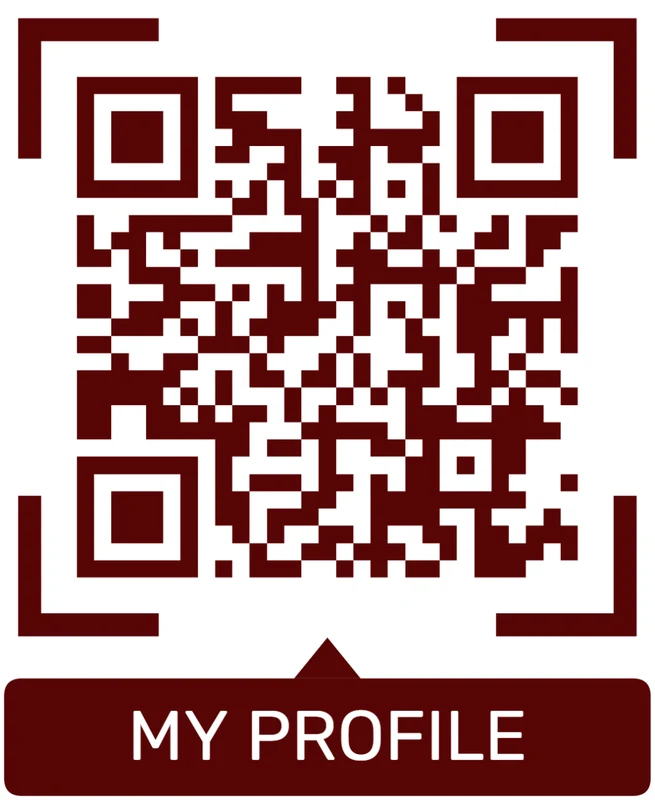
Standard pattern
A colored framed code already looks better, but it can still look like every other QR code.
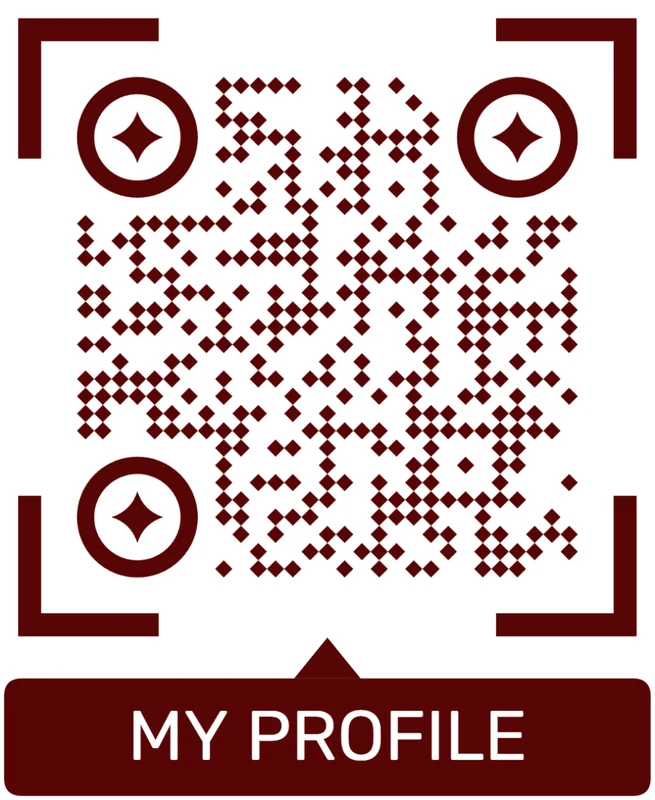
Custom eyes and module shape
Rounded modules, styled finder corners, and cleaner patterns can make the code feel premium. Keep the three corner markers clear.
Add a logo carefully
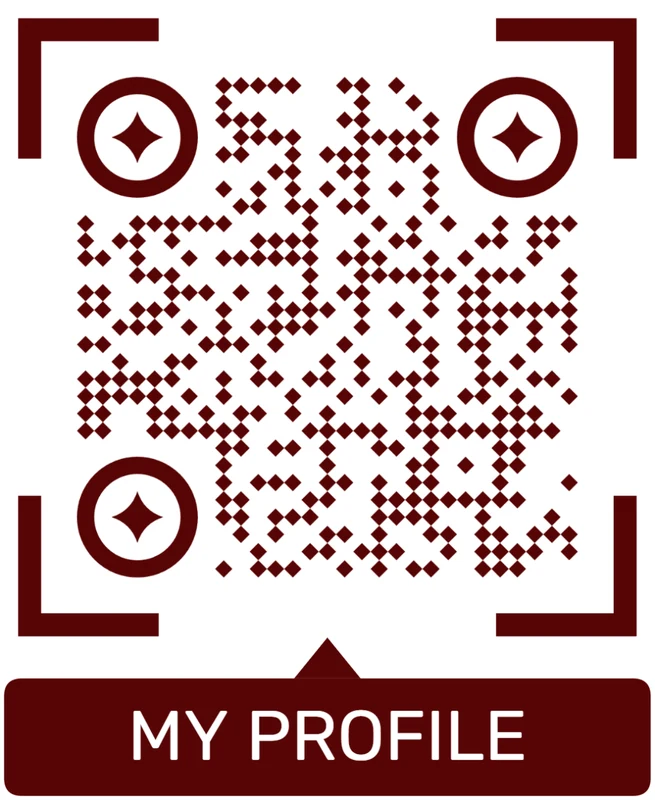
Styled QR code
A styled code can look polished, but people may still not know what brand, profile, file, or campaign it represents.
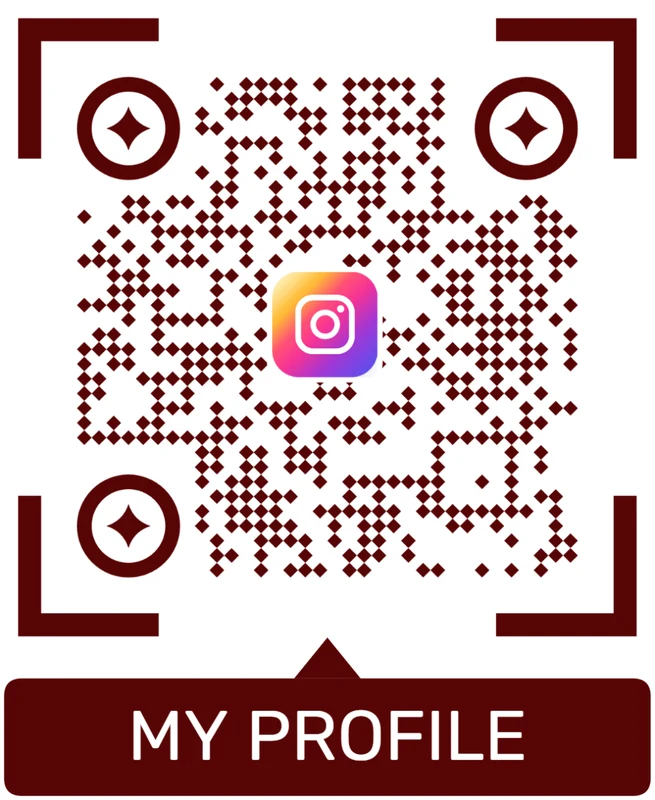
Logo QR code
A centered logo helps signal the destination. Keep it small, use a clean background behind it, and test the exported code.
Design for the scanner before the brand treatment
A beautiful QR is still a failed QR if the phone cannot read it quickly or the scanner does not know what happens next.
Print readiness
Check the QR code before it goes onto real materials
Print readyA QR that works on screen can fail on paper, packaging, labels, signs, menus, badges, or cards if size, contrast, material, or destination testing is skipped.

Test the printed size, not only the preview
Print a sample at the real size and scan it with a phone from the likely distance before publishing the file.
Small labels, folded flyers, glossy packaging, window signs, and low-light placements need more care than a bright desktop preview.
Confirm the destination before distribution
Open the QR on a phone and check that the first screen matches the CTA printed beside the code.
If the destination may change later, use dynamic QR before the code goes onto materials that are expensive to replace.
Use a microlanding page when one scan should offer several choices
A direct URL is enough for one simple destination, but many printed QR codes need buttons, files, forms, contact paths, images, and support options.
A mobile landing page can keep the printed QR simple while giving scanners the exact next action they need.
Flyer or poster
Use a large code, clear CTA, and dynamic destination when the offer or event may change.
Business card
Open contact, website, portfolio, booking, or social links without crowding the card.
Product package
Link to setup, warranty, care, manual, review, or support information after purchase.
Menu or table card
Keep menus, booking, reviews, Wi-Fi, delivery, and seasonal offers easy to update.
Print only after the scan path is tested
The QR image, printed layout, CTA, and mobile destination should work together before the material reaches customers.
Next level
Move from a quick code to a managed QR workflow when the print run matters
For a quick personal link, a static free QR code may be enough. For a restaurant menu, product package, event poster, book bonus page, retail sign, appointment card, campaign flyer, or customer handout, dynamic is usually safer. It lets you update the destination later instead of reprinting every physical piece when a link changes.
QR Code Lab also helps when you want the code to look intentional, not pasted on at the end. You can work with colors, frames, logos, and export formats while keeping scan reliability first. A good-looking QR code still needs contrast, quiet zone, readable size, and a destination that matches the printed promise.
Scan analytics add another layer of value. They cannot tell you every private action a visitor takes on another platform, but they can show whether people scanned the code, when activity happened, and which printed materials deserve more attention. That is the difference between making a free QR image and learning from a real offline touchpoint.






