
QR Code Generator with Frames, Borders & Custom Logo Designs
Create branded QR codes with frames, borders, and custom logos for menus, posters, flyers, shelf talkers, product labels, packaging, social media, events, and scan-safe print marketing.
Free QR code generator
Create a QR code online
Generate QR codes for websites, email, phone numbers, vCards, Wi-Fi, plain text, forms, PDF files, and campaign links. Customize colors, add a logo or frame, then download a print-ready PNG or SVG.
Choose QR code type
Website QR code, Email QR code, Phone QR code, vCard QR code, Wi-Fi QR code, Text QR code, SMS, WhatsApp, event, and download links.
Add your content
Enter your website URL, contact details, message, phone number, location, or file destination before generating the QR code.
Customize and download
Adjust QR colors, error correction, logo, frame, size, and margin. Generate QR Code, Download PNG, Download SVG, or Save and track scans.
Frame plus identity
Use a QR code with frame and logo when people need both a prompt and a brand cue
A QR code with a frame and logo combines two design layers: the frame tells people what to do, and the logo or icon tells them who or what the code belongs to. This is useful for brands, restaurants, creators, retailers, packaging teams, event marketers, and designers who need the QR code to feel intentional in print. The code should look like part of the campaign, not like a random square dropped into the corner.
The frame can carry a clear action such as scan menu, watch video, join Wi-Fi, open profile, get coupon, register, download guide, or leave feedback. The logo can make the destination more recognizable, especially for brand pages, social profiles, apps, and product campaigns. But the logo must not damage the QR pattern. Keep it modest, preserve contrast, protect the quiet zone, and test the final export on real devices.
This page is about using frame and logo together. If the code only needs brand identity, logo-only may be enough. If the code needs a stronger call to action but no brand mark, a frame-only design may be cleaner.
Logo and frame planning
Use frame and logo together when the QR needs brand trust and a clear CTA
Frame + logoA framed logo QR should make the code recognizable, explain what the scan opens, and still keep contrast, quiet zone, and finder corners safe.
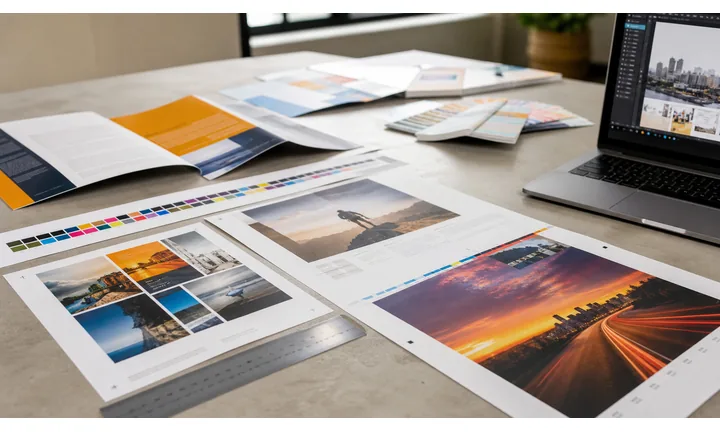
Use the logo for trust and the frame for the promise
The logo tells people who is behind the code; the frame and CTA tell them what happens next. Both pieces should support the same destination.
A frame plus logo works best when the CTA is specific.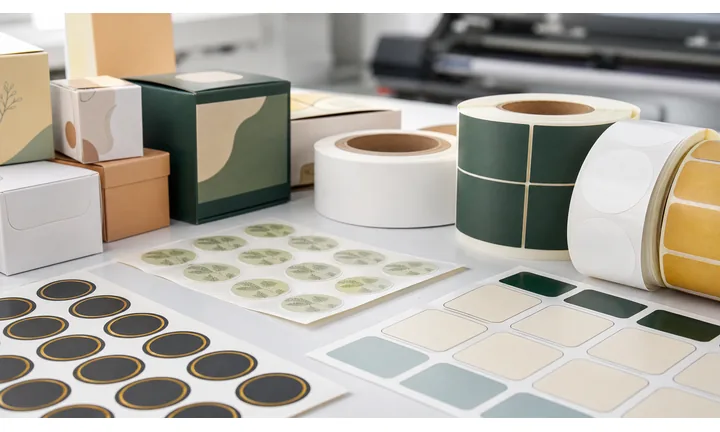
Keep the frame and logo outside the scanner’s way
A frame, logo, color, and CTA can all help, but they also add visual pressure. Keep the logo modest, the quiet zone clean, and the frame away from the QR pattern.
The phone reads the pattern before it notices the polish.
Use the combined treatment on public or high-value materials
Frame and logo treatments are useful on posters, cards, packaging, labels, event signs, menus, and presentations where people need both recognition and a reason to scan.
The more public the material, the more proofing matters.A frame and logo QR should combine trust, clarity, and scan reliability
The scanner should recognize the brand, understand the CTA, and reach a mobile destination that matches the printed promise. If any part is vague, the extra styling does not help.
Use dynamic QR when branded print may need destination updates after distribution.Brand cue
Use the logo to confirm who owns the destination or campaign.
Clear CTA
Use the frame to name the scan result: menu, guide, offer, contact, profile, file, or support.
Scan-safe design
Protect contrast, quiet zone, finder corners, code size, and final material readability.
Destination control
Use dynamic QR when the branded code may need a new URL, page, file, offer, or fallback later.
Frame and logo design
Design the frame and logo as separate jobs
Design safelyThe logo should identify the brand, the frame should carry the CTA, and the QR pattern should remain clean enough to read at final size.
Use the frame for message, not the QR pattern
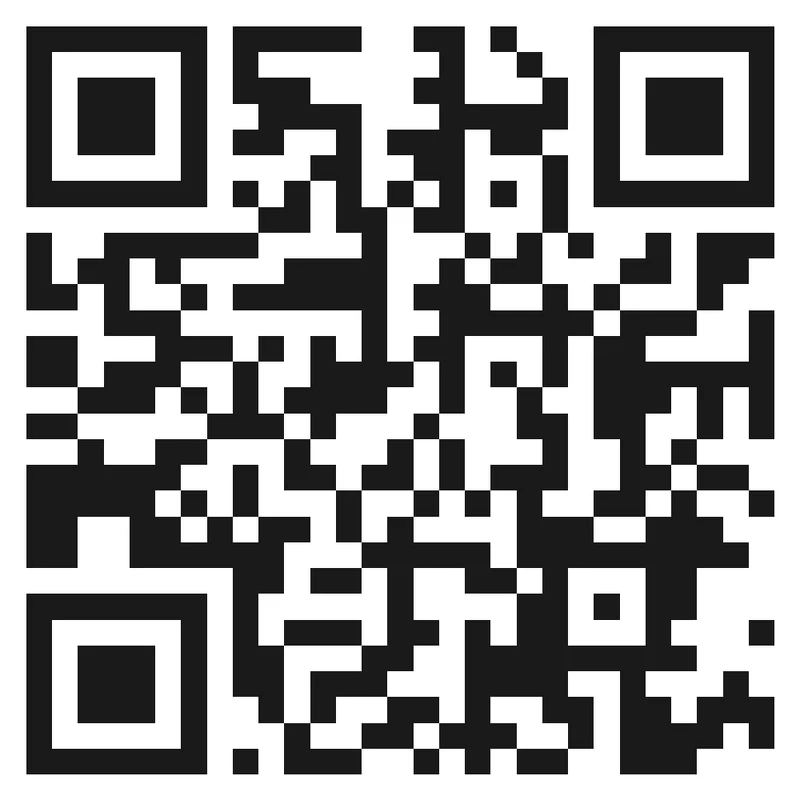
Risk
When CTA, logo, color, border, and decorative shapes all crowd the same square, the code may look busy and scan poorly.
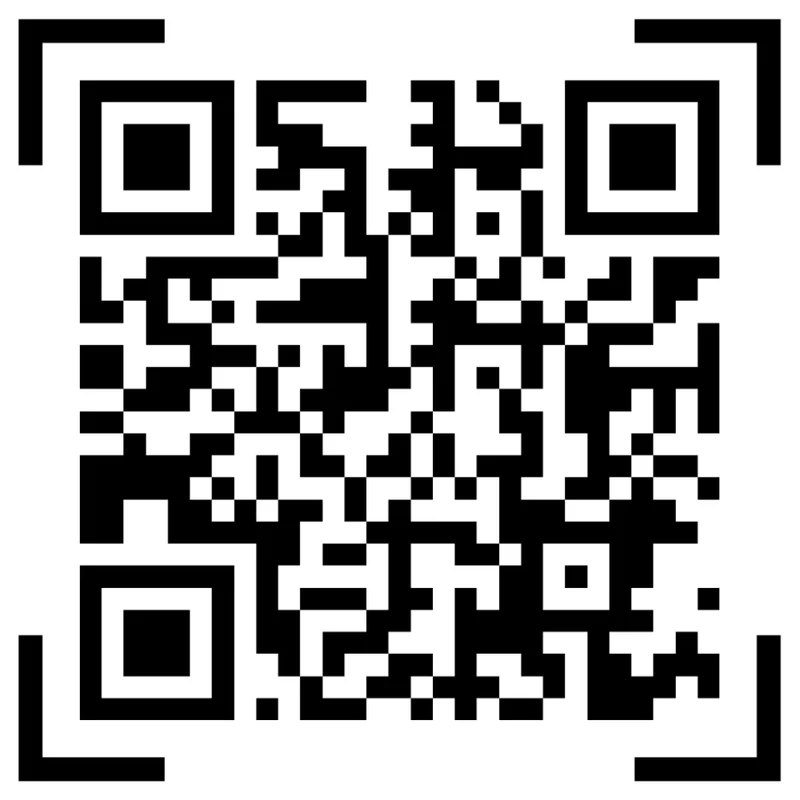
Better
Keep the logo modest, place CTA copy in the frame, and leave the QR pattern, quiet zone, and finder corners clear.
Match styling to the real placement
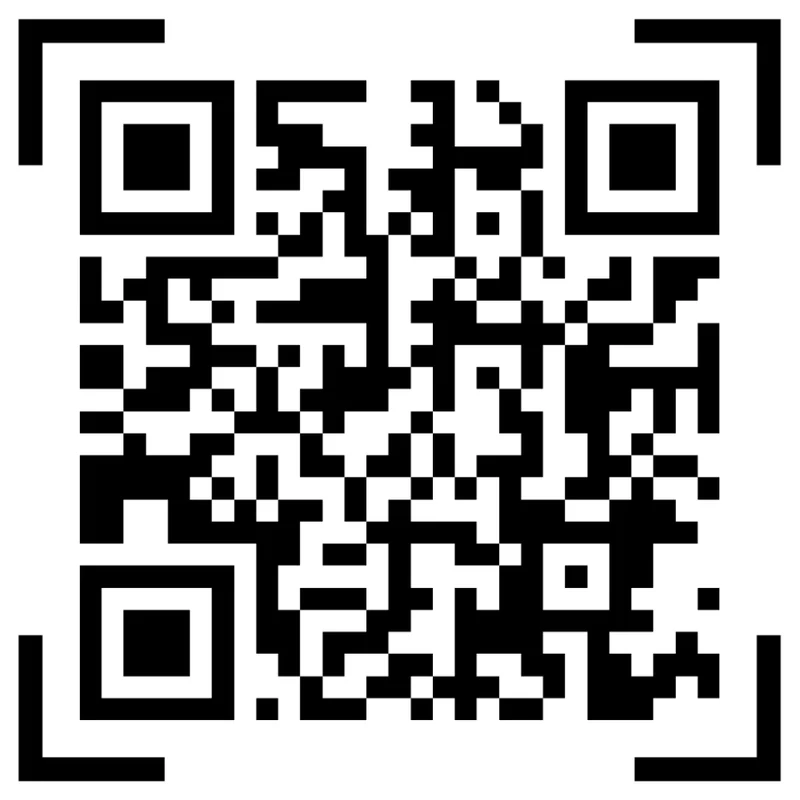
Preview
A frame and logo that look good in a large preview can become too small or crowded on a label, card, menu, or package.
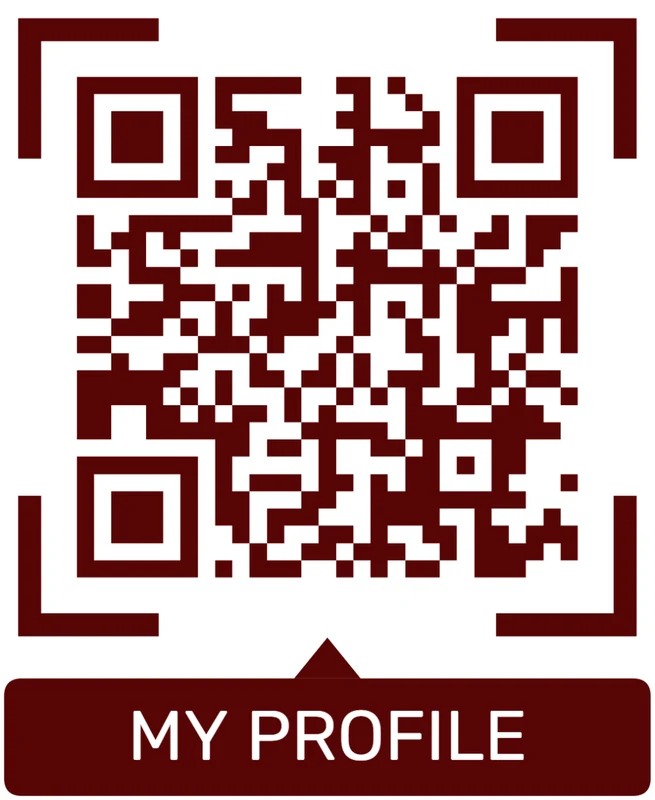
Proofed
Proof the finished artwork at real size and scan distance before distributing the code publicly.
Customize corners and modules
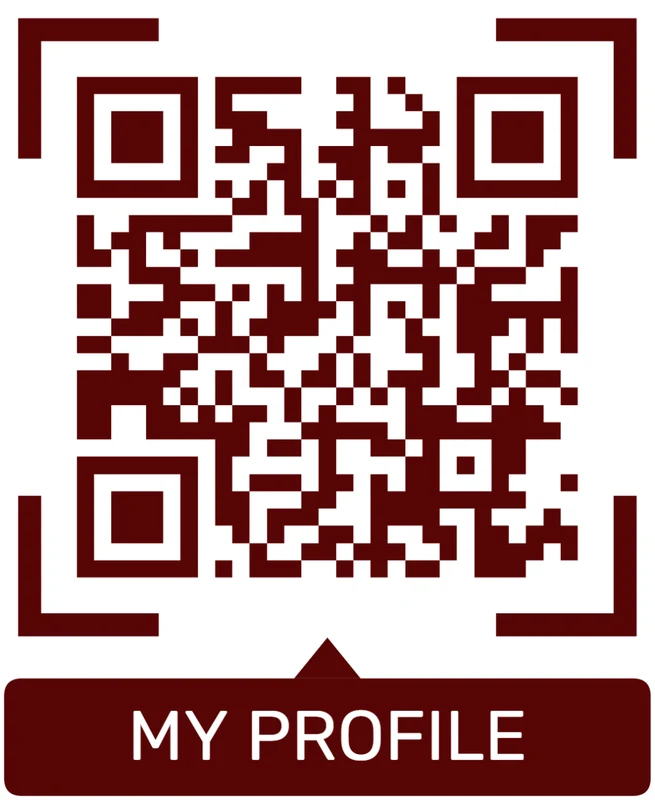
Standard pattern
A colored framed code already looks better, but it can still look like every other QR code.
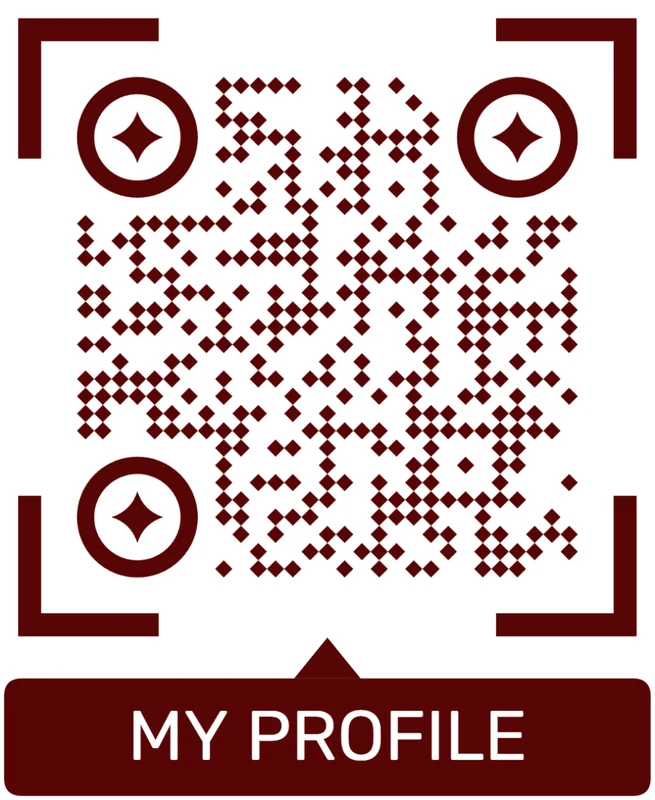
Custom eyes and module shape
Rounded modules, styled finder corners, and cleaner patterns can make the code feel premium. Keep the three corner markers clear.
Add a logo carefully
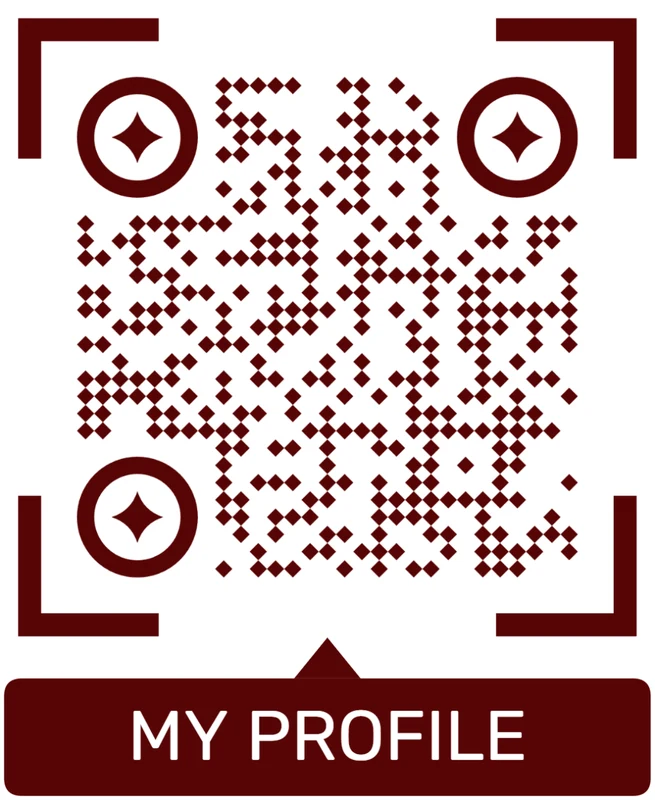
Styled QR code
A styled code can look polished, but people may still not know what brand, profile, file, or campaign it represents.
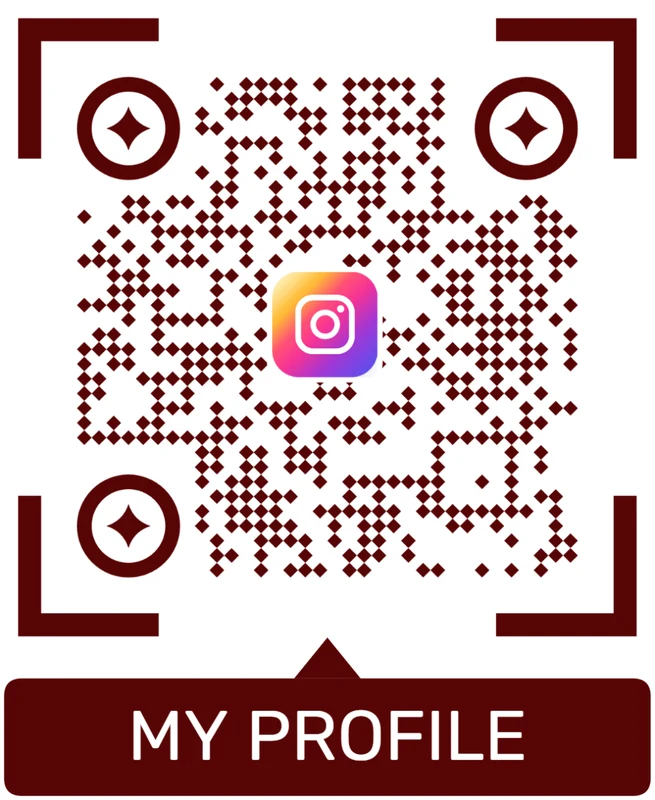
Logo QR code
A centered logo helps signal the destination. Keep it small, use a clean background behind it, and test the exported code.
Frame and logo should make the scan clearer, not busier
Use both only when they help people recognize the brand and understand the next action.
Frame and logo proofing
Proof the full frame, logo, CTA, and destination before print
Print readyA framed logo QR has more moving parts than a plain code. Final approval should test the full asset: logo, frame, CTA, contrast, quiet zone, size, material, and mobile destination.

Check the complete branded frame at final size
Print the full framed logo QR exactly as it will appear, then scan it from the expected distance. Do not approve the QR pattern alone if the frame and logo will be added later.
Keep enough quiet zone and avoid letting frames, text, photos, dielines, folds, or background artwork crowd the readable code.
Use sharp export formats for professional layouts
Use SVG or PDF when the QR code goes into packaging, signs, business cards, menus, labels, stickers, posters, or presentation artwork.
Raster files can work for small jobs, but the final placed asset should not be stretched, softened, compressed, or exported with weak contrast.
Make the framed CTA match the first mobile screen
If the frame says scan for menu, get the guide, save contact, or claim offer, the first screen after scanning should confirm that exact promise.
Use dynamic QR when the printed brand asset may outlive the first URL, campaign, PDF, menu, form, profile, or landing page.
Business card
Use the logo for identity and the CTA for the next action: save contact, book, view portfolio, or open profile.
Packaging
Keep the branded QR readable on the material and route buyers to setup, warranty, care, reorder, or support.
Poster or flyer
Make the branded code large enough for the viewing distance and clear about the campaign destination.
Menu or counter card
Use logo and frame treatments without slowing scans under real lighting and handling conditions.
Approve the full branded frame only after a real scan test
The asset is ready when the brand treatment, printed placement, and mobile destination all work together.
Frame and logo scan UX
Make the frame promise and logo destination agree
Scan UXA frame and logo create a stronger promise than a plain QR code. The destination needs to confirm both the brand and the action immediately.
Use direct links when the framed CTA names one clear action
Menu, profile, product, guide, form, offerA direct destination works when the frame says exactly what opens and every scanner should land on the same page, file, form, or profile.
The first screen should repeat the printed promise and make the main action easy on mobile.
Use a landing page when the framed code needs several actions
Buttons, proof, files, contact, fallbackA short mobile page can support several framed actions without crowding the printed design: files, contact, booking, offer, support, and fallback links.
This is useful for public print, packaging, campaigns, events, and mixed audiences.
Use dynamic routing when the destination may change
Campaign, offer, profile, file, fallbackBranded QR assets often get printed, shared, and reused after the original URL or campaign has changed.
Dynamic QR keeps the same code usable and lets placements be compared when reporting matters.
Does the frame CTA name the action?
The frame should say what opens, not only decorate the code with a logo.
Does the first screen match the printed promise?
The mobile destination should confirm the brand and action before asking the scanner to decide what to do.
Will the destination change later?
Use dynamic QR for printed brand assets, campaigns, menus, offers, files, profiles, and fallback destinations.
The frame, logo, and page should tell one story
Use the destination path that makes the branded scan feel expected, useful, and current.
Scan-safe styling
Make the design earn attention without making the QR code harder to scan
Use frame-and-logo QR codes on menus, posters, packaging, product cards, social media print pieces, business cards, stickers, event signage, table tents, flyers, and retail displays. The frame should improve scan intent, not crowd the quiet zone or make the code look like a decorative badge. The logo should explain the brand or destination, not simply fill empty space.
A good frame tells the scanner what happens next. A good logo builds trust. Together they can make a code feel safer and more worth scanning, but only if the code still scans quickly. Avoid low-contrast brand colors, oversized logos, busy backgrounds, and thin decorative borders that disappear at final size.
Export in a print-friendly format, keep enough contrast between modules and background, and test after resizing. A beautiful QR code that fails under real lighting or at real size is worse than a plain one that scans instantly. Test the final design from the same distance people will actually use, on the same kind of material.






