
QR Code with Logo Generator for Brands, Packaging & Social Media
Create QR codes with your logo or social media icons for packaging, business cards, posters, books, menus, product labels, campaigns, websites, and branded print. Keep designs scannable.
Free QR code generator
Create a QR code online
Generate QR codes for websites, email, phone numbers, vCards, Wi-Fi, plain text, forms, PDF files, and campaign links. Customize colors, add a logo or frame, then download a print-ready PNG or SVG.
Choose QR code type
Website QR code, Email QR code, Phone QR code, vCard QR code, Wi-Fi QR code, Text QR code, SMS, WhatsApp, event, and download links.
Add your content
Enter your website URL, contact details, message, phone number, location, or file destination before generating the QR code.
Customize and download
Adjust QR colors, error correction, logo, frame, size, and margin. Generate QR Code, Download PNG, Download SVG, or Save and track scans.
Branded QR code design
Add a logo because it helps recognition, not because the QR code needs decoration
A QR code with a logo can make a printed or digital asset feel more intentional. The logo helps people recognize the brand, app, social network, product, or campaign before they scan. That matters on posters, packaging, flyers, menus, business cards, event signage, and social profile materials where a plain black QR code can look generic or disconnected from the surrounding design.
But the logo sits inside the QR pattern, so design has to stay scan-first. The code still needs enough contrast, a clear quiet zone, readable modules, and a logo size that does not cover too much data. QR Code Lab lets you tune the visual style with logo placement, colors, frames, corners, and output format, but every design choice should be checked with a real phone before publishing or printing.
The strongest branded QR codes do both jobs at once: they look like they belong to the brand, and they remain boringly reliable when someone scans them from a normal distance, under normal lighting, on a normal phone.
Example: approve the branded export, not only the plain code
For a counter sign, compare the actual exported branded image with the destination and printed caption. A familiar logo should identify the owner without hiding what the scan will do.
- Keep visible
- The three finder corners and the clear area around the QR symbol. Keep captions and other artwork outside that area.
- Approval test
- Scan the finished export at the intended size and check the opened destination. Repeat after changing the logo, colors or frame.
There is no universal logo percentage that guarantees scanning. Error correction is not permission to cover arbitrary parts of a code. For a difficult print context, simplify the design and test another proof rather than relying on a preview badge.
Logo readability
Add the logo without making the QR code harder to scan
Logo designA logo QR code works when the mark is recognizable but small enough, centered safely, and tested against the final color, size, and material.
Keep logo size proportional to the code
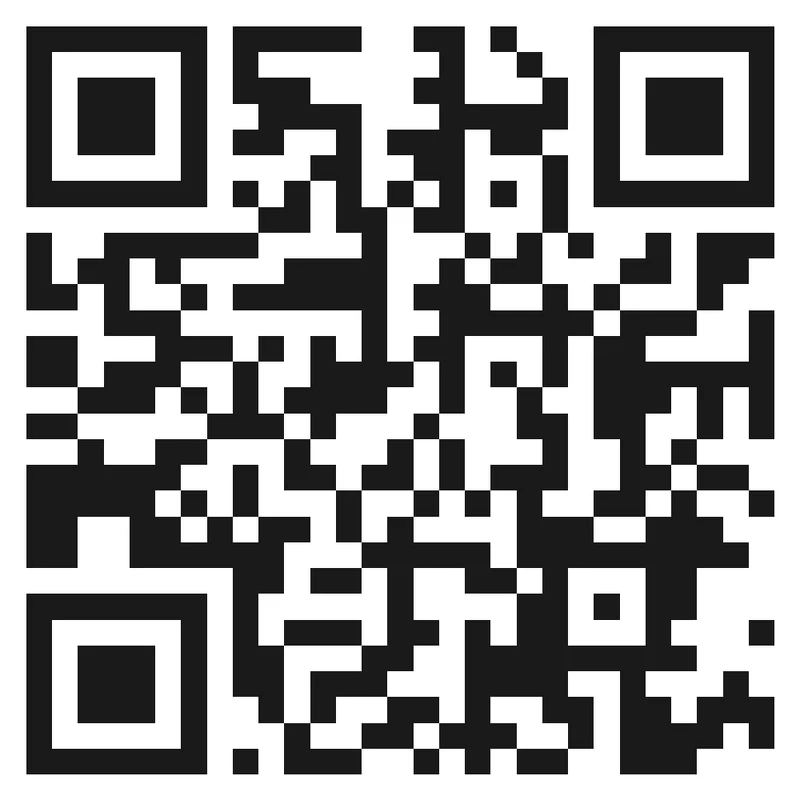
Risk
An oversized logo or weak contrast can make a branded QR look polished while hiding too much of the readable pattern.
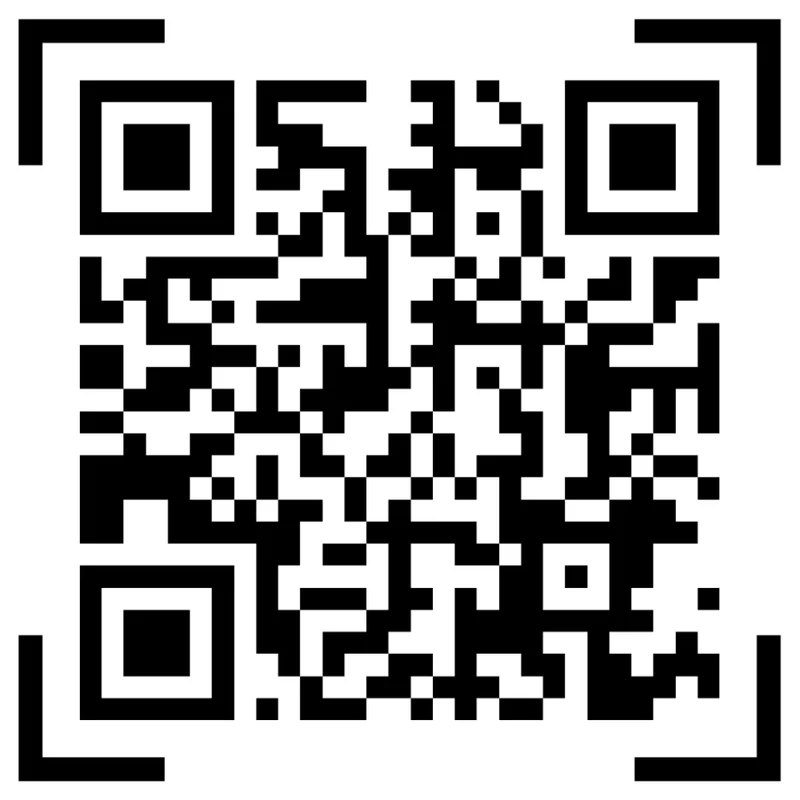
Better
Use a centered logo treatment that keeps finder corners readable, contrast strong, and enough clean pattern around the mark.
Test the brand color on the final material
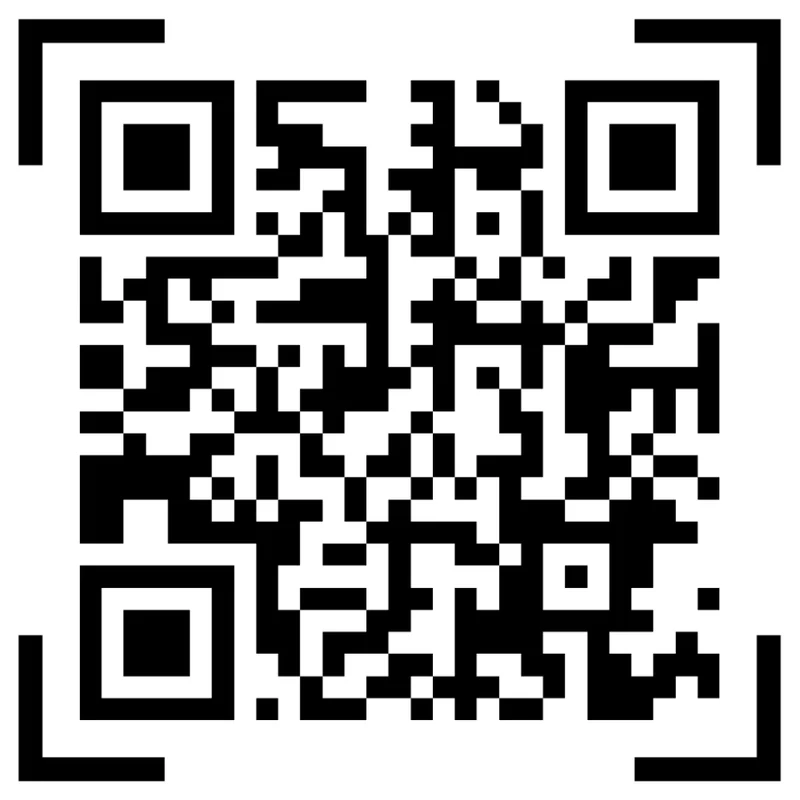
Preview
Brand colors can look strong on screen and become too weak on paper, glossy labels, dark backgrounds, or textured materials.
Proofed
Check the printed output, phone scan speed, quiet zone, and destination before approving the branded QR asset.
Customize corners and modules
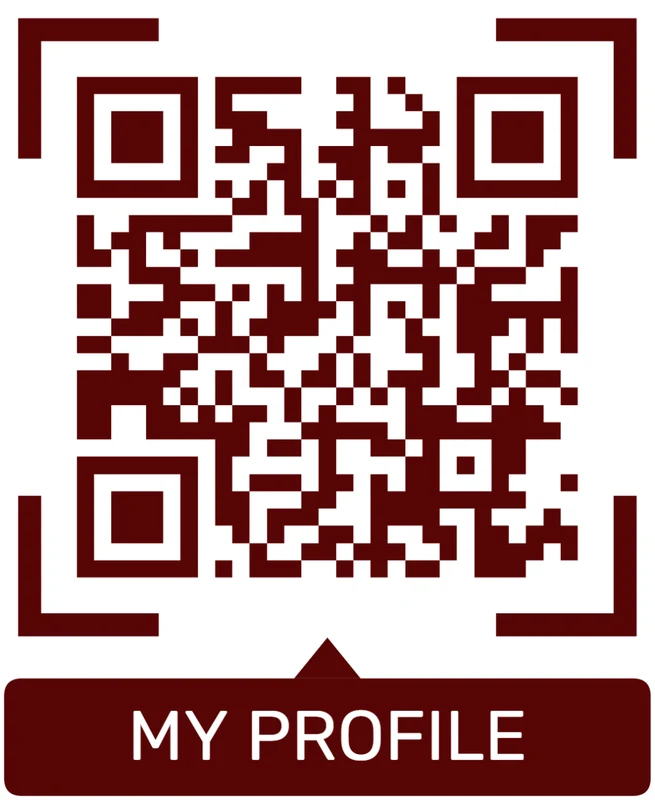
Standard pattern
A colored framed code already looks better, but it can still look like every other QR code.
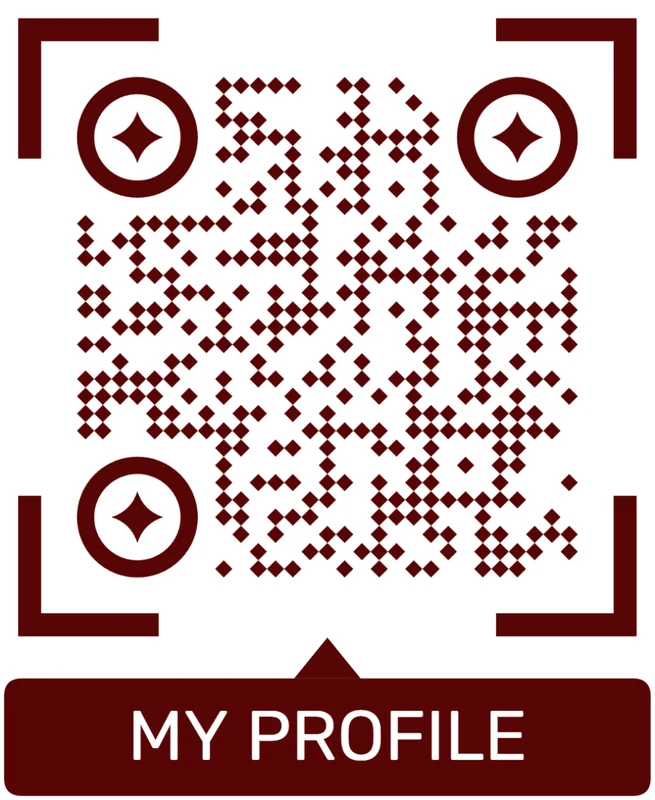
Custom eyes and module shape
Rounded modules, styled finder corners, and cleaner patterns can make the code feel premium. Keep the three corner markers clear.
Add a logo carefully
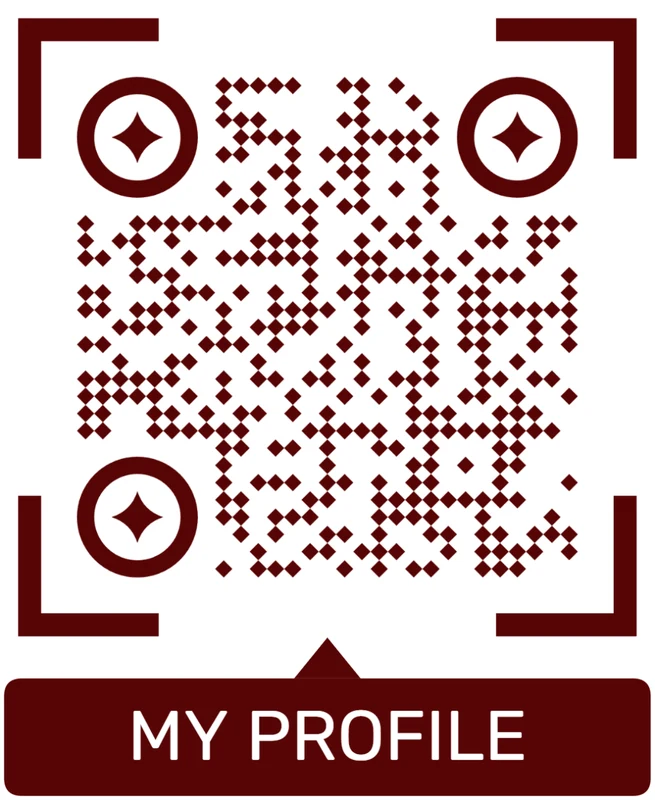
Styled QR code
A styled code can look polished, but people may still not know what brand, profile, file, or campaign it represents.
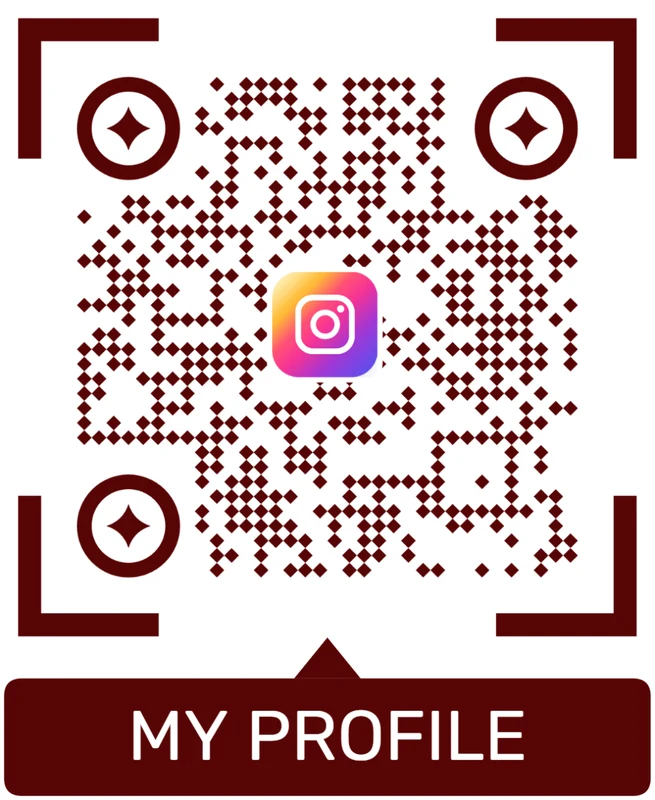
Logo QR code
A centered logo helps signal the destination. Keep it small, use a clean background behind it, and test the exported code.
The logo should increase trust without slowing the scan
A branded QR code succeeds when people trust the destination and the phone reads the code quickly.
Logo QR proofing
Proof the logo QR code before it becomes a printed brand asset
Print readyA logo QR code should be tested after styling is applied and after the asset is placed into the real card, sign, label, package, poster, or menu.

Check logo size and contrast at final size
Print the styled QR code at the smallest intended size and test whether the logo, color, and material still leave a fast, reliable scan.
Keep enough quiet zone and avoid letting frames, text, photos, dielines, folds, or background artwork crowd the readable code.
Use sharp export formats for professional layouts
Use SVG or PDF when the QR code goes into packaging, signs, business cards, menus, labels, stickers, posters, or presentation artwork.
Raster files can work for small jobs, but the final placed asset should not be stretched, softened, compressed, or exported with weak contrast.
Make the branded scan open a destination that matches the logo
The scan should open the branded page, profile, product, offer, file, or support path people expected from the logo and nearby copy.
Use dynamic QR when the printed brand asset may outlive the first URL, campaign, PDF, menu, form, profile, or landing page.
Business card
Use the logo for identity and the CTA for the next action: save contact, book, view portfolio, or open profile.
Packaging
Keep the branded QR readable on the material and route buyers to setup, warranty, care, reorder, or support.
Poster or flyer
Make the branded code large enough for the viewing distance and clear about the campaign destination.
Menu or counter card
Use logo and frame treatments without slowing scans under real lighting and handling conditions.
Approve the branded QR only after the final asset scans cleanly
The asset is ready when the brand treatment, printed placement, and mobile destination all work together.
Logo scan UX
Make the logo scan open the branded destination people expected
Scan UXA logo QR sets an expectation before the phone opens anything. The first screen should confirm the brand, page, profile, offer, file, or support path.
Use direct links when the brand destination is obvious
Menu, profile, product, guide, form, offerA direct destination works when the logo clearly belongs to the page, profile, product, campaign, or service being opened.
The first screen should repeat the printed promise and make the main action easy on mobile.
Use a landing page when the logo needs context or fallback
Buttons, proof, files, contact, fallbackA short branded page can explain who owns the code, what opens next, and what to do if the app or destination does not load cleanly.
This is useful for public print, packaging, campaigns, events, and mixed audiences.
Use dynamic routing when the destination may change
Campaign, offer, profile, file, fallbackBranded QR assets often get printed, shared, and reused after the original URL or campaign has changed.
Dynamic QR keeps the same code usable and lets placements be compared when reporting matters.
Does the nearby copy name the branded destination?
Use clear copy for profile, menu, guide, offer, booking, file, product, or support.
Does the first screen match the printed promise?
The mobile destination should confirm the brand and action before asking the scanner to decide what to do.
Will the destination change later?
Use dynamic QR for printed brand assets, campaigns, menus, offers, files, profiles, and fallback destinations.
The logo QR should turn recognition into a clear action
Use the destination path that makes the branded scan feel expected, useful, and current.
Brand and scan fit
Design the QR code for the distance and material where it will live
A logo QR for a website header, a business card, a product label, and a wall poster should not be treated as the same design problem. Small printed materials need clean contrast and enough physical size. Posters need a larger code and a clear call to action. Packaging needs a design that survives texture, reflections, curved surfaces, and real-world lighting.
Start with the destination and the scan context, then style the code. If the QR code leads to a brand page or campaign, a frame and CTA can make the action obvious. If it leads to a social profile, the logo can clarify what people will open. If it leads to a file, menu, booking page, or product page, the nearby text should say that plainly.
If the code will be printed in bulk, keep a dynamic version when the destination may change, and test the exported file at final size before sending it to print. The logo should help trust, not become the reason the code is hard to scan.
Logo QR FAQ
Logo QR questions to settle before publishing
Quick answersA logo QR code should look trustworthy and still scan reliably. These checks keep brand styling from becoming a print or destination problem.
Logo setup
Treat the logo as a trust cue, not as the whole message.
How large can the logo be inside the QR code?
Keep the logo modest and test the final code. If the scan slows down, reduce logo size, increase QR size, or simplify the design.
Can I use brand colors?
Yes, but contrast has to remain strong on the final material. Test the actual print, especially on glossy, dark, textured, or small surfaces.
Do I still need CTA copy?
Yes. The logo tells people who is behind the code, but the CTA tells them what opens after scanning.
Should the logo match the destination?
Yes. A brand or platform logo should lead to a destination that matches the visual promise, otherwise it creates distrust.
Print proofing
Logo QR codes need proofing after design, not before.
What file format should I use for print?
Use SVG or PDF for professional print layouts so the QR pattern stays sharp after scaling and placement.
Can the frame touch the QR code?
No. Keep the frame and CTA outside the quiet zone so scanner apps can read the pattern cleanly.
Should I test on several phones?
Yes. Test the final styled code on common phones from the expected distance and lighting.
What if the code is small?
Use simpler styling, stronger contrast, less logo coverage, and a clean quiet zone when the printed code is small.
Destination
The branded scan should land where the scanner expects.
Can a logo QR open any URL?
Technically yes, but the destination should match the logo and CTA so the scan feels trustworthy.
When should I use dynamic QR?
Use dynamic QR when the printed code may need a new destination, campaign page, file, menu, profile, or fallback later.
Can I track scans from a logo QR?
Use a dynamic QR code when scan history, placement comparison, or campaign reporting matters.
What should the first mobile screen show?
It should confirm the brand and action promised by the printed code, then make the next step easy to tap.
Placement
Branding works best when the physical moment already has intent.
Where do logo QR codes work best?
Use them on business cards, packaging, posters, menus, labels, stickers, signs, events, and presentations where brand recognition supports the scan.
Do frames help logo QR codes?
Frames help when they carry a CTA and separate the code from busy artwork without crowding the quiet zone.
Can I reuse one logo QR everywhere?
You can, but separate dynamic codes are better when placements need different destinations or scan reporting.
What is the safest approval rule?
Approve the final placed asset only after it scans quickly and opens the exact destination promised by the logo and CTA.
Design and branding
For logos, colors, frames, CTA labels, and print-ready styling.
Can I add a logo?
Yes, but keep enough QR modules visible and test the result. A logo should support the design, not damage scanning.
Can QR codes be colored?
Yes. Keep strong contrast between foreground and background, and avoid colors that make the QR pattern too light.
Can I invert colors?
Only after testing. Some scanners handle inverted codes poorly, especially on glossy or low-contrast print.
What is the quiet zone?
It is the empty margin around the QR code. Do not crop it or place text, borders, or graphics too close to the code.
Safety and trust
For unknown QR codes, public print, payment links, and security checker pages.
How do I know what is inside a QR code?
Use a QR safety checker to decode the QR image and preview the raw content before opening it.
Can a QR code hide a phishing link?
Yes. The QR pattern hides the link until it is decoded, so unknown public QR codes should be inspected carefully.
What should I check before opening?
Look at the domain, HTTPS, shorteners, unusually long URLs, encoded characters, sensitive keywords, and whether the destination matches the physical context.
Does the checker guarantee safety?
No. It helps preview decoded content and basic risk signals, but it does not replace browser, antivirus, bank, or payment security checks.
Native actions
For Wi-Fi, email, phone, SMS, calendar, and vCard QR codes.
Why does Wi-Fi QR behave differently?
A static Wi-Fi QR stores structured network data, so many phones can show a native join-network prompt.
Can dynamic QR open native Wi-Fi directly?
Usually no. A dynamic QR contains a URL first, so the phone treats it like a web link rather than direct Wi-Fi credentials.
Can a QR start email or phone actions?
Yes, if the QR contains formats such as mailto:, tel:, or sms:. The device decides how to handle the action.
When should I use static for native actions?
Use static when the direct device action matters more than editability, redirects, or scan analytics.
Scan experience
For mobile pages, micro-landings, CTAs, forms, and post-scan clarity.
What should users see after scanning?
They should see a mobile-friendly page or native action with one obvious next step.
How many buttons should a landing page have?
Keep it focused. One to five buttons usually works better than a full website navigation menu.
Should QR go to the homepage?
Usually no. It should open the exact action promised next to the printed code.
How do I reduce confusion?
Add a short label near the QR code and make the destination match the printed context: menu, file, booking, feedback, payment, or contact.
A logo QR is ready when brand trust and scan reliability both work
The logo, CTA, printed placement, and mobile destination should all point to the same action.






