
QR Code for Banners - Large Print Campaigns & Event Links
Create QR codes for banners linking event pages, offers, maps, booking forms, product pages, signups, menus, and campaign landing pages. Tune size and contrast for distance scans.
Free QR code generator
Create a QR code online
Generate QR codes for websites, email, phone numbers, vCards, Wi-Fi, plain text, forms, PDF files, and campaign links. Customize colors, add a logo or frame, then download a print-ready PNG or SVG.
Choose QR code type
Website QR code, Email QR code, Phone QR code, vCard QR code, Wi-Fi QR code, Text QR code, SMS, WhatsApp, event, and download links.
Add your content
Enter your website URL, contact details, message, phone number, location, or file destination before generating the QR code.
Customize and download
Adjust QR colors, error correction, logo, frame, size, and margin. Generate QR Code, Download PNG, Download SVG, or Save and track scans.
Large print action
Design banner QR codes for distance, glare, and quick decisions
A QR code for banners is useful when a large printed sign should lead people to an event page, offer, map, booking form, product page, signup, menu, campaign landing page, booth resource, or local service page. Event teams, marketers, retail stores, venues, trade show exhibitors, local businesses, and print designers can use banner QR codes when the scan happens from farther away than a flyer or table card.
Banner QR codes need a different mindset. People may be walking, standing in a line, scanning from across a booth, dealing with glare, or moving through a crowd. The code needs enough size, strong contrast, a clear quiet zone, and a CTA that can be read from the same distance as the code. QR Code Lab can generate the QR and help keep the destination editable when you use a dynamic code.
QR Code Lab creates URL QR codes only. It does not print banners, host landing pages, process payments, collect reviews, or manage campaign systems. The QR code points to the destination you provide, and the banner design still needs real-world testing before production.
Large-format print
Make banner QR codes readable from distance and worth the scan
Banner flowA banner QR code has to work in a harsher setting than a brochure: distance, movement, glare, wind, crowds, and a very short attention window. The destination should match the promise printed in large type beside the code.
Turn a big sign into one clear action
Use banner QR codes for event registration, product demos, coupon claims, lead forms, maps, menus, schedules, landing pages, or campaign offers that people can understand before they walk past.
A large QR without a clear CTA becomes decoration, not a response channel.
Design for the real viewing distance
A banner scan depends on QR size, contrast, quiet zone, lighting, angle, and how long people can stand still. Test from the same distance and movement pattern the audience will have.
Readable on a monitor does not mean readable across a lobby, sidewalk, booth, or venue.
Keep campaign destinations editable
Banners are often reused for events, promotions, trade shows, storefronts, and seasonal campaigns. Dynamic QR lets the printed asset point to a current offer or page later.
The cost of reprinting a banner is usually higher than keeping the destination manageable.A banner QR should earn the scan before people move on
The code is competing with distance, time, and attention. Make the printed CTA specific, the QR large enough, and the destination immediately useful on a phone.
QR Code Lab creates the QR path; print sizing, placement, material, and campaign promise still need real-world proofing.Events
Open registration, agenda, map, booth offer, speaker materials, or giveaway entry.
Retail
Send passersby to coupon, product page, booking, menu, or seasonal offer.
Trade shows
Route visitors to demo booking, lead form, brochure, pricing, or follow-up page.
Outdoor print
Use strong contrast, short CTA copy, and enough scan distance for people in motion.
Banner proofing
Check banner QR size, contrast, and scan distance before printing
Print readyBanner QR codes need more than a clean export. They must scan from the actual distance, lighting, material, and angle where the banner will be seen.

Size the code for the real viewing distance
A QR on a pull-up banner, storefront sign, conference backdrop, or outdoor vinyl needs a larger physical size than a code on a flyer.
Proof the banner at actual size and scan from the likely distance before sending files to print.
Protect contrast, quiet zone, and surface readability
Keep a clean quiet zone around the QR, avoid low-contrast brand colors, and test glare on glossy or laminated material.
Use vector output for sharp edges and make sure the CTA remains readable beside the code.
Use a focused landing page when the banner needs one response
A banner scan should not open a cluttered homepage. Use a landing page that confirms the event, offer, product, or location immediately.
If the campaign needs form, map, coupon, video, brochure, and contact options, keep them organized as clear mobile actions.
Event banner
Open registration, agenda, map, speaker files, or booth giveaway with a CTA people can read from the aisle.
Storefront banner
Send passersby to menu, booking, coupon, seasonal offer, or directions after hours.
Trade show banner
Link to demo booking, brochure, lead form, pricing, and follow-up resources.
Outdoor campaign
Use a short URL backup, strong contrast, large code size, and a destination that loads quickly.
Print the banner only after a real scan test
Check the QR image, banner material, viewing distance, CTA, and mobile destination together before production.
Banner placement
Place banner QR codes where people can pause long enough to scan
PlacementBanner placement should respect movement. A code works better near a queue, table, booth, entrance, checkout, or waiting area than on a surface people pass at speed.

The code is large but placed in a rushed path
A banner can be visible and still get few scans if people are walking, driving, carrying items, or too far away.
QR placement should be judged by scan opportunity, not just visibility.
The code sits where attention naturally pauses
Use banners beside booths, registration lines, retail entrances, checkout areas, waiting zones, and event walls where people can stop.
Pair the QR with a short CTA that tells people what they get.
Can the scanner safely stop?
Avoid placements where people are moving too quickly or blocking traffic.
What does the banner promise?
Register, claim offer, book demo, view menu, open map, or download guide should be obvious.
Is the QR large enough for the distance?
Test from the real aisle, sidewalk, booth, or lobby distance.
Will the campaign change?
Use dynamic QR for reusable banners, rotating offers, changing event pages, and seasonal campaigns.
Trade show booth
Open demo booking, brochure, lead form, giveaway, or pricing page.
Event entrance
Send attendees to registration, schedule, map, check-in, or app download.
Queue or waiting area
Use for menus, coupons, signup, booking, or educational content while people pause.
Storefront window
Open hours, offers, booking, menu, product page, or directions after hours.
Stage or venue wall
Use a large code for music, merch, tips, program, or event follow-up.
Outdoor fence or sign
Keep CTA short, contrast strong, and destination fast for quick scans.
Conference backdrop
Link to sponsor page, speaker files, schedule, or networking form.
Checkout banner
Use for loyalty, receipt, review, coupon, or next-visit booking.
A banner QR needs both visibility and scan time
Put the code where people can read the promise, steady the phone, and act.
Banner design
Design banner QR codes for distance before decoration
Design safelyBranding can help a banner feel intentional, but size, contrast, quiet zone, and a readable CTA matter more when the code is scanned from several feet away.
Make the QR impossible to miss and easy to understand
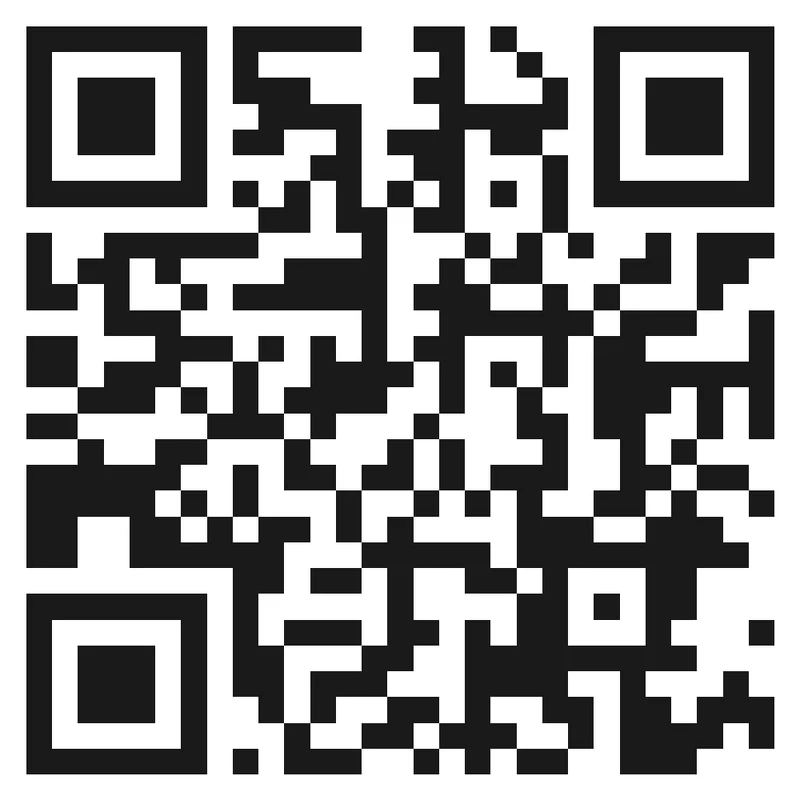
Risk
A small QR tucked into a busy banner corner may look neat in the design file but fail in the room.
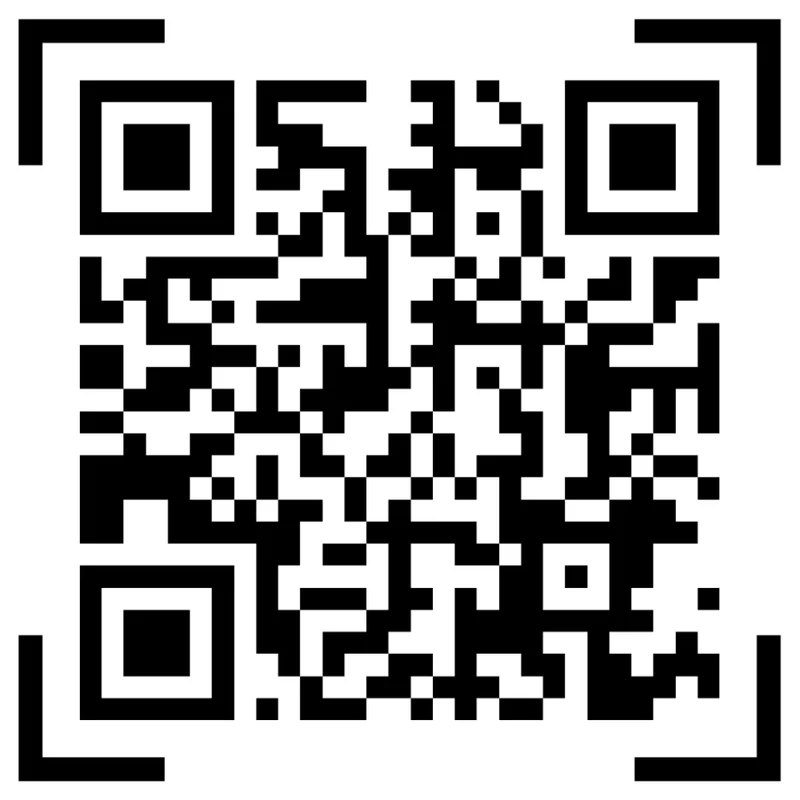
Better
Give the QR enough space, strong contrast, a clean quiet zone, and a CTA that names the scan result.
Use brand style without damaging readability
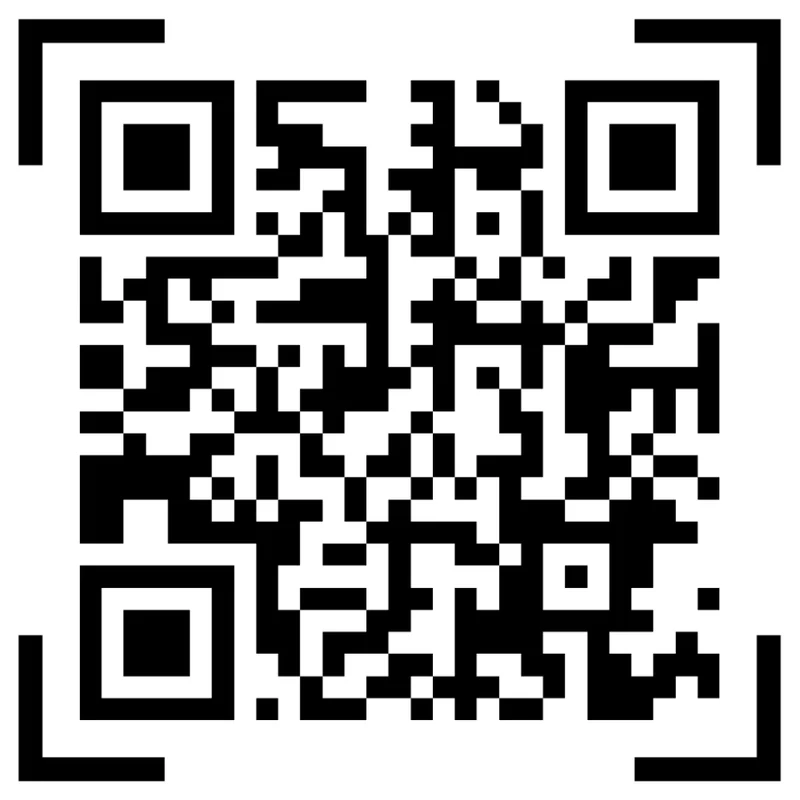
Risk
Heavy logos, decorative frames, pale colors, gradients, and glossy backgrounds can make a banner QR harder to scan.
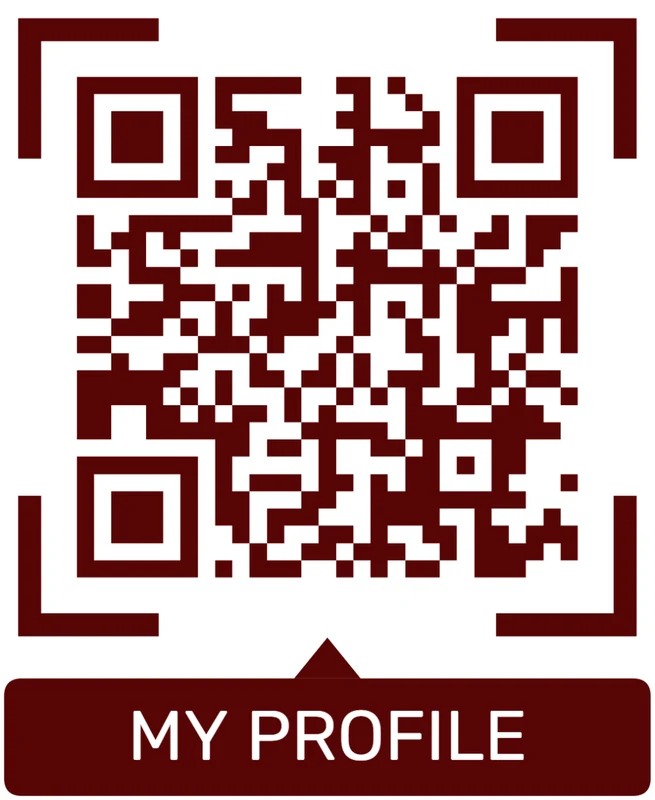
Better
Use brand color in the frame or CTA area while preserving dark modules, light background, and readable finder squares.
Customize corners and modules
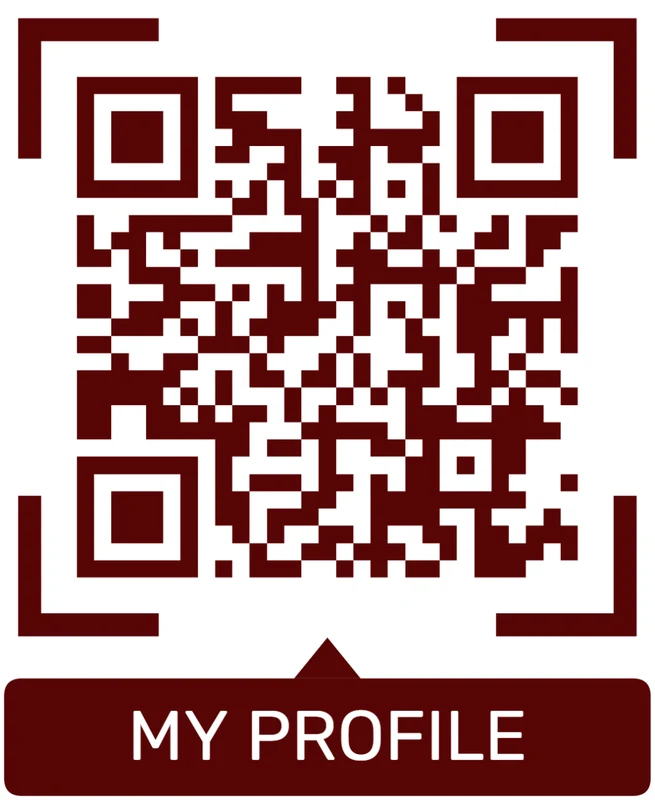
Standard pattern
A colored framed code already looks better, but it can still look like every other QR code.
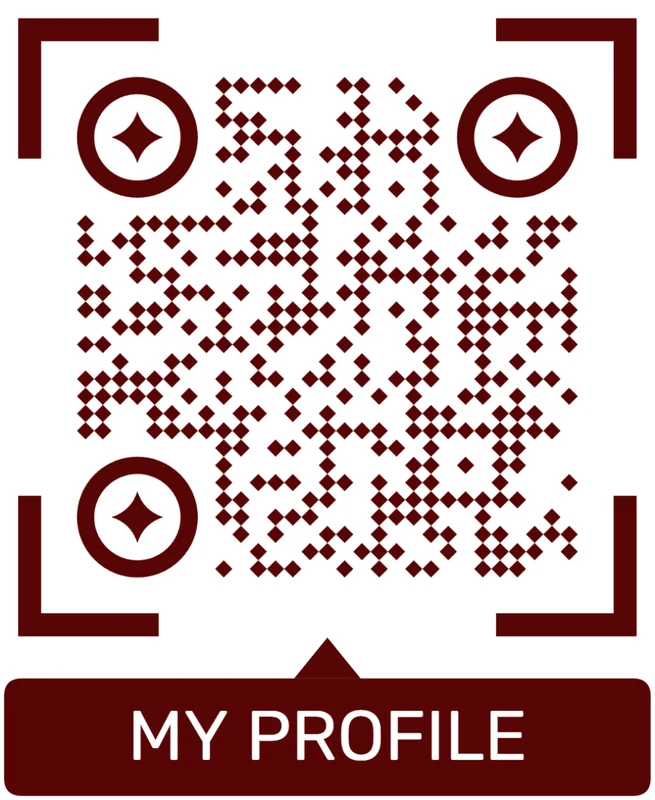
Custom eyes and module shape
Rounded modules, styled finder corners, and cleaner patterns can make the code feel premium. Keep the three corner markers clear.
Add a logo carefully
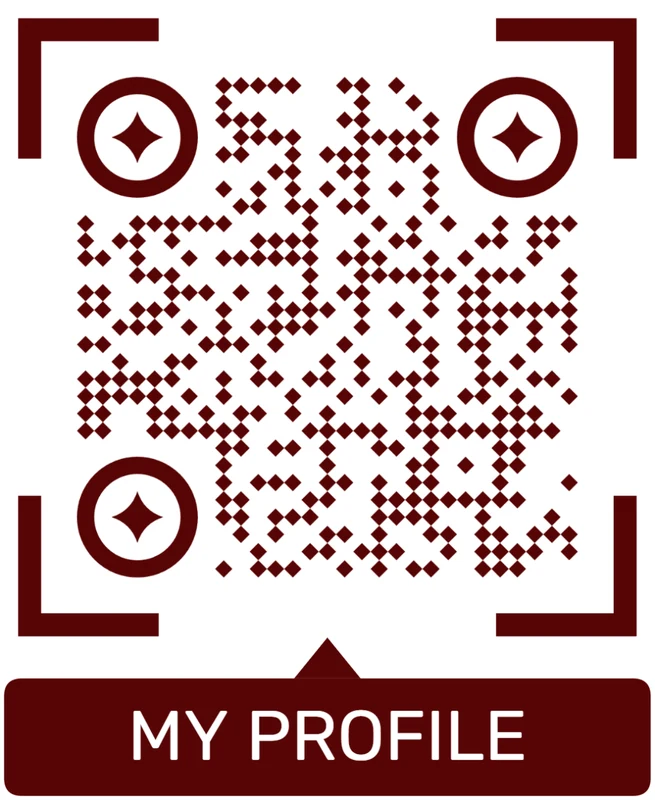
Styled QR code
A styled code can look polished, but people may still not know what brand, profile, file, or campaign it represents.
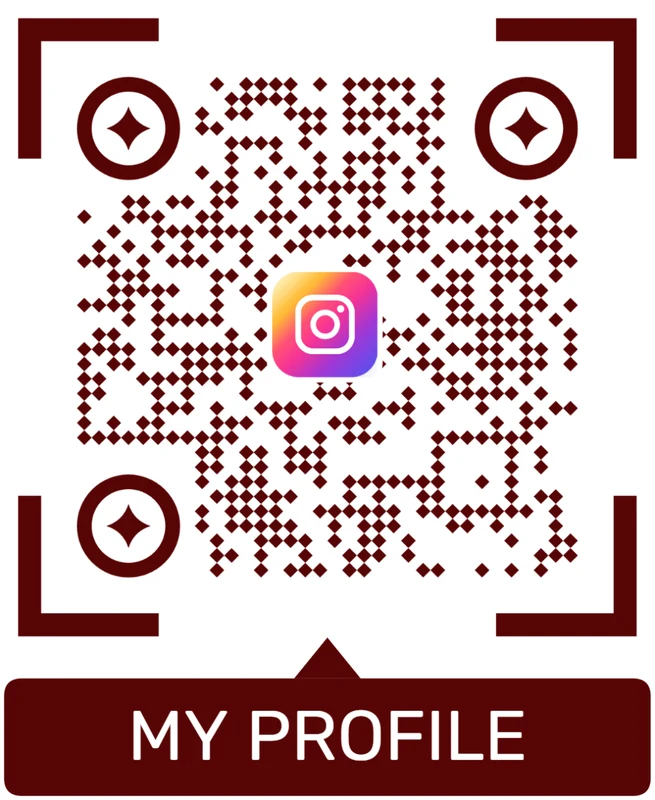
Logo QR code
A centered logo helps signal the destination. Keep it small, use a clean background behind it, and test the exported code.
Banner QR design should survive the room, not just the mockup
If people cannot scan quickly from the real distance, the campaign loses the response the banner was meant to capture.
Campaign signal
Use scan data to compare banner placements, not to claim every conversion
AnalyticsTracking helps when separate banner QR codes show which booth, entrance, storefront, event wall, or outdoor placement earned attention.

All banner scans become one total
A single QR code can show total interest, but it cannot explain whether scans came from the booth banner, storefront window, entrance sign, or checkout display.
That makes campaign decisions weaker.
Each banner placement becomes a signal
Use separate dynamic QR codes when banners live in different rooms, venues, cities, entrances, or campaign moments.
Scan data is not full attribution, but it is useful for comparing physical attention.
Scan volume
Compare how many scans each banner received during the campaign window.
Timing
See whether scans happen before doors, during peak traffic, after checkout, or after an event.
Device and browser
Spot broad device patterns that may affect form, coupon, or landing-page performance.
Broad location
Use approximate regional signals for venue, store, or city comparison without treating them as identity data.
Trade show banners
Compare booth wall, table sign, aisle banner, and giveaway placements.
Storefront campaigns
See whether window, sidewalk, checkout, or seasonal signs earn scans.
Event signage
Compare registration, agenda, sponsor, stage, and exit banners.
Outdoor promotions
Identify placements that keep scanning after the initial campaign day.
Name banner QR codes by placement before launch
Tracking is useful only when each code name matches the real banner, venue, city, or campaign material.
Distance and intent
Build the banner around where the scanner will stand
Use QR codes on trade show banners, event backdrops, retail sale banners, outdoor signs, booth walls, venue entrances, menu banners, sponsor displays, conference signage, and large-format campaign prints. The CTA should be short and readable: get offer, open map, book demo, view menu, join event, scan for details, or enter giveaway. If the text is too small to read, the QR probably will not perform well either.
Test the code at the real size, distance, lighting, and angle before printing. A design that scans on your monitor can fail on glossy vinyl, curved displays, bright windows, or dim event halls. Dynamic QR codes help when offers, booth pages, event maps, menus, or campaign links change after the banner is printed. QR Code Lab analytics can show whether the banner actually earns scans, but placement, contrast, and physical readability still decide whether people can scan it in the first place.
For trade shows and outdoor campaigns, create separate codes for each banner position. Entrance, booth wall, stage backdrop, and sidewalk sign can behave very differently in scan reports.






