
Business Card QR Code Generator for vCards & Profiles Online
Create business card QR codes for vCards, websites, portfolios, booking links, LinkedIn profiles, product pages, and digital cards. Make every printed card easy to scan today online.
Free QR code generator
Create a QR code online
Generate QR codes for websites, email, phone numbers, vCards, Wi-Fi, plain text, forms, PDF files, and campaign links. Customize colors, add a logo or frame, then download a print-ready PNG or SVG.
Choose QR code type
Website QR code, Email QR code, Phone QR code, vCard QR code, Wi-Fi QR code, Text QR code, SMS, WhatsApp, event, and download links.
Add your content
Enter your website URL, contact details, message, phone number, location, or file destination before generating the QR code.
Customize and download
Adjust QR colors, error correction, logo, frame, size, and margin. Generate QR Code, Download PNG, Download SVG, or Save and track scans.
QR solutions for this use case
Contact handoff
Make the business card easy to save, not just easy to admire
A business card QR code can share a vCard, contact page, website, portfolio, booking page, LinkedIn profile, digital profile, or campaign landing page. It is useful for freelancers, consultants, sales teams, agencies, real estate agents, recruiters, event networkers, speakers, and small businesses that want the card to become a real next step.
The best destination depends on what should happen after the conversation. If the goal is fast contact saving, a static vCard QR can open the native contact-save screen on many phones. If the goal is a richer profile, booking link, portfolio, updated links, or scan analytics, a dynamic QR that opens a contact page or microlanding page may be better.
QR Code Lab creates the QR code and helps you style it for print. The card still needs a clear promise: save my contact, book a call, view portfolio, open profile, or get the details. A beautiful card that makes people type your email later has missed the easiest part of the handoff. The QR should remove typing while the meeting is still fresh.
Contact handoff
Use business card QR codes to make saving contact details effortless
Business cardsA business card QR code should open the next professional action: save a vCard, visit a portfolio, book a meeting, open a company profile, download a media kit, or start a follow-up conversation.
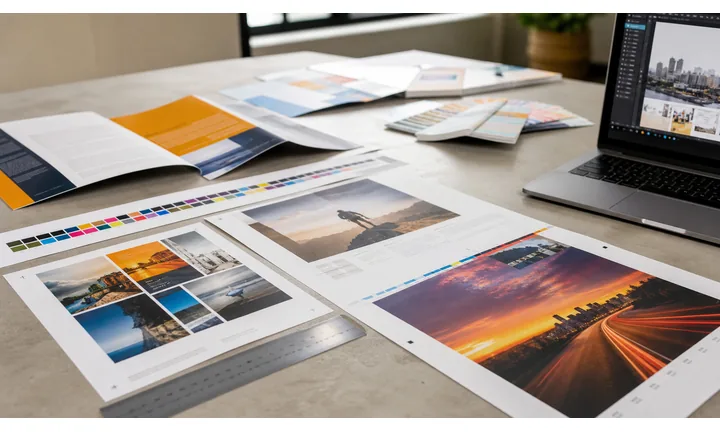
Turn the card into a usable contact path
Use the QR when a printed card cannot comfortably hold phone, email, website, calendar link, portfolio, social profile, office address, and role context without becoming cluttered.
The scan should make follow-up easier than manually typing details.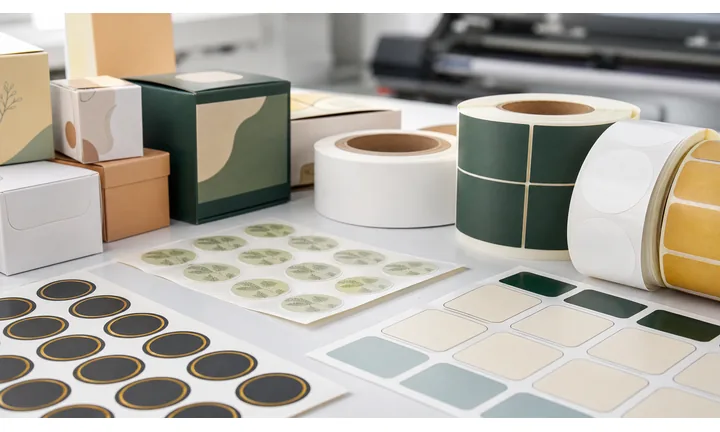
Choose direct contact or a richer profile
A vCard QR is best when the goal is saving contact details. A landing page is better when the person needs portfolio work, booking, service options, testimonials, files, or several follow-up buttons.
Match the QR destination to how you want the relationship to continue.
Keep printed cards useful after roles or links change
Job titles, booking links, calendars, portfolios, and websites can change before a box of cards is used up. Dynamic QR protects printed inventory when the destination may need updates.
Cards often stay in wallets long after the first link changes.A business card QR should make follow-up feel immediate and professional
The destination should confirm the person or company, show the main contact action first, and give enough context to remember the conversation.
Do not hide the basic contact value behind a slow or confusing page.Networking
Open contact save, LinkedIn, calendar booking, portfolio, or company profile after an in-person conversation.
Sales
Route prospects to a service page, proposal request, brochure, case study, or meeting scheduler.
Creative work
Send people to portfolio pieces, reels, Behance, media kits, pricing pages, or inquiry forms.
Team cards
Use editable destinations when roles, offices, phone numbers, or booking links change.
Card workflow
Make the business card QR support the conversation that just happened
Follow-upBusiness card QR codes work when the scan continues a real meeting, pitch, event, consultation, or introduction with a next step the recipient can act on later.
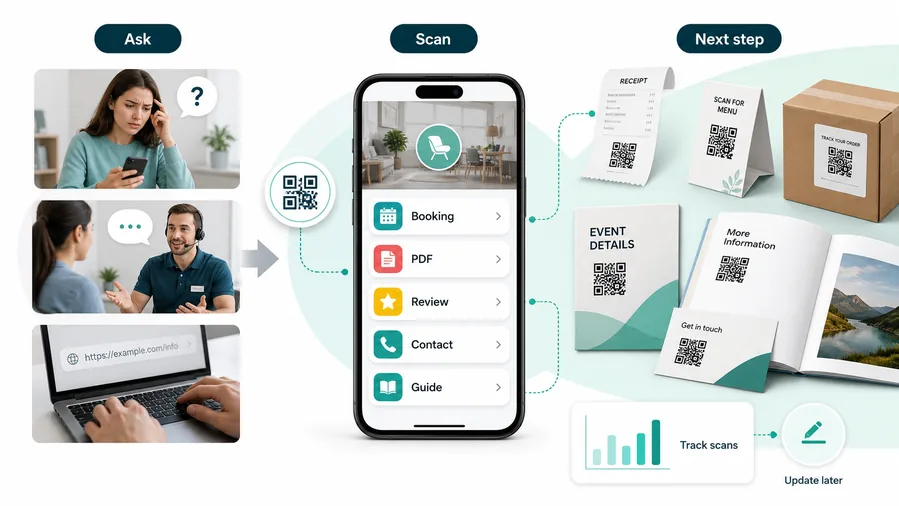
The QR opens a homepage and makes the recipient search
A broad homepage can lose the context of the meeting. The person scanning may not remember which service, portfolio, or contact path mattered.
The destination should preserve the reason the card was exchanged.
The QR opens the exact follow-up path
Use a contact-save page, booking link, portfolio page, company profile, proposal request, or short link hub tailored to the card owner.
For customers, the strongest QR code use cases are usually the repetitive questions and next actions people already have. QR Code Lab helps turn those moments into clear buttons, files, forms, microlanding pages, editable destinations, and measurable scan activity.
Save contact details
Open a vCard or contact page so name, phone, email, company, title, and website can be saved accurately.
Book the next meeting
Route warm contacts to a calendar, consultation form, discovery call, demo request, or event follow-up page.
Show proof quickly
Link portfolio work, case studies, testimonials, reels, media kits, product pages, or service examples.
Keep cards current
Use dynamic QR when the printed card may outlive job titles, phone numbers, calendars, portfolios, or campaign links.
The page should remind the scanner who you are
Use a name, headshot or logo, role, company, and one clear primary action. A business card scan should recreate enough context from the conversation to make follow-up easy.
Restaurants and venues
Menus, Wi-Fi, booking, reviews, loyalty signup, event details, and feedback can live exactly where guests already pause.
Books and education
Bonus PDFs, ZIP files, worksheets, source files, updates, examples, and reader feedback can sit behind a single page-level QR code.
Retail and packaging
Care guides, warranty, setup instructions, reorder links, product education, recipes, safety notes, and reviews can follow the item home.
Services and events
Booking, contact save, registration, schedules, maps, check-in, forms, portfolio links, and follow-up pages become reachable without manual searching.
The best business card QR makes follow-up feel already prepared
Use it when the scan gives the recipient a cleaner next step than typing an email or searching for your site later.
Card design
Design the business card QR so it scans and still looks intentional
DesignA QR on a small card needs strong contrast, enough quiet zone, simple framing, and a caption that explains the benefit without crowding the contact details.
Keep the QR clear before adding style
Risk
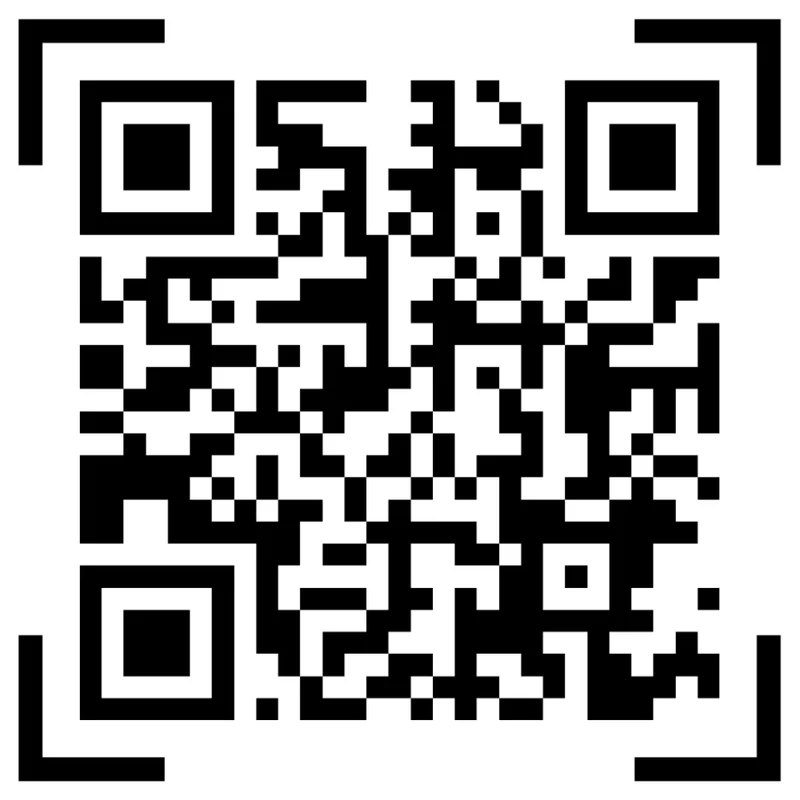
Tiny codes, low contrast ink, textured backgrounds, and crowded edges can make a polished business card scan poorly.
Better
Use a clean QR area, preserve quiet zone, keep contrast high, and let the rest of the card carry the brand style.
Use a caption that explains the contact benefit
Vague
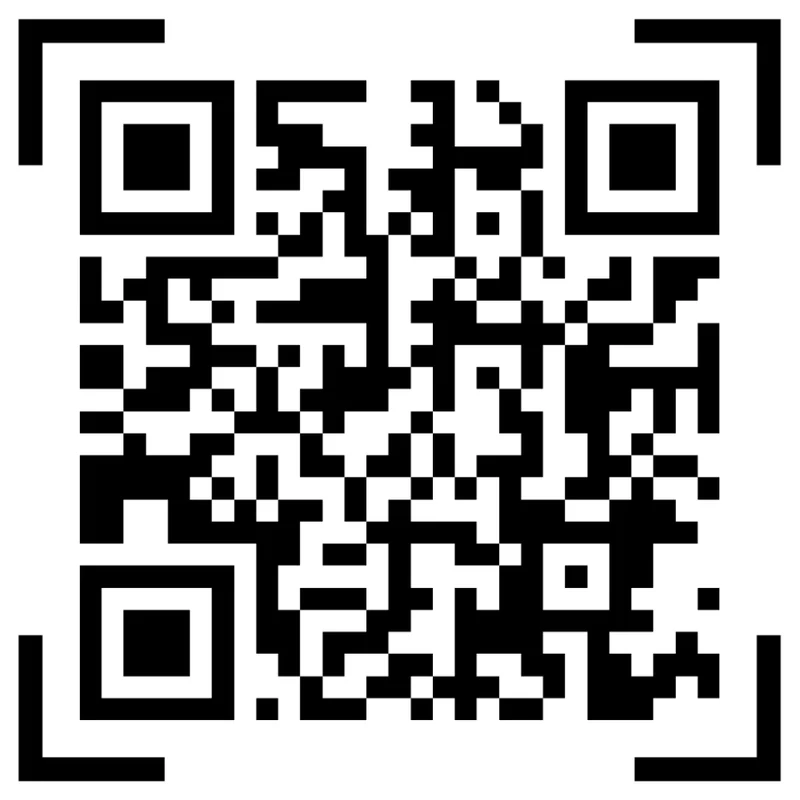
A QR code with no label gives the recipient no reason to scan after the meeting ends.
Clear
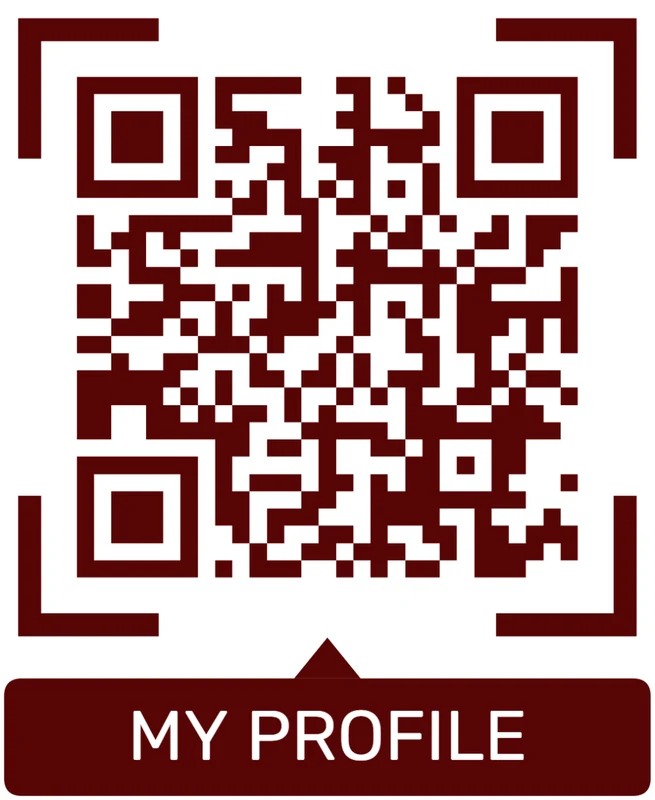
Use copy like “Save my contact,” “Book a call,” “View portfolio,” or “Open media kit” so the QR has a job.
Customize corners and modules
Standard pattern
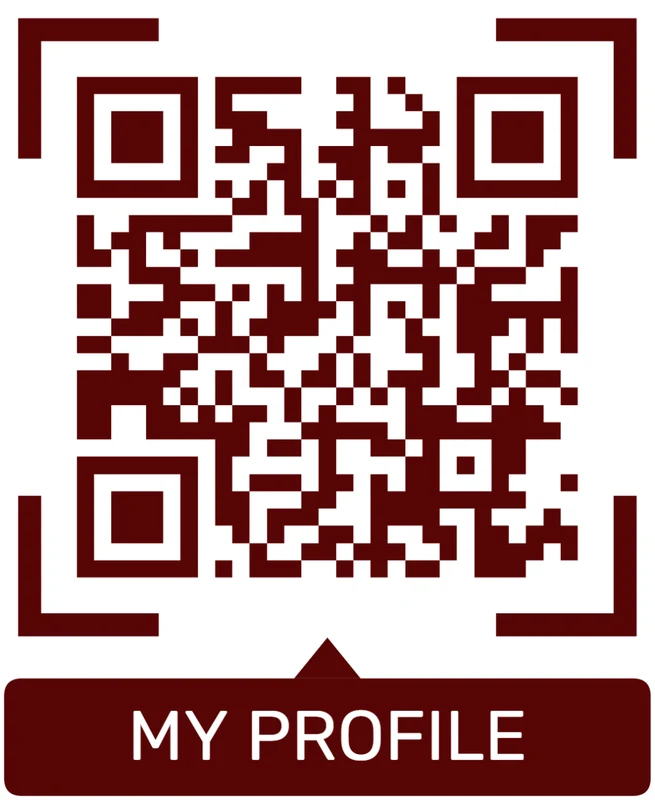
A colored framed code already looks better, but it can still look like every other QR code.
Custom eyes and module shape
Rounded modules, styled finder corners, and cleaner patterns can make the code feel premium. Keep the three corner markers clear.
Add a logo carefully
Styled QR code
A styled code can look polished, but people may still not know what brand, profile, file, or campaign it represents.
Logo QR code
A centered logo helps signal the destination. Keep it small, use a clean background behind it, and test the exported code.
Design the card around the scan job
The QR should look like part of the business card, but the phone still has to read it quickly from a small printed surface.
Print handoff
Proof the business card QR before ordering a full print run
Print readyBusiness cards are small, handled often, and scanned quickly after conversations. Test the final card stock, size, finish, and destination before printing hundreds of copies.

Test the smallest final card layout
Scan the QR from the printed proof at the size it will appear on the card. Watch for gloss, dark backgrounds, thin quiet zones, rounded corners, and nearby text that can interfere with scanning.
If the card uses a logo or brand color inside the QR treatment, test several phones before approving the design.
Confirm the contact destination before print
Open the QR from the proof and check the name, title, company, phone, email, website, calendar, and portfolio links. A typo on a large card order is expensive and embarrassing.
Use a dynamic destination when job roles, booking links, portfolios, or campaign pages may change before the cards are used up.
Use a landing page when the card needs more than one action
A direct vCard is best for simple contact saving. A landing page is better when the card should offer booking, portfolio, company profile, brochures, social links, and inquiry forms together.
The printed card stays clean while the destination can show the right follow-up choices on a phone.
vCard card
Open a contact-save action with name, phone, email, company, title, website, and address.
Portfolio card
Show selected work, reels, case studies, commission forms, and social profiles.
Sales card
Connect to demo booking, service pages, brochures, offer links, and proposal requests.
Team card
Use editable destinations for employees, offices, calendars, and role changes.
Print business cards only after the scan path is checked
A card QR code is part of the first impression. The print quality and destination accuracy both need to be right.
Pocket-sized print
Design for tiny print, fast scanning, and a clear follow-up
Business cards are small, so scan safety matters. Keep enough quiet zone, avoid over-styling the code, test the final printed size, and make the CTA short enough to fit. A frame or logo can help the QR look intentional, but the code still needs to scan quickly under normal lighting at arm’s length.
Put the QR code where it does not compete with the most important human details. Name, role, company, and one clear contact route should still be readable without scanning. The QR should add convenience, not hide every useful detail behind a phone action.
Use static vCard when the fastest native save matters and the contact details will not change often. Use dynamic QR when you want analytics, a profile page, updated links, booking, portfolio, or campaign control after the card is printed. QR Code Lab scan data can also show whether event cards, sales cards, or networking batches are actually being used. That makes the card a small but measurable follow-up tool after each meeting.






