
QR codes built for business outcomes
QR codes built to win scans, protect trust, and prove what worked
Create branded QR codes for print, packaging, menus, events, books, stores, and campaigns. Keep destinations editable, track performance, check risky codes, and automate generation with the API.
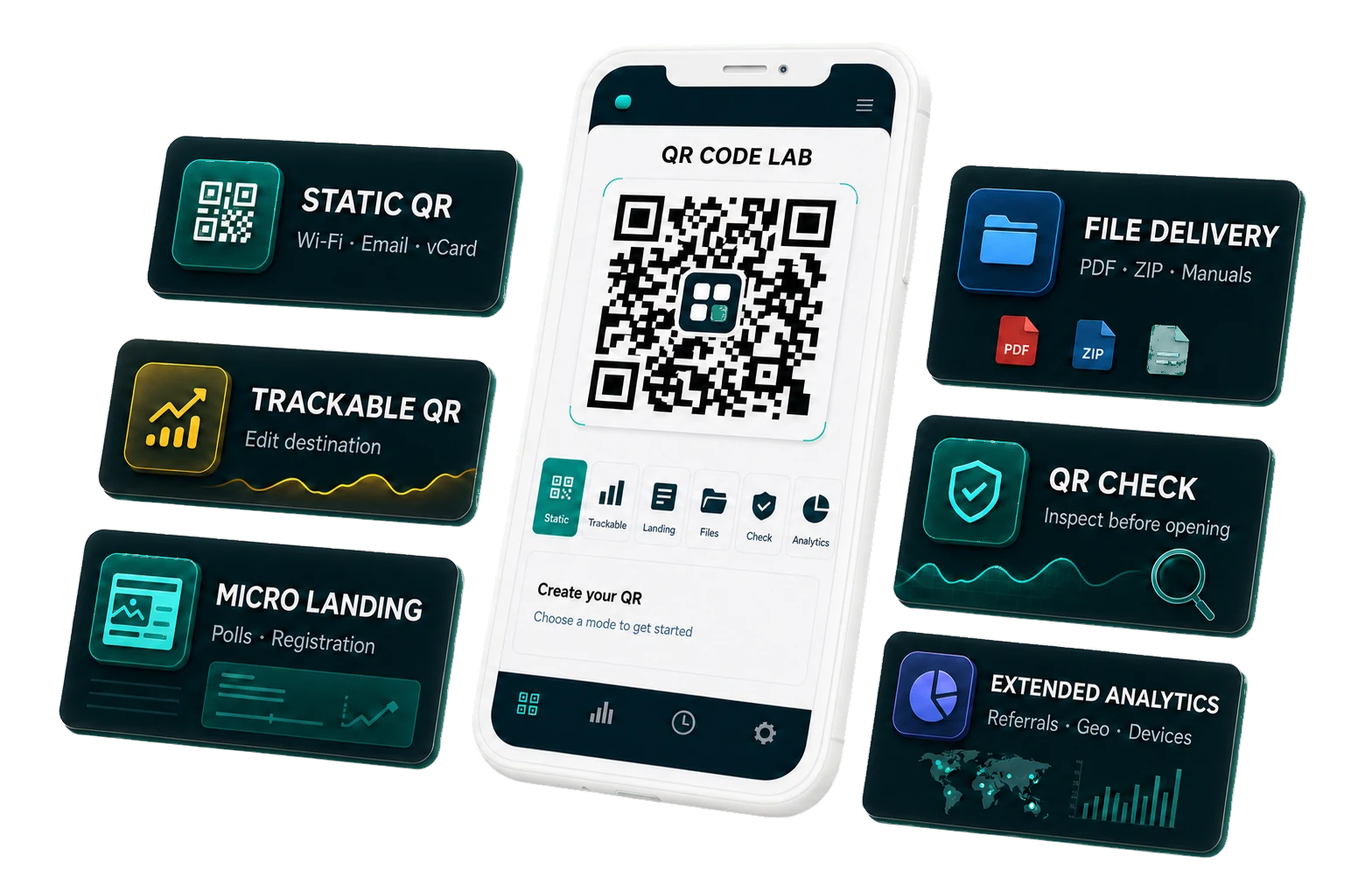
From printed asset to measurable action
A QR workflow built for campaigns, not one-off downloads
Create the code, make it worth scanning, keep the destination editable, and see whether the offline touchpoint performed.
Pick the customer action
Send scanners to the next step that matters: buy, book, review, join Wi-Fi, save a contact, open a menu, claim an offer, or read a guide.
Make the scan feel branded
Add your logo, colors, frame, pattern, and call-to-action so the QR code looks like part of the campaign, not a generic sticker.
Launch without reprint anxiety
Download a clean print-ready file, or save a dynamic QR code so you can fix destinations after flyers, menus, labels, or packaging are already out.
Turn scans into decisions
Track which placement, city, device, and campaign actually moves people, then improve the next print run with real data.
Built for scanners, brands, and revenue paths
Give every physical touchpoint a digital next step
Use one workspace for quick static codes, branded campaign QR codes, printed assets, dynamic redirects, and performance tracking.

Business use case
Restaurants and menus
Keep tables, windows, receipts, and takeaway flyers pointed at the latest menu, seasonal offer, booking page, or review flow.
Build this QR workflow
Business use case
Packaging and labels
Turn every box, bottle, insert, and label into a support, reorder, warranty, review, recipe, or product education channel.
Build this QR workflow
Business use case
Events and check-ins
Move attendees from poster to registration, badge to lead form, booth to demo, and event guide to follow-up without manual typing.
Build this QR workflow
Business use case
Retail and in-store promos
Make shelf talkers, tags, windows, and displays measurable, editable paths to offers, loyalty signup, product pages, and local campaigns.
Build this QR workflow
Business use case
Business cards and contacts
Replace forgotten cards with instant contact saves, booking links, portfolios, profiles, and follow-up pages people can act on immediately.
Build this QR workflow
Business use case
Books and catalogs
Connect printed pages to bonuses, videos, downloads, corrections, reader forms, product pages, and launches long after the book ships.
Build this QR workflow
Business use case
Marketing and flyers
Stop guessing which poster, mailer, coupon, insert, or flyer worked. Give every offline campaign its own measurable scan path.
Build this QR workflow
Business use case
Websites and landing pages
Move offline attention straight into landing pages, lead forms, PDFs, product pages, support hubs, and sales funnels.
Build this QR workflow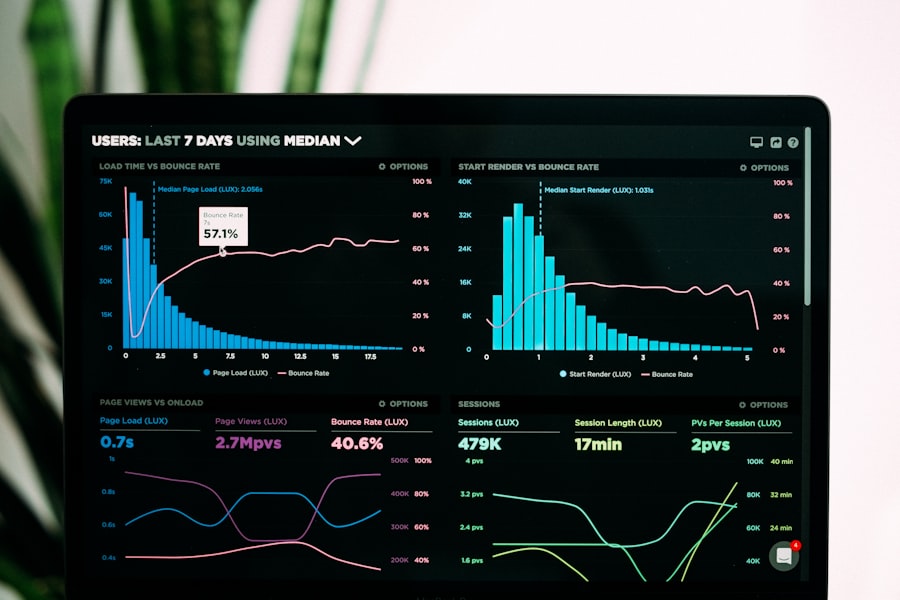
Business use case
Tracking and analytics
Save dynamic QR codes, compare scan performance, and know when a printed asset deserves more budget or a better offer.
Build this QR workflow
Business use case
Social profile codes
Use branded QR codes to turn packaging, posters, booths, stickers, and cards into profile visits, followers, chats, and subscribers.
Build this QR workflowDesigned for campaigns that outlive the first print run
Print once. Update the destination. Measure every scan that matters.
Put a QR code on a menu, label, book, booth, flyer, package, or card. When the offer changes, keep the printed asset alive and point scanners to the right next step.
Try it now
Create a QR code your customer will actually want to scan
Start with the destination, then refine the frame, logo, pattern, colors, export format, and tracking option.
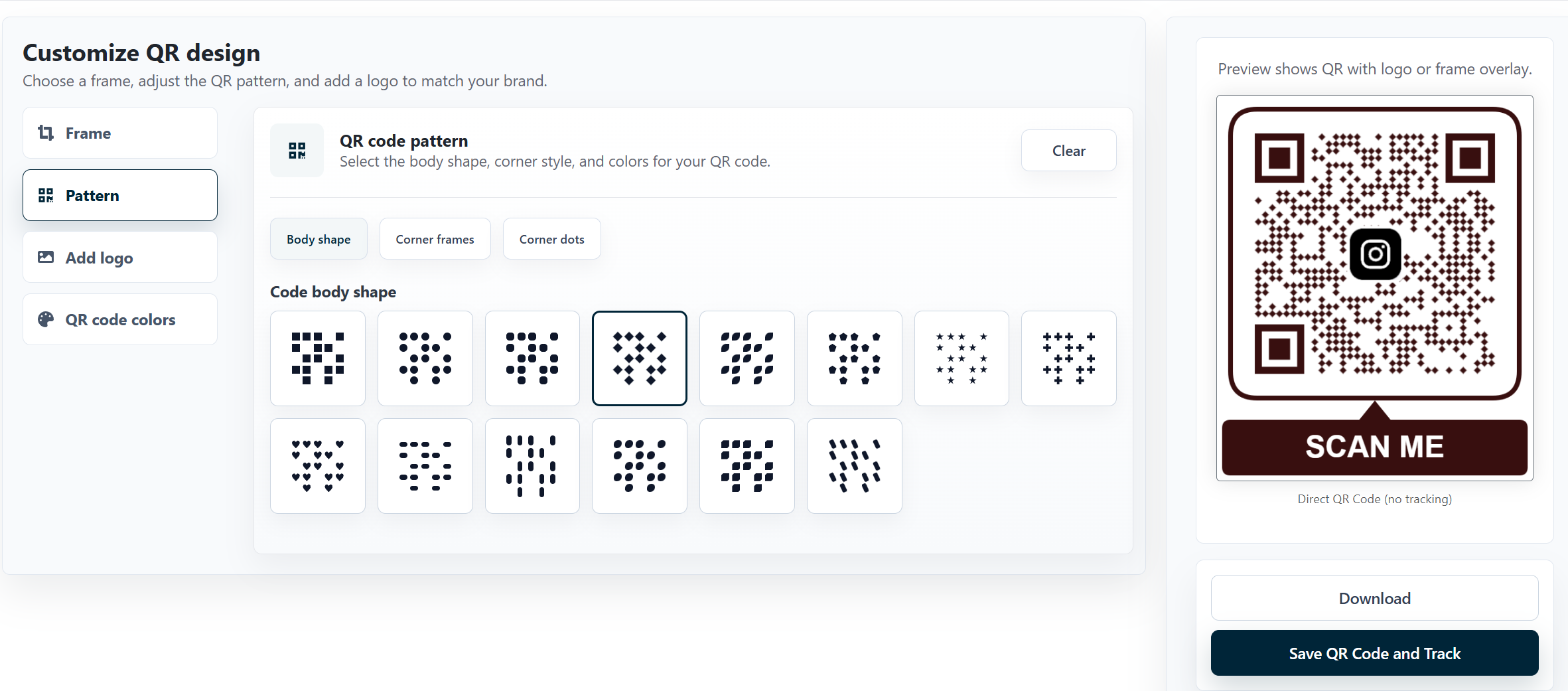
Generator, design, analytics
Build QR codes that look premium, stay editable, and prove what happened after the scan.
Create a code for any destination, style it for your brand, save it as trackable, and use the dashboard to see which materials actually drive action.
Generators for every scan intent
Pick the QR code generator that matches the job
Start from the right content type, then brand, export, save, and track the code from one workspace.
QR generator
QR code generator
Create a clean QR code for any destination, then tune the frame, pattern, color, logo, and output format.
Open this generator
QR generator
Free QR code generator
Launch simple static QR codes for early campaigns, internal docs, flyers, cards, and quick tests.
Open this generator QR generator
Trackable QR code generator
Save campaign QR codes, compare scan behavior, and learn which placements deserve another print run.
Open this generator
QR generator
vCard QR code generator
Turn business cards, badges, counters, and portfolios into instant contact saves and follow-up paths.
Open this generator
QR generator
Wi-Fi QR code generator
Let guests join the right network from tables, rooms, reception desks, classrooms, and venues.
Open this generator
QR generator
Email QR code generator
Open prefilled email flows for support, sales, quotes, reservations, feedback, and service requests.
Open this generator
QR generator
Phone number QR code generator
Make signs, receipts, vehicles, ads, and business cards start a call without copying a number.
Open this generator
QR generator
SMS QR code generator
Start a text conversation for support, appointment changes, reminders, check-ins, and local services.
Open this generator
QR generator
Text QR code generator
Store plain text instructions, serial notes, access details, short messages, and offline handoff copy.
Open this generator
QR generator
PDF QR code generator
Connect printed materials to menus, catalogs, manuals, brochures, worksheets, one-pagers, and guides.
Open this generatorQR Safety Checker
Protect your team and customers from suspicious QR destinations.
Decode a QR image before opening it, review the hidden content, spot risky URL patterns, and give people more confidence before a scan becomes a click.
Scan before you trust
Check QR destinations before people open them
Use focused safety tools to decode QR images, inspect redirects, expand short links, and spot suspicious patterns.

QR safety
QR code safety checker
Decode a QR image before opening it and review the destination, visible content, and basic risk signals.
Open this checker
QR safety
QR code inspector
Inspect what a code contains, confirm the final destination, and make suspicious scan paths easier to review.
Open this checker
QR safety
QR code phishing checker
Look for phishing patterns, misleading destinations, risky domains, and scan paths that deserve a second look.
Open this checker
QR safety
QR code redirect checker
Review redirects before a scan becomes a click, especially when short links, campaigns, or third-party tools are involved.
Open this checker
QR safety
Shortened QR link checker
Expand shortened destinations and inspect where a QR code link is really trying to send scanners.
Open this checkerQR Code API
Generate branded QR codes from your product, store, CRM, or internal workflow.
Use the API to create QR codes with destination data, design config, logo, colors, output format, size, and optional saved tracking records.
Pay as you go
Start lean, scale when the scans justify it.
Use the free plan for early campaigns, choose a subscription for steady volume, or add PAYG balance when you want tracked scans and API work without recurring commitment.
Free plan
Create your first codes for free, then upgrade only when the QR channel starts earning its place.
Launch simple links, social codes, menus, labels, and small tests before moving into larger tracking, API automation, and managed QR portfolios.
Explore the toolkit
Choose the QR workflow that matches the job
Questions before launch
FAQ
Can I create QR codes with logos and custom colors?
Yes. QR Code Lab lets you add a logo, brand colors, frames, patterns, and call-to-action styling so the code looks like part of your campaign instead of a generic square.
Does QR Code Lab support tracking and analytics?
Yes. Save a dynamic QR code to track scans, devices, locations, campaigns, and placement performance from the dashboard.
Is QR Code Lab free?
You can start for free with simple QR creation. Paid plans and PAYG balance unlock higher-volume work, saved dynamic QR codes, tracking, analytics, and API workflows.
What is the difference between static and dynamic QR codes?
Static QR codes store the final content directly in the code. Dynamic QR codes use a managed destination, so you can edit the link later and measure scan performance.
Can I change the QR code destination after printing?
Yes, when you save it as a dynamic QR code. That is ideal for menus, packaging, flyers, event materials, catalogs, labels, and campaigns that may change after printing.
Are the QR codes suitable for professional printing?
Yes. You can export clean, high-resolution files for business cards, menus, labels, posters, packaging, books, catalogs, stickers, and other print materials.
What can I see in the QR dashboard?
The dashboard helps you manage saved QR codes, review scan activity, compare campaign performance, and understand which physical placements are actually driving action.
Can I generate QR codes through an API?
Yes. The API can generate QR codes from your app, store, CRM, internal tool, or automation flow with destination data, design settings, output format, and optional saved tracking records.
How does the QR Safety Checker help?
The Safety Checker lets you inspect a QR code before opening it, preview the hidden destination, review redirects, and catch suspicious scan paths before they reach customers or staff.
Why should a business use QR Code Lab instead of a basic QR generator?
Because QR Code Lab is built for real campaigns: branded codes, editable destinations, print-ready exports, scan analytics, safety checks, API generation, and a workflow your team can keep using after launch.
Free to start
Launch a QR code that looks on-brand, stays useful, and tells you what worked.
Create QR codes for print, packaging, menus, books, business cards, events, stores, and digital campaigns.