
QR Code for Bookmarks - Author, Book & Newsletter Links
Create QR codes for bookmarks linking author websites, book pages, newsletters, bonus content, reading guides, series lists, and launch offers. Turn each bookmark into a reader action point.
Free QR code generator
Create a QR code online
Generate QR codes for websites, email, phone numbers, vCards, Wi-Fi, plain text, forms, PDF files, and campaign links. Customize colors, add a logo or frame, then download a print-ready PNG or SVG.
Choose QR code type
Website QR code, Email QR code, Phone QR code, vCard QR code, Wi-Fi QR code, Text QR code, SMS, WhatsApp, event, and download links.
Add your content
Enter your website URL, contact details, message, phone number, location, or file destination before generating the QR code.
Customize and download
Adjust QR colors, error correction, logo, frame, size, and margin. Generate QR Code, Download PNG, Download SVG, or Save and track scans.
Reader keepsake link
Keep readers connected after the bookmark leaves the event
A QR code for bookmarks is useful because a bookmark stays close to the book long after a launch table, signing line, library display, or bookstore visit is over. It can open an author website, book page, newsletter signup, bonus content, reading guide, series list, launch offer, sample chapter, review page, or event page. Authors, publishers, bookstores, libraries, KDP publishers, and book marketers can use a small printed piece to keep the reader path alive.
The best bookmark QR code makes one clear reader promise. Claim the bonus. Read the sample. See the series order. Join the author list. Leave a review after finishing. A bookmark has limited space, so the scan should not lead to a confusing pile of links unless the landing page is carefully organized around the reader's next action.
QR Code Lab creates URL QR codes and can help with dynamic destinations and scan analytics. It does not print bookmarks, host bonus files, collect emails, sell books, or operate publishing platforms. The QR code points to the author, publisher, retailer, newsletter, or resource destination you choose.
Bookmark reader moment
Turn a bookmark QR code into a reader path that lasts beyond one chapter
BookmarkA bookmark QR code travels with the book, so it should open something readers may actually return to: series order, author updates, bonus files, event dates, discussion questions, reviews, or the next book.

Make the bookmark useful enough to keep
Use the QR code for author hubs, series reading order, bonus chapters, maps, playlists, book club guides, preorder pages, or reader resources that belong with the book.
A bookmark scan should feel like reader value, not a small ad hiding on paper.
Give the reader one clear reason to scan
The printed copy should name the reward: get the bonus scene, find the series order, download the workbook files, join for release alerts, or bring questions to the author.
A specific promise beats a bare QR code every time.
Keep the bookmark current across print runs and events
Bookmarks often move through bookstores, signings, libraries, review mailers, and reader hands for months. Dynamic QR keeps the same printed card useful as campaigns change.
The bookmark can stay in circulation while the destination moves from launch to evergreen reader follow-up.A bookmark QR should respect the reader relationship
The reader is holding a small, personal piece of print. The scan should quickly confirm the book, author, or series and then offer a benefit that fits the reading moment.
If the destination asks for an email address, make the exchange clear before the form.Series readers
Open reading order, next title, bonus chapters, preorder pages, and author updates.
Book clubs
Send readers to discussion questions, playlists, maps, recipes, and event materials.
Signing tables
Use bookmarks for newsletter signup, photos, next events, and reader follow-up.
KDP and indie authors
Keep retailer links, bonus pages, and launch offers editable after bookmarks are printed.
Books, KDP, and author bonuses
Give bookmark scanners a bonus that belongs with the book
Reader bonus hubA bookmark QR code can carry useful material without crowding the bookmark design: reader magnets, downloads, maps, worksheets, music, sample chapters, reading order, and author updates.
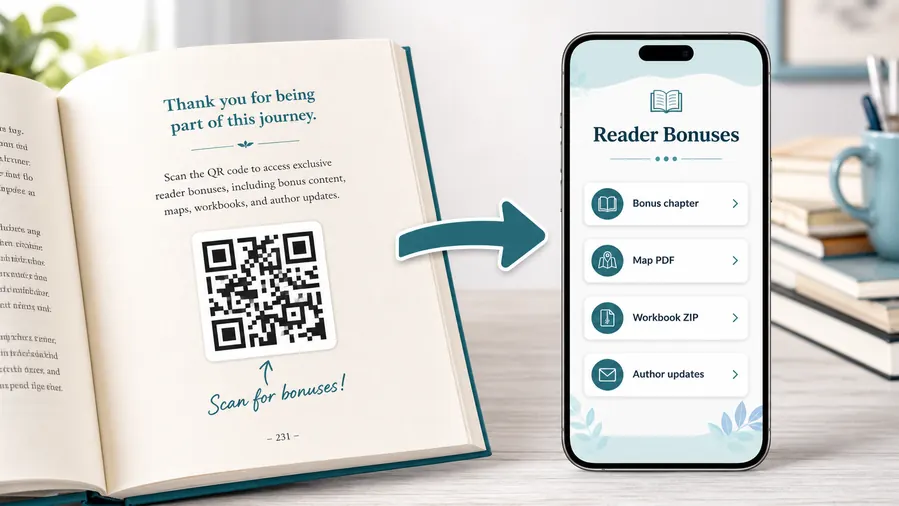
Put the reader reward on a focused mobile page
Use a destination that shows the book or series context first, then organizes downloads, author signup, review links, event dates, support, and next-book actions as clear buttons.
The bookmark should promise the exact benefit, not just say scan me.Bonus scenes and companion files
Link readers to deleted scenes, maps, worksheets, recipes, audio, playlists, templates, illustrations, or source files that deepen the book experience.
Series and author discovery
Use the bookmark for reading order, author hub, newsletter signup, preorder alerts, reader group, and launch bonuses.
Book club and classroom extras
Send readers to discussion questions, teacher notes, printable activities, glossary pages, or meeting resources.
Event and signing follow-up
Connect signing table bookmarks to event photos, next appearances, bookstore links, reviews, and follow-up offers.
Newsletter and next-book previews
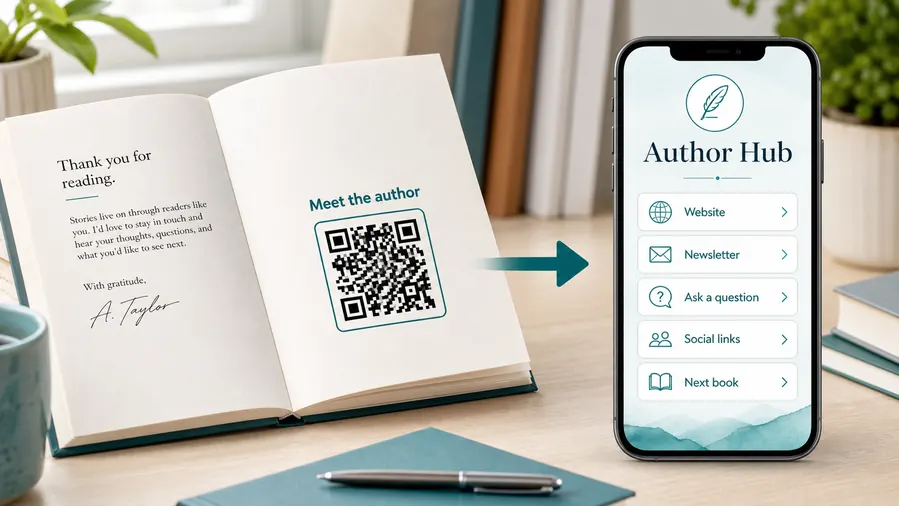
A QR code near the author note or final chapter can invite readers into a newsletter, preorder page, series hub, or sample of the next book.
Feedback and author contact
Let readers report errors, ask questions, join a beta-reader list, or send private feedback without publishing a personal email address in the book.
Bookmarks stay in circulation longer than campaigns
A bookmark can sit inside a book long after a launch form, retailer link, or bonus page changes. Dynamic QR helps keep that small print asset useful.
Put the QR beside the promise, not as decoration
The bookmark copy should tell readers what opens after scanning, whether that is a bonus, series page, author update, event path, or reader resource.
Bookmark print
Check bookmark QR size, trim, contrast, and scan distance before printing
Print readyA bookmark QR code is small, handled often, and sometimes printed on coated stock. It needs enough size, quiet zone, contrast, and margin to survive trimming and real reader use.

Protect the code from trim and crowded design
Keep the QR away from the cut edge, preserve a clean quiet zone, and avoid placing it over texture, illustration, or low-contrast brand color.
Scan a printed sample at the size readers will hold in one hand, not only the enlarged design preview.
Test the destination from the printed bookmark
The page should open quickly, show the book or author context, and deliver the promised action without a desktop-style maze.
If the bookmark may be reused across launches, use a dynamic destination so the print remains useful after the first campaign.
Use a microlanding page when the bookmark has several reader paths
A single retailer link is enough for one permanent action. A small reader page is better when the bookmark should offer bonus files, series order, newsletter, reviews, and events together.
The printed bookmark stays clean while the destination can organize the choices.
Author bookmark
Open author hub, newsletter, series order, event calendar, and reader resources.
Launch bookmark
Link to preorder bonus, sample chapter, release date, giveaway, and buy links.
Book club bookmark
Send readers to discussion questions, playlist, map, recipe, and meeting notes.
Signing bookmark
Connect event visitors to photos, preorder links, review prompts, and next appearances.
Print bookmarks only after the QR works at final size
A beautiful bookmark still fails if the QR is too small, too close to trim, or attached to a vague destination.
Bookmark design
Use the QR for one reader promise, not seven vague links
Use bookmark QR codes at signings, bookstores, libraries, conferences, launch events, book boxes, ARC packages, classroom giveaways, street teams, convention tables, and reader mailers. The CTA should be short and specific: claim bonus, read sample, join newsletter, see series order, open discussion guide, or leave review. If the bookmark is tied to one book, keep the destination tied to that book or series.
Dynamic QR codes help because launch offers, bonus pages, retailer links, and review pages may change after bookmarks are printed. Scan analytics can show whether bookmarks keep working after the event is over, which is useful because bookmarks often travel quietly for months. If you have several bookmark designs, create separate codes for each one so the report shows which title, event, or giveaway generated scans. Keep the printed code large enough to scan cleanly and avoid placing it too close to trim edges.
A bookmark is also a good place for soft follow-up. The reader may not scan on day one, but when they finish the book, the same code can still lead to reviews, bonus material, or the next title.






