
QR Code for Brochures - Landing Pages, Demos & Leads Online
Create QR codes for brochures linking landing pages, catalogs, product demos, booking forms, coupons, contact pages, and lead forms. Make printed marketing measurable and easy to act on.
Free QR code generator
Create a QR code online
Generate QR codes for websites, email, phone numbers, vCards, Wi-Fi, plain text, forms, PDF files, and campaign links. Customize colors, add a logo or frame, then download a print-ready PNG or SVG.
Choose QR code type
Website QR code, Email QR code, Phone QR code, vCard QR code, Wi-Fi QR code, Text QR code, SMS, WhatsApp, event, and download links.
Add your content
Enter your website URL, contact details, message, phone number, location, or file destination before generating the QR code.
Customize and download
Adjust QR colors, error correction, logo, frame, size, and margin. Generate QR Code, Download PNG, Download SVG, or Save and track scans.
Campaign bridge
Make every brochure lead to one measurable next step
A QR code for brochures is useful when a printed piece needs a clear digital action instead of a vague web address. It can open a landing page, catalog, product demo, booking form, coupon, contact page, lead form, video, quote request, comparison page, or campaign page. Marketers, local businesses, sales teams, event teams, agencies, and print designers can use QR codes to turn brochure interest into a practical next step.
A good brochure QR code is not an afterthought in the corner. It should match the section, offer, or reader intent. A product panel can open specs or a demo. A service page can open quote request. An event brochure can open registration. A coupon panel can open the offer. QR Code Lab helps create dynamic links and scan analytics so you can compare which brochure versions and placements perform.
QR Code Lab creates URL QR codes only. It does not print materials, host catalogs, process orders, collect leads, or manage campaign pages. The QR code sends readers to the campaign destination you provide.
Brochure campaign path
Make brochure QR codes continue the exact promise printed on the page
BrochureA brochure QR code should move a reader from interest to action: book a demo, request a quote, open a catalog, watch a video, download specs, claim an offer, register for an event, or compare options.
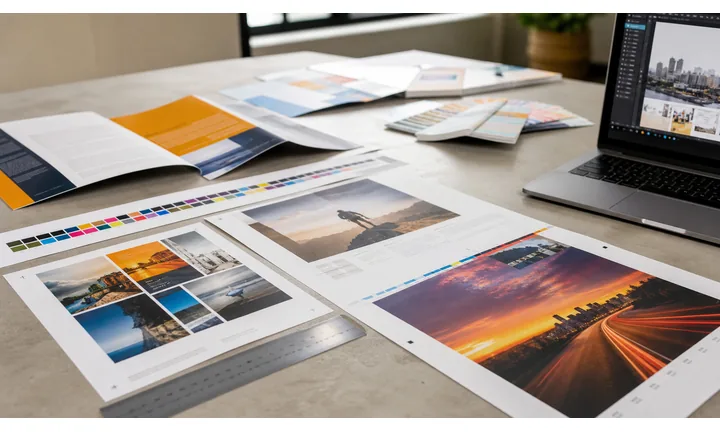
Turn brochure attention into a specific next step
Use QR codes beside the section that creates intent: pricing, product details, case study, venue info, service package, event invitation, or limited offer.
A brochure QR should not dump every reader onto a homepage after the copy worked hard to create interest.
Give print the depth it cannot hold
The destination can carry product videos, technical specs, booking calendars, quote forms, downloads, galleries, calculators, maps, reviews, or comparison tables without crowding the brochure.
The printed page makes the case; the QR should help the reader act.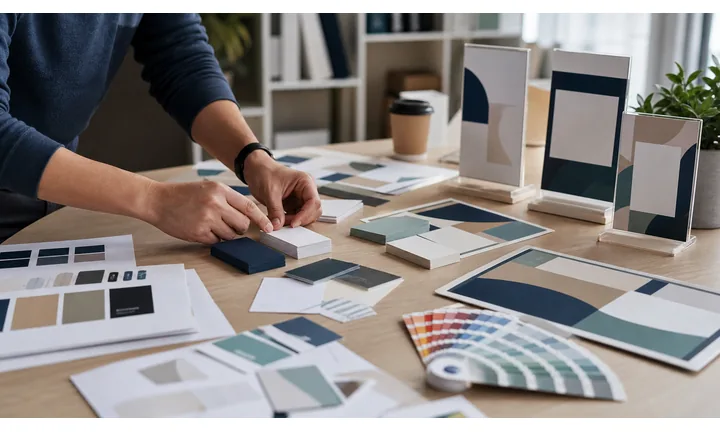
Keep campaigns editable after brochures leave the office
Brochures may sit in lobbies, mailers, packets, and event bags long after links, prices, offers, and forms change. Dynamic QR protects that distribution.
The more brochures you print, the more important destination control becomes.A brochure QR should preserve the reader intent already earned
People scan after reading a promise, proof point, offer, or product section. The destination should confirm that exact context and make the next action obvious.
Use separate tracked QR codes when different brochure versions, pages, events, or audiences need their own reporting.Product brochures
Open specs, demo videos, comparisons, manuals, quote forms, and buying paths.
Service brochures
Send readers to consultation booking, packages, case studies, reviews, and intake forms.
Event brochures
Link registration, agenda, maps, speaker pages, sponsor offers, and downloads.
Mailers and leave-behinds
Route to coupons, landing pages, contact forms, and local offers.
Brochure proofing
Check brochure QR placement, size, and destination before printing
Print readyA brochure QR code has to survive folds, trim, paper stock, layout density, and real hand-held scanning. Test the printed proof and the mobile destination together.

Protect the QR from folds, trim, and crowded layouts
Keep the code away from fold lines, staples, trim edges, heavy photography, and dense text blocks.
Preserve quiet zone, contrast, and enough physical size for someone holding the brochure at normal reading distance.
Make the destination match the brochure section
Scan from the printed proof and confirm that the first screen continues the exact offer, product, event, or service promise beside the code.
If the brochure will be distributed widely or reused, use a dynamic destination before print.
Use a focused landing page when the brochure needs several actions
A direct link works for one permanent PDF or form. A landing page is better when the brochure needs video, quote request, downloads, booking, maps, and contact together.
The printed brochure stays concise while the destination organizes the action paths.
Product brochure
Open specifications, demo video, comparison table, quote request, and support files.
Service brochure
Send readers to packages, consultation booking, testimonials, intake form, and pricing context.
Event brochure
Link agenda, registration, venue map, speaker profiles, and downloads.
Sales leave-behind
Use a QR for proposal follow-up, case study, calendar booking, and tracked campaign page.
Print brochures only after the scan path is proven
A polished brochure loses power if the QR is too small, poorly placed, or linked to a vague destination.
Brochure placement
Place brochure QR codes beside the moment that creates action
PlacementBrochure QR placement should not be an afterthought. Put the code near the section where the reader is ready to watch, compare, book, download, request, register, or buy.

The QR is dropped onto the back panel
A back-panel QR can work for contact details, but it wastes intent if the reader wanted product specs, video, quote, or event registration from an earlier section.
Brochure QR placement should follow the reader decision, not just leftover space.
The QR appears beside the next action
Put demo QR codes near product benefits, quote forms near service packages, maps near venue info, and offer codes near campaign copy.
The CTA should name what opens after scanning.
What did the reader just learn?
The QR should continue from the specific section, proof point, product, offer, or service package.
What should happen next?
Watch, compare, download, book, request quote, register, claim offer, or contact should be explicit.
Will the brochure be folded or mailed?
Avoid fold lines, envelope rub, trim edges, and glossy glare that can affect scanning.
Do versions need comparison?
Use separate tracked QR codes for different audiences, campaigns, locations, or brochure versions.
Product section
Open specifications, video, comparison, quote request, or purchase path.
Service package
Link consultation booking, intake form, pricing context, and case studies.
Offer panel
Send readers to coupon, landing page, campaign form, or limited-time claim.
Event page
Open registration, agenda, map, speaker files, and calendar save.
Map or location panel
Use for directions, parking, booking, hours, and local landing page.
Case study
Link full story, proof assets, testimonial video, and contact form.
Back panel
Best for contact, homepage, support, social links, and general follow-up.
Sales leave-behind
Open proposal follow-up, demo calendar, comparison sheet, and tracked CTA.
Brochure QR placement should follow reader intent
Put the code where the reader is most ready to take the promised next step.
Campaign control
Use dynamic QR when brochure links, offers, or forms may change
DynamicBrochures often keep circulating after campaigns, prices, booking calendars, product pages, event dates, and lead forms change. Dynamic QR keeps printed distribution useful.
Printed brochures can keep opening old campaign pages
A static QR may point to an expired offer, old event page, moved product PDF, or outdated form.
That problem multiplies when brochures are mailed, handed out, or left in many locations.
The same brochure QR can follow the campaign
Dynamic QR lets the team redirect scans from launch offer to evergreen page, from event registration to recap, or from old form to current intake.
The brochure stays useful while the destination changes.

Offers and promotions
Update coupons, landing pages, seasonal campaigns, pricing context, and claim forms.
Product and service pages
Move scans to current specs, videos, packages, quote forms, and comparison assets.
Events and registrations
Redirect from invite to agenda, check-in, downloads, recap, and follow-up.
Sales follow-up
Change booking calendars, proposal links, case studies, and tracked campaign destinations.
Use dynamic when the brochure will outlive the first link
If the printed piece may keep circulating, keep the QR destination editable.
Brochure signal
Use scan data to compare brochure versions and placements
AnalyticsTracking helps when separate QR codes compare brochure pages, offers, audiences, events, mailers, sales packets, or distribution locations.

All brochure scans collapse into one total
A single QR cannot show which brochure version, panel, offer, audience, or distribution location earned the scan.
That weakens campaign learning.
Each brochure placement becomes a signal
Use distinct dynamic QR codes for different panels, versions, mailers, events, and sales teams when comparison matters.
Scan reporting is not full attribution, but it shows where physical interest started.
Scan volume
Compare scans from brochure versions, panels, offers, and distribution points.
Timing
See whether scans happen after mailing, during events, after meetings, or long after handoff.
Device and browser
Spot broad device patterns that affect forms, downloads, and booking pages.
Broad location
Use approximate regional signals for campaign and placement comparison.
A/B brochure versions
Compare different covers, offers, CTAs, or audience-specific brochures.
Event handouts
Measure scans from registration bags, booths, sponsor inserts, and session materials.
Sales leave-behinds
See whether follow-up QR scans happen after meetings or proposals.
Local distribution
Compare stores, offices, hotels, campuses, or mail routes where brochures were placed.
Name brochure QR codes before distribution
Tracking helps only when code names match the real version, panel, location, or campaign material.
Print campaign flow
Make the QR code specific to the brochure section and offer
Use brochure QR codes on product brochures, service sheets, event handouts, direct mail inserts, sales leave-behinds, local business flyers, agency mockups, nonprofit mailers, trade show materials, and retail guides. The CTA should say watch demo, request quote, open catalog, book consultation, claim coupon, compare options, or get the checklist.
Dynamic QR codes help when offers, lead forms, catalogs, and campaign pages change after print. Scan analytics can show which brochure version, section, or distribution location creates real interest. If a brochure has several audiences, do not force every scan to the homepage. Use separate codes for product demos, booking, quote requests, and coupons when the reader intent is different. That makes the print more useful and makes the QR Code Lab report easier to act on later.
Brochures are often passed from hand to hand, so use clear labels and durable destinations. A reader may scan days after the conversation that started the campaign. The landing page should repeat the offer from the brochure so the scan feels connected, not random.
Brochure design
Design brochure QR codes so they look intentional and still scan
Design safelyA brochure QR can fit the brand, but readability comes first: enough size, quiet zone, contrast, clean CTA, and placement away from folds or busy artwork.
Make the QR feel like part of the page
Risk
A tiny QR dropped into a crowded corner can look like a technical afterthought and scan poorly after print.
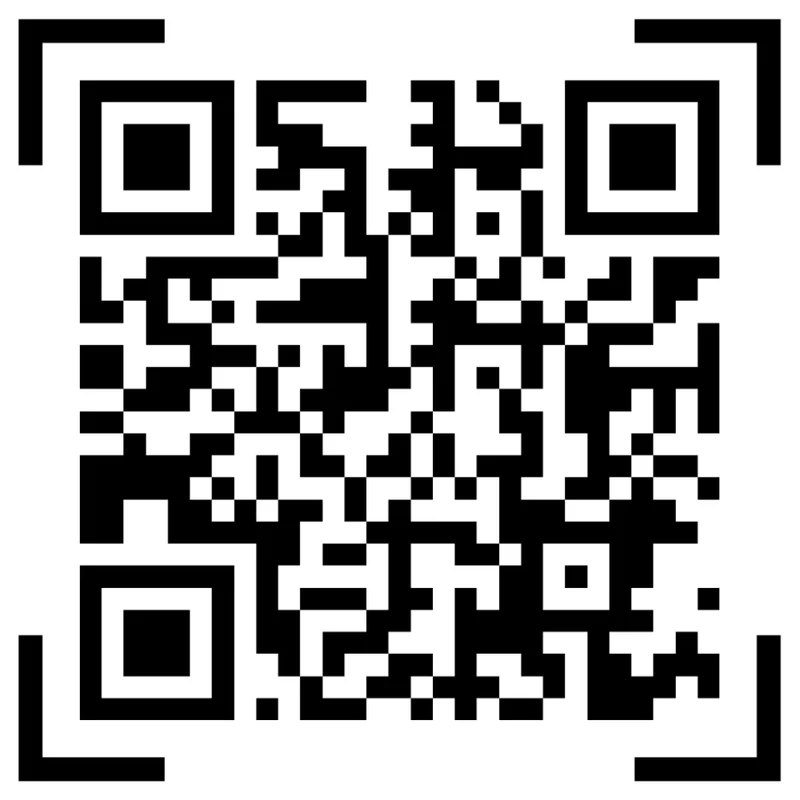
Better
Give the QR a clear CTA, breathing room, and a destination promise that matches the brochure section.
Use brand styling without damaging the pattern
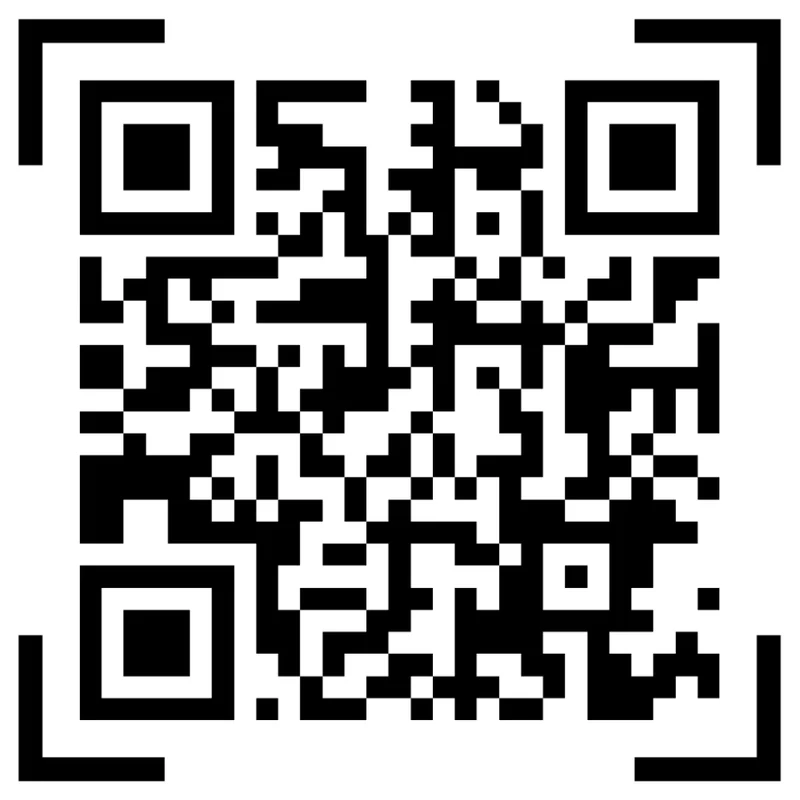
Risk
Low contrast, heavy patterns, colored modules, and decorative frames can make brochure QR codes unreliable.
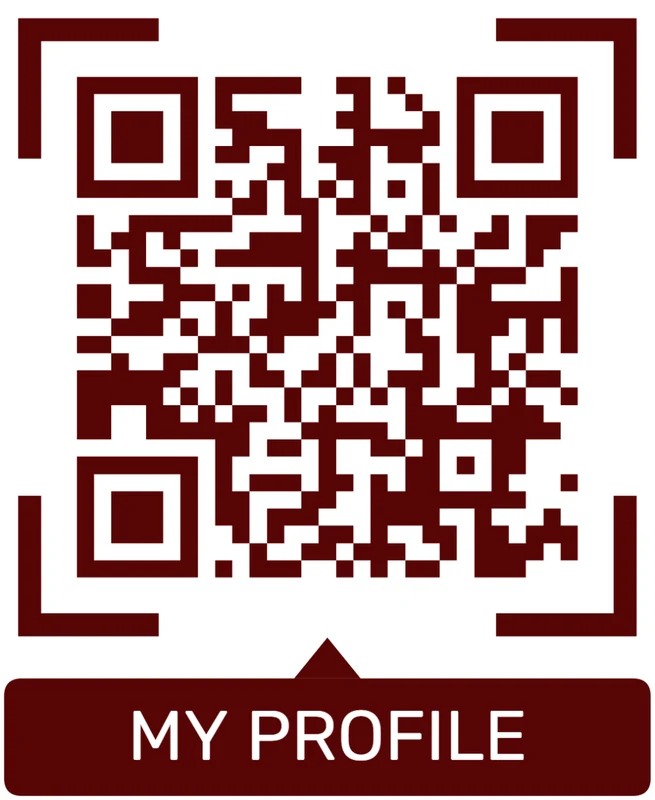
Better
Keep the QR pattern readable, use brand color around the CTA or frame, and preserve the quiet zone.
Customize corners and modules
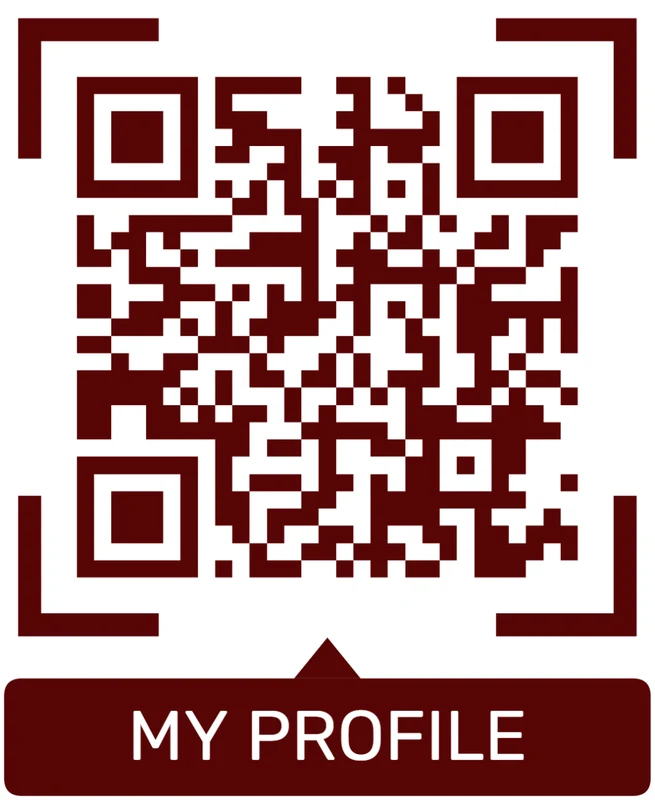
Standard pattern
A colored framed code already looks better, but it can still look like every other QR code.
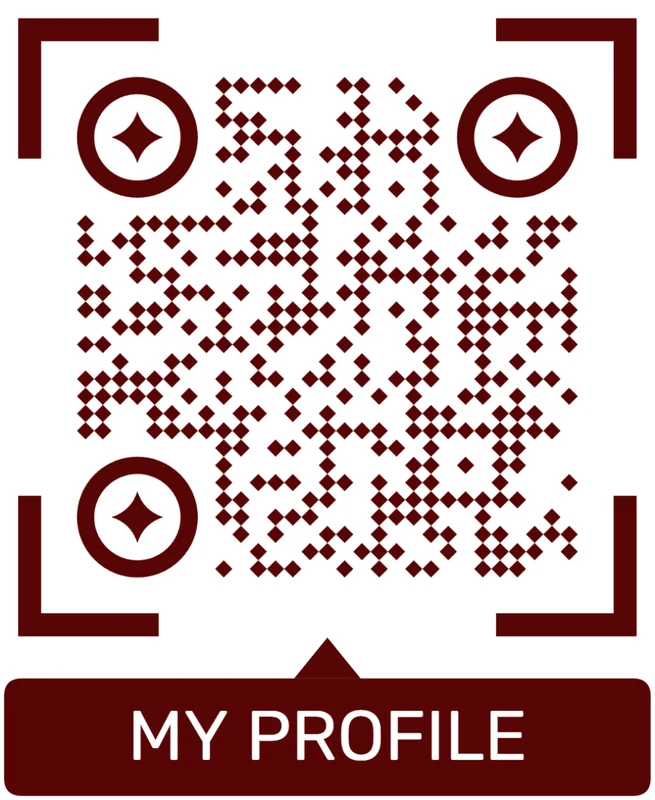
Custom eyes and module shape
Rounded modules, styled finder corners, and cleaner patterns can make the code feel premium. Keep the three corner markers clear.
Add a logo carefully
Styled QR code
A styled code can look polished, but people may still not know what brand, profile, file, or campaign it represents.
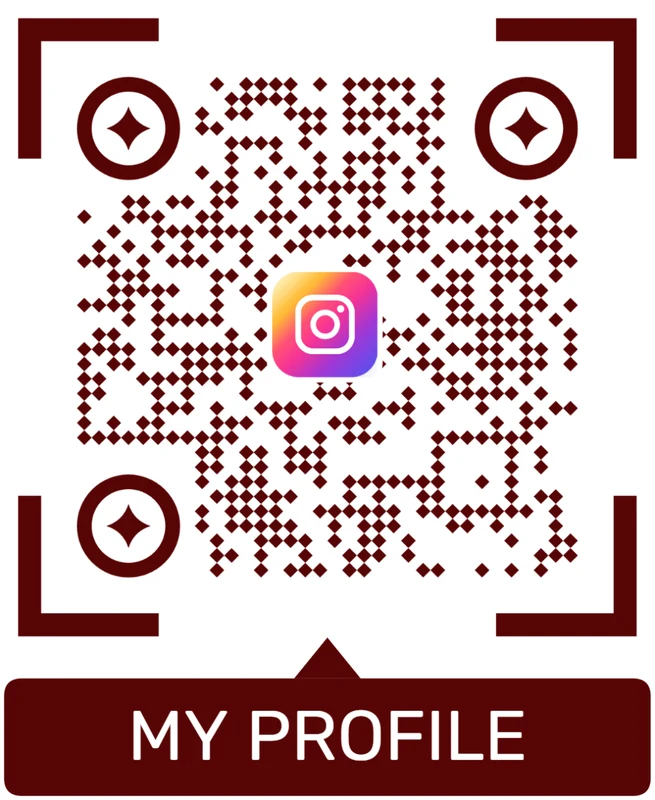
Logo QR code
A centered logo helps signal the destination. Keep it small, use a clean background behind it, and test the exported code.
Brochure design should make the scan feel deliberate
When the QR looks intentional and opens the promised action, it strengthens the printed piece instead of cluttering it.






