
QR Code for Event Banners - Distance Scans & Event Links
Create QR codes for event banners, booth signs, stage signage, venue posters, sponsor displays, maps, schedules, tickets, and forms. Tune size, contrast, and placement for distance scans.
Free QR code generator
Create a QR code online
Generate QR codes for websites, email, phone numbers, vCards, Wi-Fi, plain text, forms, PDF files, and campaign links. Customize colors, add a logo or frame, then download a print-ready PNG or SVG.
Choose QR code type
Website QR code, Email QR code, Phone QR code, vCard QR code, Wi-Fi QR code, Text QR code, SMS, WhatsApp, event, and download links.
Add your content
Enter your website URL, contact details, message, phone number, location, or file destination before generating the QR code.
Customize and download
Adjust QR colors, error correction, logo, frame, size, and margin. Generate QR Code, Download PNG, Download SVG, or Save and track scans.
QR solutions for this use case
Large sign scan path
Build event banner QR codes for distance, motion, and real lighting
A QR code for event banners is useful when attendees need to scan from a sign, booth wall, sponsor display, entrance banner, or stage backdrop. It can open schedules, maps, ticket pages, registration pages, sponsor pages, booth pages, feedback forms, event updates, lead forms, and session resources. Event organizers, venues, sponsors, exhibitors, schools, nonprofits, and agencies can use QR codes to make large-format signage actionable.
This is not the same as a flyer. Banner QR codes must work at distance, in glare, with moving crowds, from odd camera angles, and under mixed lighting. Size, quiet zone, contrast, CTA, and placement matter as much as the destination. QR Code Lab creates the QR code and can help with dynamic destinations and scan analytics, but the physical banner still needs real-world testing.
That testing matters before the sign is printed at scale or installed in a busy venue.
QR Code Lab creates URL QR codes only. It does not manage registration, tickets, maps, lead forms, sponsor platforms, or event software. The linked event system or landing page handles the actual attendee action.
Large-format event scans
Turn event banners into registration, wayfinding, offers, and live actions
Banner flowAn event banner QR code has to work from distance and context: open registration, agenda, map, lead form, sponsor offer, download, feedback, or the next attendee action without making people stop and guess.

Make the banner promise readable before the scan
Use QR codes on entrance banners, booth backdrops, stage signs, sponsor walls, and directional signage only when the CTA is big enough to explain the benefit from normal viewing distance.
A large QR with vague copy still creates weak scans.
Route scanners to the action that fits their location
A banner near registration should open check-in or agenda. A sponsor banner may open an offer. A venue banner can open maps, downloads, lead forms, or session resources.
The destination should respect where the attendee is standing.
Keep event destinations editable until the doors close
Dynamic QR helps when agendas, room maps, sponsor links, registration forms, speaker files, livestream pages, and feedback forms change after banners are printed.
Event signage is expensive; destinations need flexibility.An event banner QR should work from distance, timing, and intent
People scan banners while walking, waiting, checking in, or browsing booths. The code should be large, high contrast, paired with a short CTA, and connected to a destination that makes sense in that spot.
Use CTAs like view agenda, register now, open map, claim offer, download slides, join giveaway, or send feedback.Entrance banners
Open registration, check-in, agenda, maps, and event app pages.
Booth banners
Route to lead forms, demos, giveaways, product pages, and contact paths.
Sponsor signage
Send attendees to offers, landing pages, downloads, and campaign forms.
Wayfinding
Use large codes for maps, session rooms, schedules, and venue instructions.
Large-format print check
Prepare event banner QR codes for distance, lighting, movement, and scale
Print readyA banner QR code has to scan from several feet away, under venue lighting, while people are moving or waiting. Size, contrast, quiet zone, CTA copy, and proof testing matter before print.

Match QR size to real viewing distance
Test the banner from the distance attendees will actually stand: entrance line, booth aisle, stage area, hallway, or sponsor wall.
Keep a large quiet zone, strong contrast, and enough visual separation from logos, photos, gradients, and booth graphics.
Proof the destination before the banner is produced
Scan a full-size proof or mockup and confirm that the code opens the intended registration, agenda, map, offer, download, or lead form.
Export vector artwork for large-format print and keep a destination sheet for each banner location and campaign owner.
Use a focused event page when one banner needs several actions
A banner QR may need to show agenda, map, registration, sponsor offer, download, contact, and feedback from one scan.
A mobile landing page can organize those actions clearly while the banner keeps one short CTA and a readable code.
Entrance banner
Open check-in, agenda, venue map, Wi-Fi, and event app link.
Booth backdrop
Route to lead form, demo booking, giveaway, product page, and sales contact.
Sponsor wall
Send attendees to offer pages, downloads, contest forms, and campaign pages.
Directional sign
Open maps, room changes, session schedule, and accessibility notes.
Print banners only after distance testing
The QR image, banner size, CTA, lighting conditions, and destination should be checked together before production.
Banner placement
Place event banner QR codes where people have time and a reason to scan
PlacementEvent banners are visible, but visibility alone is not enough. The best QR placements sit where attendees pause, wait, browse, or need the next event action.

Visible banners can still get ignored
A QR above a busy crowd or far across a hall may be technically visible but too hard to scan or too vague to matter.
Moving attendees need bigger codes, shorter CTAs, and better placement.
The QR sits at a natural pause point
Put QR banners near registration lines, booth aisles, waiting areas, sponsor activations, session entrances, and checkout tables.
The CTA should match what attendees need in that spot.
What is the attendee doing?
Arriving, waiting, browsing a booth, choosing a session, claiming an offer, or leaving feedback.
Can they scan from the real distance?
Large banners need big codes, clean quiet zone, high contrast, and proof scans from the aisle or line.
Does the CTA fit the location?
Use view agenda at entrance, book demo at booth, claim offer at sponsor wall, or open map in hallway.
Will event details change?
Use dynamic QR for agendas, maps, room changes, forms, sponsor links, and downloads.
Entrance banner
Open registration, check-in, agenda, map, Wi-Fi, and event app.
Registration line
Use for check-in help, badge pickup, schedule, and last-minute forms.
Booth backdrop
Route to lead form, product page, demo booking, giveaway, and contact.
Sponsor wall
Open sponsor offers, downloads, contest entries, and campaign pages.
Session entrance
Link to slides, speaker bio, feedback, room map, and schedule changes.
Hallway sign
Open wayfinding, accessibility notes, room changes, and venue instructions.
Stage screen or banner
Use only when the code is large enough and displayed long enough to scan.
Exit banner
Ask for feedback, downloads, next event registration, and follow-up offers.
Event banner QR placement should respect distance and timing
Use QR codes where attendees can scan comfortably and immediately understand the benefit.
Events, conferences, and weddings
Give event attendees the right banner action at the exact venue moment
Attendee flowA banner QR code should open what attendees need where they are standing: check-in, agenda, map, session materials, sponsor offer, lead form, giveaway, or feedback.

Speed up arrival and orientation
Use entrance and registration banners for agenda, check-in help, maps, Wi-Fi, event app, and last-minute updates.

Turn booth attention into follow-up
Use booth banners for lead forms, demo booking, product sheets, giveaways, contact pages, and post-event sales paths.

Support sessions and speakers
Place QR banners near session rooms for slides, speaker bios, questions, feedback, and related resources.

Make sponsor actions measurable and clear
Give sponsor banners specific destinations such as offer pages, downloads, contest forms, or campaign landing pages.

Speaker materials and feedback
After a session, attendees can scan a slide, poster, handout, or table sign to open slides, PDFs, worksheets, links, speaker profile, Q&A, or feedback form. The attendee gets the materials; the organizer gets a clean follow-up action.
Attendees should not have to decode the banner
The printed CTA should name the action in a few words: view agenda, open map, book demo, claim offer, download slides, or send feedback.
Separate banners when reporting or routing matters
Use different dynamic QR codes for entrance, booth, session, sponsor, and exit banners so updates and reporting stay tied to real placements.
Match banner QR codes to the event flow
Banner reporting
Use scan data to compare event banners by location, offer, and attendee moment
AnalyticsTracking helps when separate QR codes show which entrance banners, booth backdrops, sponsor walls, session signs, and exit banners create useful scans.

All banner scans collapse into one number
A single QR cannot show whether scans came from registration, booth, sponsor wall, session entrance, or exit signage.
That makes it hard to improve placement, sponsor reporting, and event flow.
Each banner placement becomes a signal
Use separate dynamic QR codes when banner locations, offers, sessions, and sponsors need their own readout.
Scan data is not full attendee attribution, but it helps compare attention and timing.
Scan volume
Compare scans from entrance banners, booth backdrops, sponsor walls, session signs, and exit banners.
Timing
See whether scans happen before sessions, during breaks, at booth traffic peaks, or after the event.
Device and browser
Check whether maps, forms, downloads, and offer pages work well on attendee phones.
Broad location
Use approximate signals for venue areas, event cities, sponsor zones, and campaign versions.
Entrance and registration
Measure agenda, map, check-in, app, and update scans.
Booth lead capture
Compare backdrops, tabletop signs, giveaways, and product banners.
Sponsor reporting
Show sponsor offer, download, and contest scan interest by placement.
Session resources
Track slides, Q&A, speaker bios, and feedback by room or session.
Name event banner QR codes by location and action
Tracking works when code names match the exact banner, venue spot, sponsor, session, and CTA.
Distance and placement
Design the banner QR around where the attendee will stand
Use event banner QR codes on booth backdrops, sponsor displays, venue posters, stage signs, entrance banners, directional signs, school event signs, nonprofit campaign banners, registration areas, and session walls. The CTA should be readable from the same distance as the code: open schedule, find booth, get tickets, view map, claim offer, join session, or give feedback.
Dynamic QR codes help when schedules, maps, ticket pages, sponsor destinations, and event updates change. Separate codes for entrance, booth, stage, and sponsor areas can show which zones generate interaction. QR Code Lab analytics can show scan activity, while registrations, tickets, leads, and feedback stay in your event platforms. Test the banner from the real attendee path before printing, because a QR that scans on a screen may fail on glossy material, curved displays, or dim venue lighting.
For large signs, do not hide the code in a decorative corner. Put it near the action message and give it enough breathing room. For sponsor or booth banners, use one code per action so visitors know whether they are opening a map, offer, or lead form.
Banner design
Design event banner QR codes so they scan from the real viewing distance
Design safelyA banner QR can be branded, but the phone still needs strong contrast, enough size, a clean quiet zone, and CTA copy that is readable from the aisle or line.
Make the code readable before adding decoration
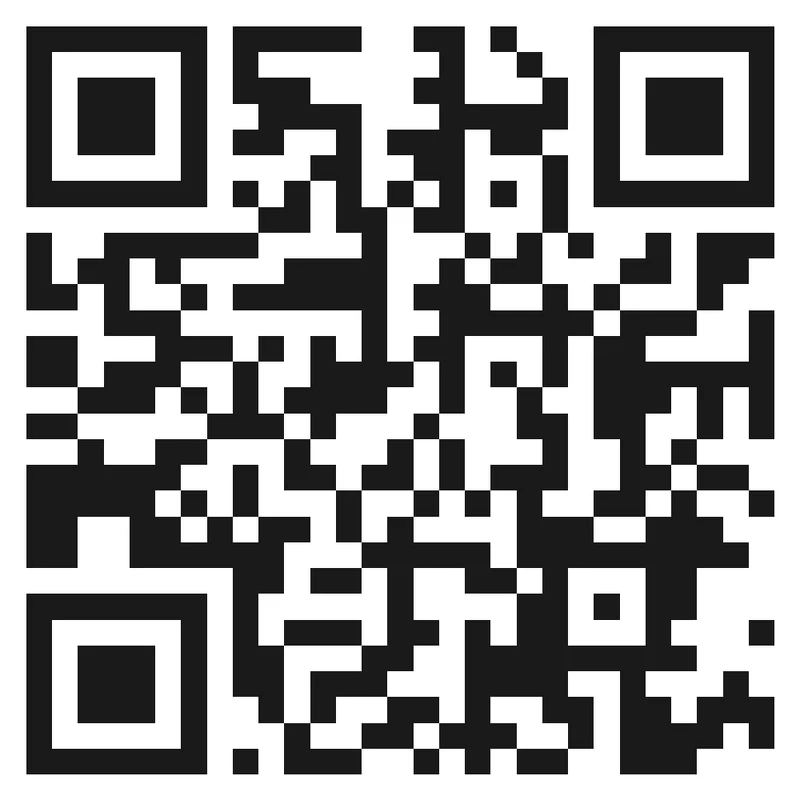
Risk
A QR code buried in gradients, sponsor logos, dark photos, or busy booth graphics may look integrated but scan poorly from distance.
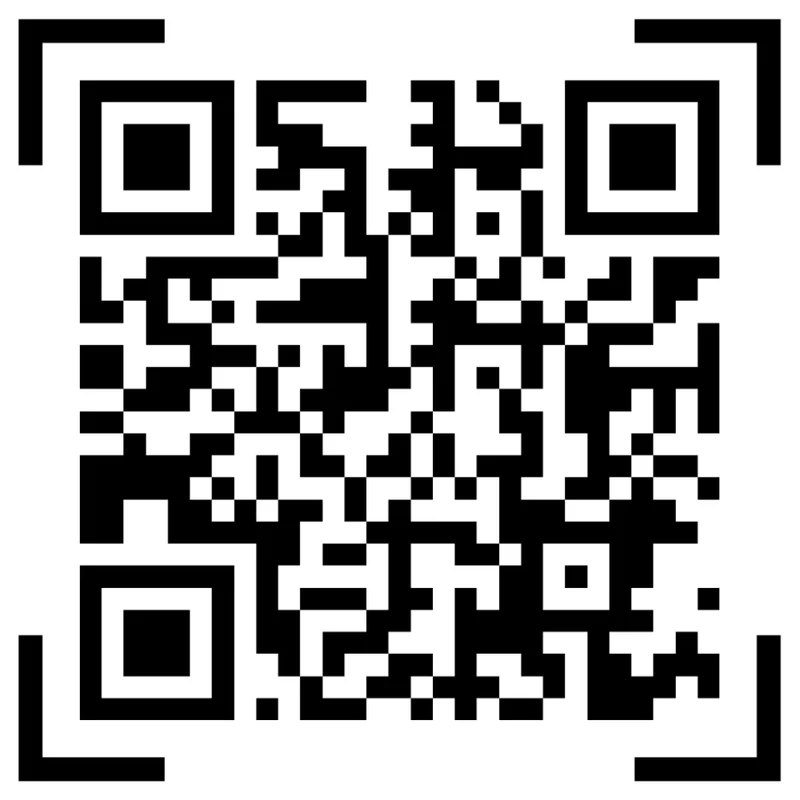
Better
Use a high-contrast code, preserve quiet zone, and keep the CTA short enough to read while walking or waiting.
Design the CTA for quick event decisions
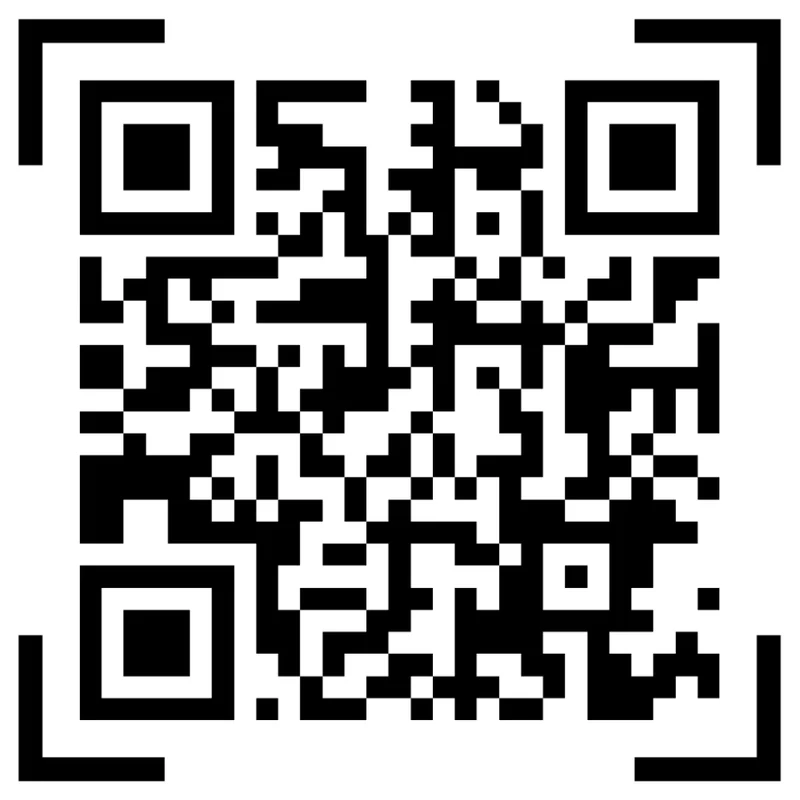
Risk
A bare QR code gives attendees no reason to stop, especially when the venue is noisy or crowded.
Better
Use direct copy such as view agenda, book demo, claim offer, open map, download slides, or send feedback.
Customize corners and modules
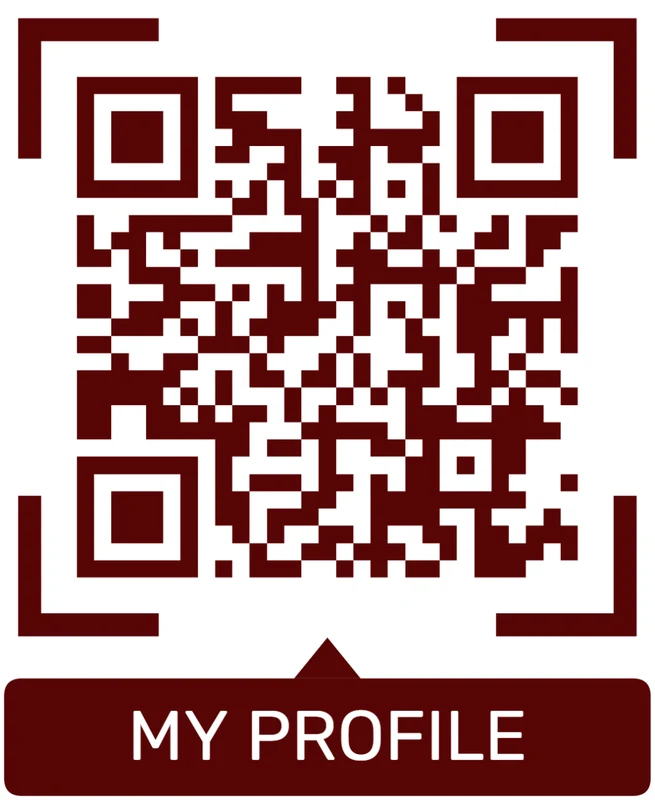
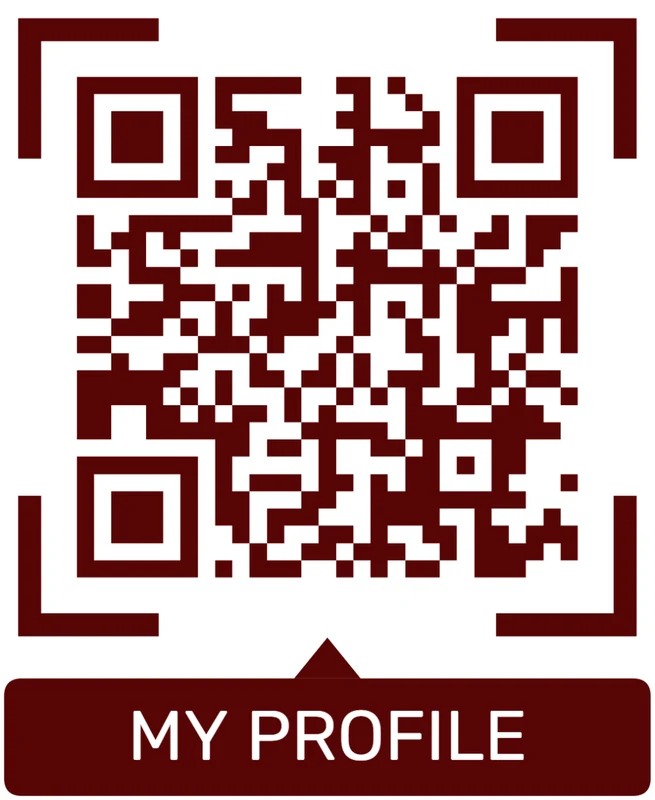
Standard pattern
A colored framed code already looks better, but it can still look like every other QR code.
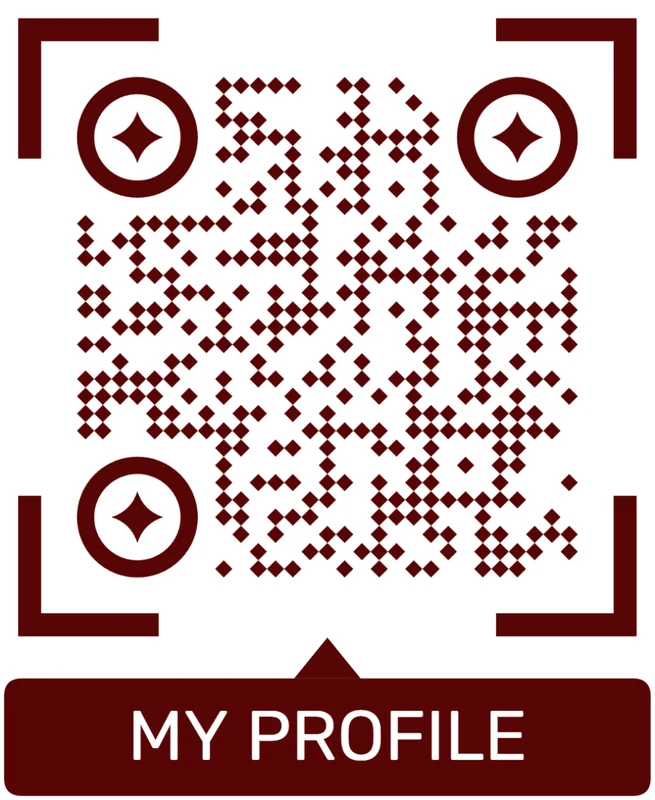
Custom eyes and module shape
Rounded modules, styled finder corners, and cleaner patterns can make the code feel premium. Keep the three corner markers clear.
Add a logo carefully
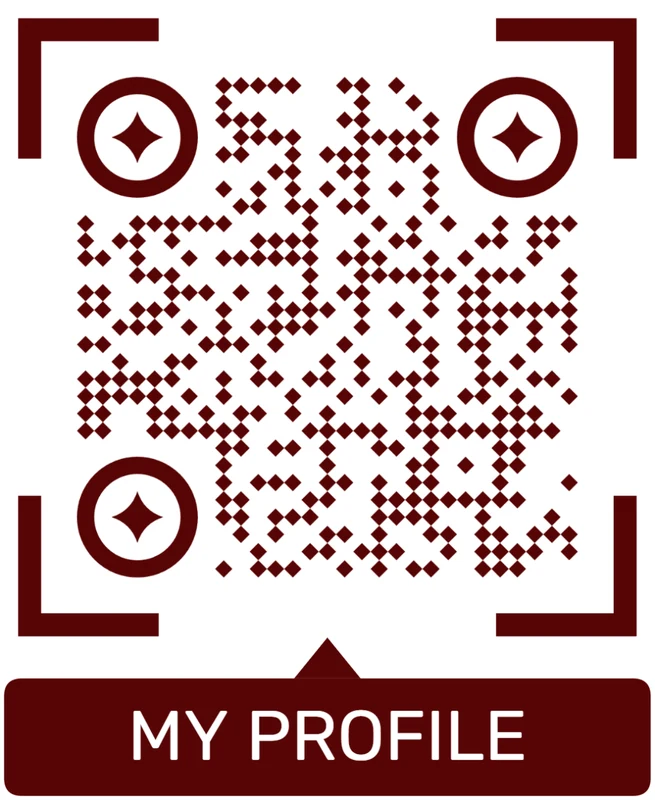
Styled QR code
A styled code can look polished, but people may still not know what brand, profile, file, or campaign it represents.
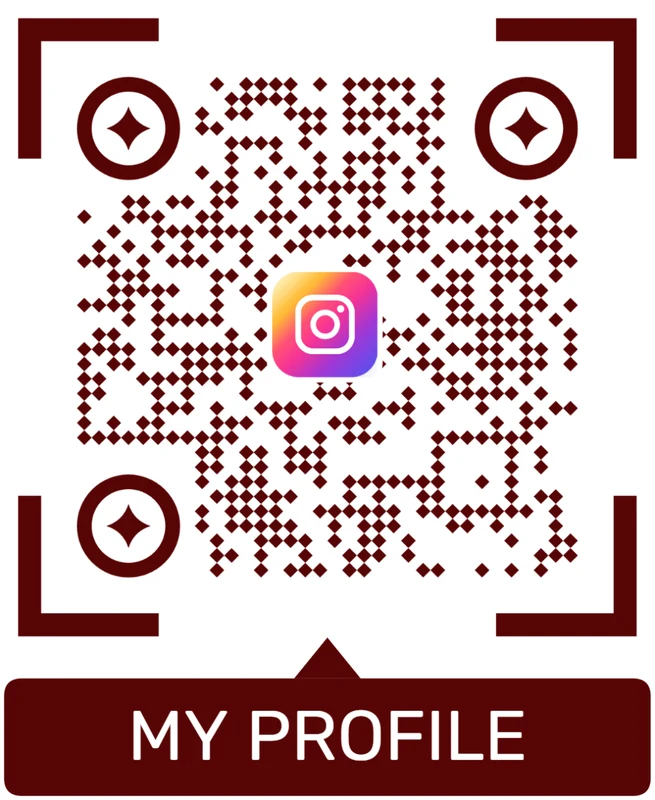
Logo QR code
A centered logo helps signal the destination. Keep it small, use a clean background behind it, and test the exported code.
Design banners for the scanner first
Large-format QR works when the attendee can see the promise, scan quickly, and land on the exact action the banner advertised.






