
QR Code for Auto Repair Shops - Booking, Reviews & Service
Create QR codes for auto repair shops linking booking pages, estimates, reviews, coupons, maps, contact cards, service menus, and warranties. Use them on counters, receipts, and vehicles.
Free QR code generator
Create a QR code online
Generate QR codes for websites, email, phone numbers, vCards, Wi-Fi, plain text, forms, PDF files, and campaign links. Customize colors, add a logo or frame, then download a print-ready PNG or SVG.
Choose QR code type
Website QR code, Email QR code, Phone QR code, vCard QR code, Wi-Fi QR code, Text QR code, SMS, WhatsApp, event, and download links.
Add your content
Enter your website URL, contact details, message, phone number, location, or file destination before generating the QR code.
Customize and download
Adjust QR colors, error correction, logo, frame, size, and margin. Generate QR Code, Download PNG, Download SVG, or Save and track scans.
Service shop link
Help drivers book service, understand repairs, and come back later
A QR code for auto repair shops is useful when a driver needs a practical link from a counter card, invoice, service sticker, estimate sheet, or direct mail offer. It can open a booking page, estimate form, review link, coupon, map, contact card, service menu, warranty page, inspection checklist, maintenance reminder, or seasonal service offer. Mechanics, garages, tire shops, inspection stations, detailing services, and repair centers can use QR codes to keep service actions close to the vehicle owner.
The value is timing. A driver may scan when they pick up the car, see a tire rotation reminder, compare an estimate, sit in the waiting room, or receive a coupon in the mail. The QR code should make the next step obvious: book service, request estimate, view warranty, redeem coupon, save contact, or leave review. QR Code Lab helps you keep those printed links current and measure which service materials bring drivers back.
QR Code Lab creates URL QR codes only. It does not process payments, manage repair orders, collect forms, run bookings, or operate shop software. The linked booking, estimate, coupon, review, warranty, or service system handles the actual customer workflow.
Auto repair customer moments
Help drivers open the right service action from the shop, invoice, or vehicle
Service flowAn auto repair QR code should connect the driver to a specific next step: book service, approve an estimate, upload photos, view maintenance notes, pay an invoice, leave feedback, or save the shop contact.
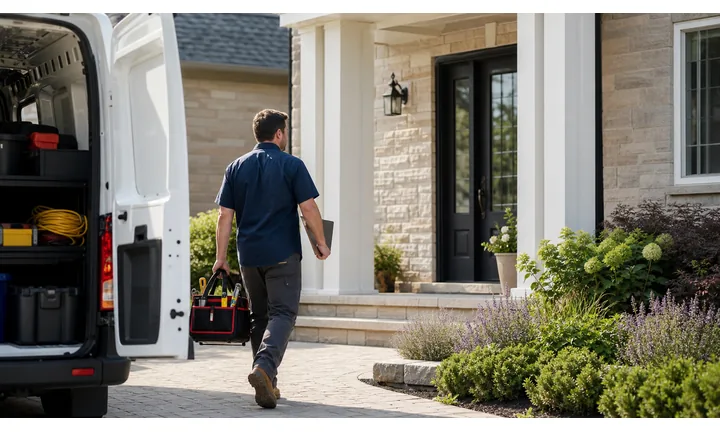
Turn paper service materials into useful actions
Put QR codes on invoices, inspection sheets, appointment cards, window stickers, counter signs, and repair folders so drivers can open the exact booking, estimate, payment, or follow-up path.
The scan should answer the question the customer has right then, not send everyone to a generic homepage.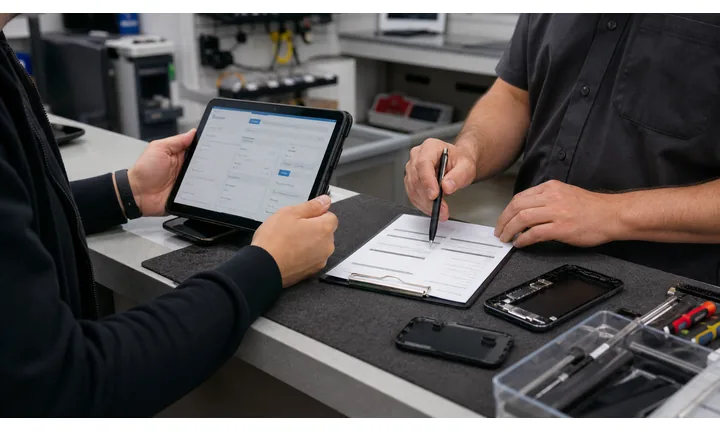
Make estimates and approvals easier to handle
Use QR destinations for estimate review, photo uploads, service authorization, parts questions, warranty notes, and pickup instructions so staff spend less time repeating details by phone.
Clear digital steps reduce friction when customers are away from the shop.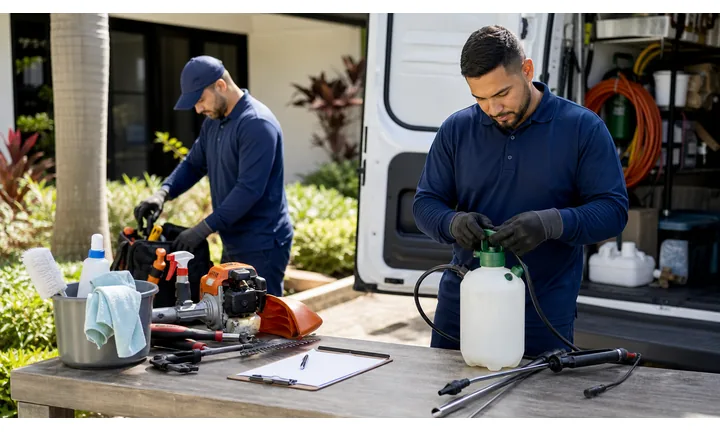
Keep post-service follow-up organized
Send completed customers to maintenance reminders, review requests, warranty information, tire rotation notes, and next-visit booking after the repair is finished.
The best QR moment often happens after trust has been earned.An auto repair QR should reduce uncertainty around the service visit
Drivers scan while holding an invoice, waiting at the counter, checking a vehicle, or reading a service reminder. The destination should make the next step clear and practical.
QR Code Lab creates the QR path; the shop still owns repair advice, pricing, approvals, payments, and customer records.Before service
Open booking, intake, photo upload, symptoms, and estimate request forms.
During repair
Share authorization, inspection photos, parts questions, warranty notes, and pickup timing.
After pickup
Route to review, maintenance reminders, warranty details, and next-service booking.
At the vehicle
Use stickers or hang tags for tire rotation, oil change, care notes, and shop contact.
Shop growth
Turn repair-shop touchpoints into service bookings and cleaner follow-up
LocalAuto repair QR codes work when they remove friction from ordinary shop moments: intake, estimate approval, pickup, payment, review, warranty, and maintenance reminders.

Make the next appointment easy to schedule
Use QR codes on reminders, receipts, and inspection sheets to open oil change, tire rotation, diagnostic, or seasonal service booking.

Help customers review estimates away from the counter
Send customers to estimate notes, inspection photos, service options, and authorization steps that are readable on a phone.

Open the trusted invoice or payment page
If payment is involved, the QR should lead to the approved provider and show the invoice context before checkout.

Ask after the vehicle is back on the road
Use review QR codes on pickup cards, receipts, and follow-up materials after the service experience is complete.

Keep service records and warranty notes accessible
Link repair folders or stickers to warranty details, care instructions, recommended intervals, and contact paths.

Send drivers to urgent or seasonal information
Use flyers and counter signs for tire season, battery checks, recall guidance, inspection requirements, or local service campaigns.

Drivers scan when the vehicle problem is already active
The customer may be waiting, comparing estimates, arranging pickup, or looking at an invoice. The QR should lead to one useful action instead of asking them to navigate the full site.
The shop can reduce repeat calls and missed follow-up
Separate QR paths for booking, estimates, payment, warranty, and reviews help staff route requests and keep service communication clearer.
Place the code where the service question starts
Shop placement
Place auto repair QR codes where drivers need a service answer
PlacementRepair-shop QR placement should match the driver moment: checking in, reviewing an estimate, paying an invoice, picking up the car, reading a sticker, or deciding on the next service.

The QR opens a general shop website
A homepage does not tell a driver where to approve work, upload photos, pay an invoice, book the next visit, or leave feedback.
Service QR codes should be tied to the printed item and customer task.
The QR opens the exact service path
Use invoices for payment and reviews, inspection sheets for approvals, reminders for booking, and stickers for maintenance notes.
The printed caption should say what opens after the scan.
What stage is the repair in?
Intake, estimate, authorization, pickup, payment, warranty, and maintenance follow-up need different destinations.
Is the customer at the shop or at home?
Counter signs and remote estimate links should not force the same path.
Does the destination involve money or approval?
Make invoice, provider, vehicle, and service context visible before the customer acts.
Will the offer or link change?
Use dynamic QR for seasonal service pages, booking tools, estimate forms, and payment links that may move.
Service invoice
Open payment, warranty notes, review request, and next appointment booking.
Inspection sheet
Show photos, recommendations, estimate choices, and approval instructions.
Counter sign
Use for check-in, Wi-Fi, booking, pickup status, and review follow-up.
Vehicle sticker
Link to oil change interval, tire rotation, warranty, and shop contact.
Appointment card
Open rescheduling, preparation notes, directions, and contact details.
Flyer or mailer
Send drivers to seasonal offers, diagnostics, coupons, and booking.
Repair folder
Keep service records, care notes, warranty details, and follow-up tasks together.
Waiting area
Open amenities, service status, payment, local shuttle, or customer feedback.
Auto repair QR placement should remove one service friction
Put the code where the driver already has a question, then open the action that answers it.
Service updates
Use dynamic QR when service links, offers, or booking pages can change
DynamicRepair-shop print often stays in vehicles, folders, waiting areas, and mailers while booking tools, seasonal offers, payment links, and maintenance resources change.
Old shop materials keep pointing to old service pages
A static QR on a sticker, invoice, flyer, or folder can outlive the page it opens.
That creates frustration when booking links, payment providers, seasonal offers, or warranty resources move.
The same printed code can stay useful through the vehicle lifecycle
Dynamic QR lets the shop update destinations without replacing every printed card, sticker, or mailer.
This is useful for promotions, reminders, service intervals, estimate forms, and payment pages.

Seasonal service campaigns
Move scans between tire season, battery checks, AC service, inspections, and local offers.
Booking and estimate tools
Update calendars, intake forms, photo upload paths, estimate review, and authorization links.
Payment and invoice links
Redirect to the current trusted payment provider or billing support page.
Vehicle care resources
Keep warranty notes, maintenance intervals, and post-service instructions current.
Use dynamic when the printed shop material will keep circulating
If the QR lives on a vehicle, invoice, folder, or mailer, an editable destination protects the customer path.
Shop touchpoints
Put the QR code on materials drivers keep or see at the counter
Use auto repair QR codes on oil change stickers, service invoices, estimate sheets, waiting room signs, counter cards, coupons, inspection forms, warranty cards, direct mail, vehicle pickup cards, tire tags, and maintenance reminder cards. The CTA should match the job: book service, request estimate, view warranty, check maintenance schedule, redeem coupon, get directions, or leave review.
Different placements should often have different codes. A waiting room sign can open booking or services. A warranty card should open warranty details. A coupon should open the exact offer. A pickup card can ask for a review after the work is complete. Dynamic QR codes help when coupons, booking pages, seasonal service offers, and warranty links change. QR Code Lab analytics can show which physical materials create return visits or review intent, while appointments, payments, and repair records stay inside your shop systems.
Drivers may scan days or months after service, so avoid destinations that only make sense today. A durable service page, booking link, or maintenance guide usually works better than a temporary homepage banner.
Honest reviews, useful feedback
Ask for auto repair reviews after the driver has the car back
Ethical feedbackA repair-shop review QR works best after pickup, when the customer can judge communication, turnaround, price clarity, and how the vehicle feels after service.

Ask when the repair experience is finished
Use a QR on a pickup card, receipt, or follow-up message after the customer has seen the final invoice and driven the vehicle.
Oil change, tire service, diagnostics, repair pickup, warranty work, or completed inspection. Do not ask for a public review while a dispute, estimate question, or comeback issue is unresolved.
Keep a support path for unresolved issues
If the customer has a noise, warning light, billing concern, or scheduling issue, a private contact path is more useful than a public review push.
Comeback concerns, invoice questions, delayed parts, warranty questions, or service follow-up. Make it easy to reach the shop before frustration becomes a public complaint.
Pair reviews with the next service reminder
After a good visit, the QR can offer a review path plus maintenance reminders, referral offers, or next appointment booking.
Pickup folders, oil change stickers, loyalty cards, and seasonal service reminders. Keep the review request honest and separate from discounts or pressure.Use review QR codes as follow-up, not pressure
The scan should give happy drivers an easy review path while giving unhappy drivers a clear way to contact the shop.






