
QR Code Generator for Marketing - Campaigns, Promos & Ads
Create marketing QR codes for landing pages, promos, coupons, events, product launches, flyers, posters, packaging, stickers, and social campaigns. Turn offline attention into measurable action.
Free QR code generator
Create a QR code online
Generate QR codes for websites, email, phone numbers, vCards, Wi-Fi, plain text, forms, PDF files, and campaign links. Customize colors, add a logo or frame, then download a print-ready PNG or SVG.
Choose QR code type
Website QR code, Email QR code, Phone QR code, vCard QR code, Wi-Fi QR code, Text QR code, SMS, WhatsApp, event, and download links.
Add your content
Enter your website URL, contact details, message, phone number, location, or file destination before generating the QR code.
Customize and download
Adjust QR colors, error correction, logo, frame, size, and margin. Generate QR Code, Download PNG, Download SVG, or Save and track scans.
Campaign bridge
Connect flyers, posters, packaging, and events to measurable campaign pages
A QR code generator for marketing helps turn offline attention into a clear digital action. It can link flyers, posters, stickers, packaging, event signs, menus, table cards, mailers, samples, and product inserts to landing pages, coupons, launch pages, social profiles, forms, bookings, app downloads, videos, and campaign offers.
The useful part is not just that people can scan. The useful part is that you can match the printed moment to the next step. A product launch card can open a demo. A poster can open event registration. A package insert can open reorder or support. A coupon can open a current offer. QR Code Lab helps create dynamic campaign QR codes, keep printed assets editable, and review scan activity by placement or campaign.
QR Code Lab creates URL QR codes and scan analytics. It does not buy ads, collect leads by itself, process payments, or run your marketing automation. Your landing page, form tool, CRM, ecommerce store, ad platform, or social profile handles the campaign result after the scan.
Low-cost customer touchpoints
Use marketing QR codes to turn physical attention into a measurable next action
Practical benefitsA marketing QR code should connect each printed placement to one clear campaign action: claim an offer, open a landing page, download a file, book a demo, join a list, review a product, or visit a store.
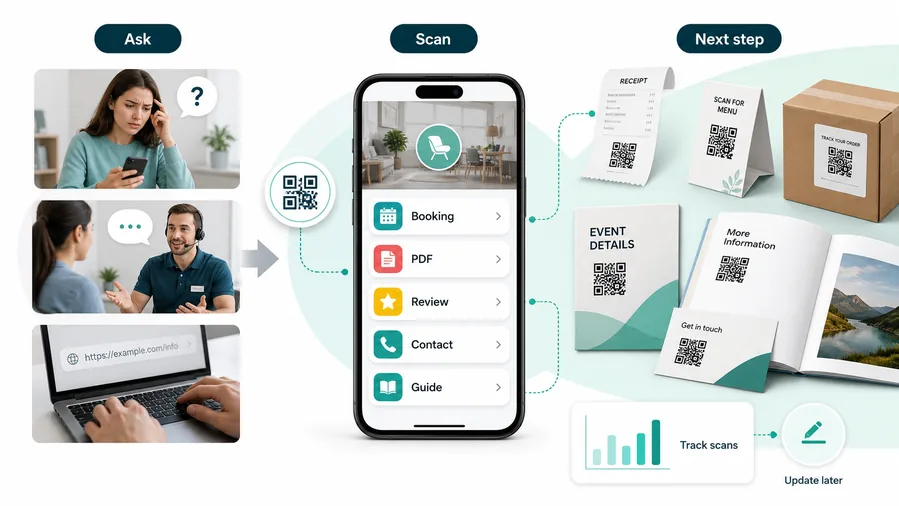
Print creates attention but often loses the next step
Flyers, posters, direct mail, packaging, event booths, and out-of-home ads can create interest, but people still have to type, search, or remember the offer later.
That gap weakens attribution, slows conversion, and makes campaign cleanup harder after the promotion changes.
A focused QR campaign shortens the path to response
A campaign QR can open the exact landing page, coupon, form, booking path, catalog, video, or store locator promised beside the code.
For customers, the strongest QR code use cases are usually the repetitive questions and next actions people already have. QR Code Lab helps turn those moments into clear buttons, files, forms, microlanding pages, editable destinations, and measurable scan activity.
Make campaign response immediate
Send scanners from flyers, mailers, signs, and packaging to the exact offer or landing page.
Keep print campaigns editable
Update expired offers, forms, calendars, PDFs, store pages, and campaign redirects without reprinting.
Compare channels and placements
Use separate tracked codes for print pieces, cities, stores, events, and audiences.
Support richer post-scan journeys
Open videos, catalogs, product pages, coupons, lead forms, maps, downloads, and support.
Marketing QR codes should be named by campaign job and placement
Use the QR for a specific action such as claim offer, book demo, open catalog, find store, watch video, or download guide.
Restaurants and venues
Menus, Wi-Fi, booking, reviews, loyalty signup, event details, and feedback can live exactly where guests already pause.
Books and education
Bonus PDFs, ZIP files, worksheets, source files, updates, examples, and reader feedback can sit behind a single page-level QR code.
Retail and packaging
Care guides, warranty, setup instructions, reorder links, product education, recipes, safety notes, and reviews can follow the item home.
Services and events
Booking, contact save, registration, schedules, maps, check-in, forms, portfolio links, and follow-up pages become reachable without manual searching.
A marketing QR code should earn its place in the campaign
If the scan does not make response easier or measurement clearer, the placement needs a sharper promise.
Campaign design
Design marketing QR codes so the brand helps the scan, not hides it
Design safelyMarketing QR codes often appear in polished creative. Brand color, frames, logos, and CTAs help only when contrast, quiet zone, size, and finder corners stay reliable.
Start with scan reliability before campaign styling
Risk
Low contrast, crowded artwork, and tiny QR placement can make the creative look good while the code performs poorly.
Better
Keep the QR pattern readable, preserve quiet zone, and use brand elements around the code rather than over the parts phones need to read.
Use the CTA to set expectations
Risk
A bare QR code on a flyer or package gives people no reason to stop and scan.
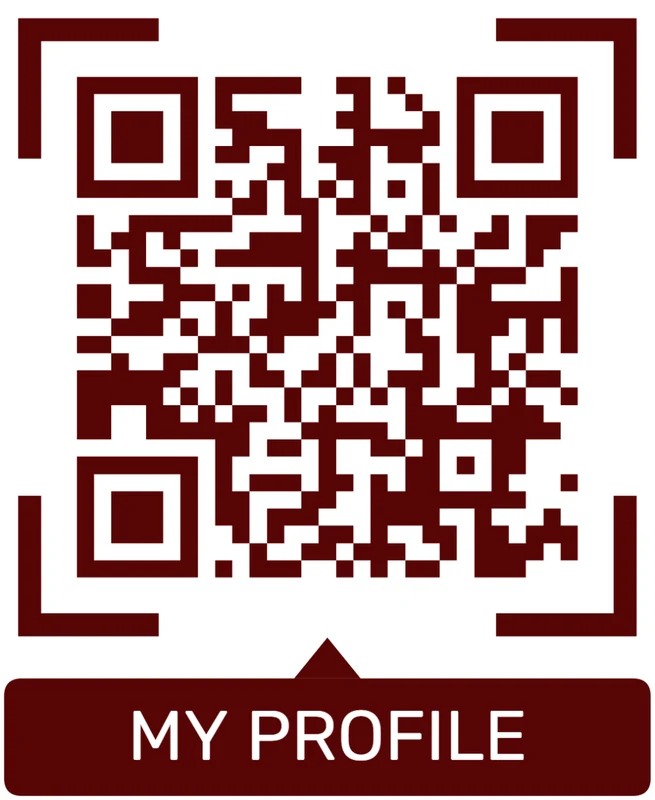
Better
Add a short promise such as claim offer, watch demo, get recipe, book consult, or see catalog so the scan has a clear benefit.
Customize corners and modules
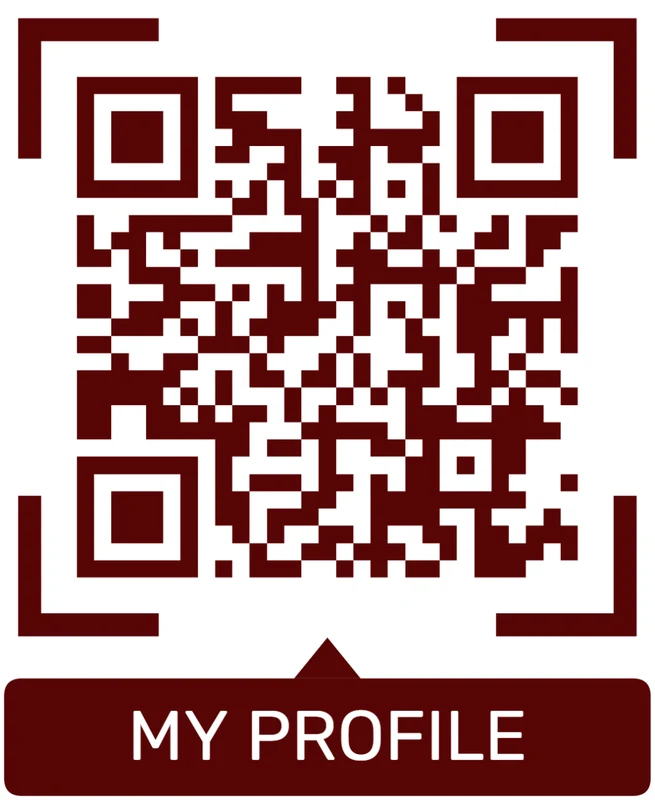
Standard pattern
A colored framed code already looks better, but it can still look like every other QR code.
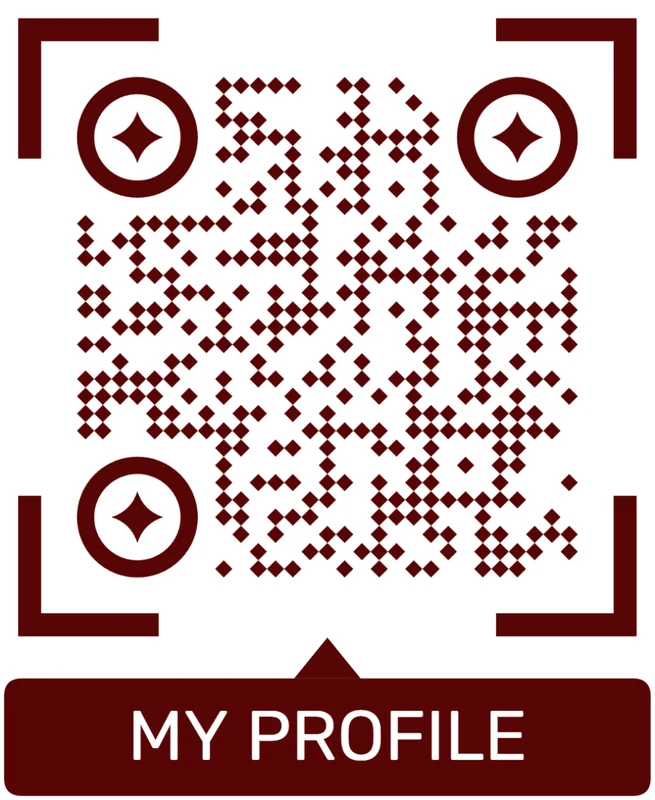
Custom eyes and module shape
Rounded modules, styled finder corners, and cleaner patterns can make the code feel premium. Keep the three corner markers clear.
Add a logo carefully
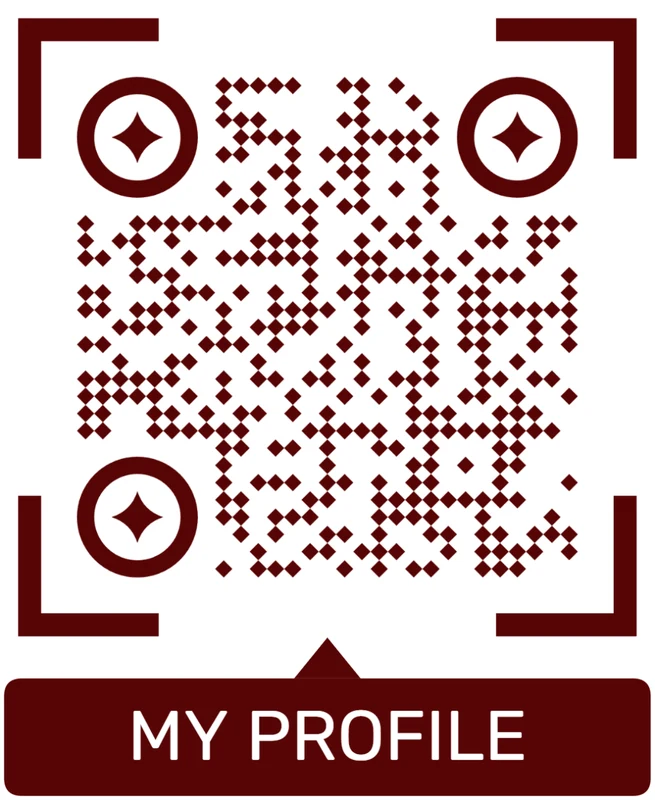
Styled QR code
A styled code can look polished, but people may still not know what brand, profile, file, or campaign it represents.
Logo QR code
A centered logo helps signal the destination. Keep it small, use a clean background behind it, and test the exported code.
Design for the scanner and the campaign goal together
The QR should look intentional in the creative while still scanning quickly from the real distance and material.
Campaign placement
Place marketing QR codes where the offer is clear and the phone is available
PlacementMarketing placement should be judged by scan intent, not empty space. The best QR is near the promise, readable at the viewing distance, and tied to a useful mobile destination.

Visible does not always mean scannable or persuasive
A code in the corner of a poster, wrapper, or billboard may look tidy but fail if people are moving, too far away, or unsure what they get.
Marketing QR placement needs a reason to scan and enough physical readability.
Put the code beside the campaign promise
Place QR codes near the offer, product proof, event handoff, receipt moment, or packaging question the scanner already has.
The destination should continue the ad, not restart the conversation.
What just caught attention?
Offer, product, event, display, package, sign, mailer, influencer card, or sales handout.
What should happen next?
Claim, buy, book, download, watch, compare, register, find store, reorder, review, or ask for help.
Can it scan in the real environment?
Check distance, material, lighting, movement, glare, and phone availability before print.
Will the campaign change?
Use dynamic QR for offers, UTMs, landing pages, event dates, inventory, and post-campaign redirects.
Flyer or poster
Open the campaign landing page, offer, event registration, demo, or store locator.
Direct mail
Use recipient or region-specific codes for offers, quotes, appointments, and follow-up.
Packaging
Send buyers to product education, recipes, warranty, reorder, review, or story pages.
Retail shelf
Open product comparison, coupon, stock, loyalty, or campaign detail.
Event booth
Route scans to lead capture, demo booking, resource download, giveaway, or post-event nurture.
Receipt
Invite reviews, loyalty, reorder, referral, support, or next-purchase offer.
Outdoor sign
Use only when the code is large, high contrast, and scannable from a safe stopped position.
Sales handout
Open case studies, pricing context, proposal pages, booking, and contact save.
Marketing QR placement should connect attention to action
If the code is visible but the value is unclear, rewrite the CTA or move the placement.
After-print control
Keep marketing QR campaigns editable after print, launch, and testing
DynamicCampaign destinations move quickly. Dynamic QR lets marketers update landing pages, UTMs, offers, forms, videos, and redirects while printed materials stay in the field.
A fixed QR can freeze an old campaign in public
A static QR is risky when an offer expires, a landing page changes, an event ends, or a form moves.
Old flyers, packages, posters, and booth materials can keep circulating after the campaign plan changes.
An editable QR keeps the campaign controllable
Dynamic QR lets teams update destinations, UTMs, variants, offer pages, catalogs, videos, and fallback pages without replacing print.
That gives marketing room to test, fix, and retire campaigns cleanly.

Offers and landing pages
Change promotions, seasonal pages, forms, and post-campaign redirects.
UTM and channel cleanup
Update campaign parameters and destination URLs without reprinting.
Events and launches
Move booth materials from signup to follow-up, replay, demo, or sales pages.
Packaging and retail
Keep product pages, recipes, warranties, reviews, and loyalty links current.
Use dynamic QR when the campaign will be measured or changed
If marketing print may outlive the first landing page, editable destination control protects the campaign.
Campaign testing flow
Use marketing QR codes where a clear offer meets a real scanning moment
Good placements include flyers, posters, window signs, trade show banners, event badges, direct mail, packaging inserts, product labels, stickers, table tents, and receipts. CTAs should say get offer, register now, watch demo, claim coupon, join waitlist, open guide, view product, or follow launch updates. The CTA should promise a specific benefit, not just ask people to scan.
Dynamic QR codes make campaign work less fragile. If the landing page changes, a coupon expires, a launch moves, or a form gets replaced, the printed code can keep working while the destination is updated. Scan analytics can compare posters, mailers, booths, packaging, and receipts so marketers can see which offline placements deserve more investment.
Keep the scanned page focused on the same promise as the printed piece. If the poster offers a discount, open the discount. If the flyer promotes a demo, open the demo. A mismatch wastes attention quickly. QR Code Lab manages the code and scan data, while your campaign tools handle conversion. That alignment is what makes the campaign feel smooth.
Scan reporting
Use marketing QR analytics to compare placements, not to overclaim revenue
AnalyticsQR tracking helps compare campaign attention by print piece, channel, location, and date. Sales and attribution still need the downstream marketing stack.

One shared campaign code hides the channel story
A single QR can show total scans, but it cannot tell whether interest came from a flyer, mailer, event booth, package, retail sign, or receipt.
That makes it hard to learn which print placements earned attention.
Separate tracked codes make campaign learning cleaner
Use distinct dynamic QR codes for channels, cities, stores, packages, events, creative variants, and audiences when comparison matters.
Scan data is not full attribution, but it gives physical campaign signals that are otherwise hard to see.
Scan volume
Review scans by campaign, print piece, channel, location, date range, and creative variant.
Timing
Check launch, event, promo, weekend, season, and post-campaign activity.
Broad location
Use approximate location signals for market, store, or region comparison.
Device context
Confirm landing pages, forms, videos, and checkout paths work on scanner devices.
Channel comparison
Compare flyers, posters, direct mail, packaging, events, receipts, and store signs.
Creative testing
Use separate codes for CTA, offer, design, placement, or audience variants.
Local campaigns
Measure branches, cities, neighborhoods, partners, and retail displays separately.
Campaign cleanup
Find stale print still receiving scans and redirect it to current offers or evergreen pages.
Name marketing QR codes by campaign, channel, and placement
Use names like spring-mailer-offer, booth-demo, package-reorder, receipt-review, or poster-store-nyc so reports stay useful.
Scan trust
Make marketing QR codes trustworthy before people scan, submit, or pay
TrustMarketing QR codes often appear in public and may open offers, forms, files, checkout, contests, or redirects. The destination should clearly match the brand and printed promise.

Suspicious short links or redirects
Unknown QR destinations can reduce trust, especially on public posters, packaging, and payments.
Watch for similar-looking domains, long URLs, login or verify keywords, and pages asking for credentials after an unexpected scan.
Expired or mismatched campaign pages
Old offers, moved forms, and wrong landing pages make a campaign feel careless or unsafe.
A trustworthy QR should not make the final destination mysterious, especially on posters, labels, menus, parking signs, or event materials.
Public sticker replacement
Posters, signs, and retail placements should be checked for tampering when QR codes open forms or checkout.
Before paying, check the domain, HTTPS, amount, recipient, and whether the destination matches the place or brand that printed the QR.Inspect the encoded destination before people rely on it
Decode the QR value, review the domain, redirects, HTTPS, page identity, and printed promise before opening, publishing, or sharing the code.
A QR inspection can reveal useful signals, but it cannot guarantee that every destination is safe forever.Decoded destination
Check that the QR opens the current branded campaign page, offer, file, form, checkout, or support path.
CTA match
Confirm the page delivers the value printed beside the code: offer, demo, guide, event, catalog, or support.
Redirect clarity
Review redirect chains and domains before public launch.
Public placement
Inspect posters, signs, packaging, and retail displays for damage or sticker replacement.
Publish QR codes people can understand
The printed CTA, destination title, brand identity, and first action should all describe the same promise.






