
Coupon QR Code Generator for Discounts, Rewards & Offers
Create coupon QR codes for discounts, promo codes, restaurant offers, retail campaigns, loyalty rewards, and limited-time deals. Use them on flyers, receipts, signs, and packaging.
Free QR code generator
Create a QR code online
Generate QR codes for websites, email, phone numbers, vCards, Wi-Fi, plain text, forms, PDF files, and campaign links. Customize colors, add a logo or frame, then download a print-ready PNG or SVG.
Choose QR code type
Website QR code, Email QR code, Phone QR code, vCard QR code, Wi-Fi QR code, Text QR code, SMS, WhatsApp, event, and download links.
Add your content
Enter your website URL, contact details, message, phone number, location, or file destination before generating the QR code.
Customize and download
Adjust QR colors, error correction, logo, frame, size, and margin. Generate QR Code, Download PNG, Download SVG, or Save and track scans.
Offer access
Make a printed offer easy to claim from a phone
A coupon QR code can open a coupon page, promo code, restaurant offer, retail campaign, loyalty reward, limited-time deal, ecommerce discount, flyer offer, receipt offer, or packaging insert promotion. It is useful for restaurants, cafes, retailers, ecommerce teams, local businesses, marketers, agencies, and loyalty program owners.
The destination matters more than the square itself. Send scanners to the exact offer page, form, menu, checkout page, or landing page where they can understand and use the discount. Avoid vague copy like scan for more if the real promise is a coupon. People are more likely to scan when the value is plain before they lift the phone.
QR Code Lab can help create trackable QR codes, update dynamic destinations, and show scan activity by placement. It does not validate promo codes, process checkout, decide eligibility, run loyalty rules, or measure final redemption inside your POS or ecommerce system. Use QR scans as attention data and your commerce system as redemption data. Together, they show both interest and actual sales impact.
Offer redemption
Use coupon QR codes to make the discount easy to claim and easy to control
CouponsA coupon QR code should open a clear offer path: discount code, landing page, checkout link, printable coupon, loyalty signup, limited-time promotion, or location-specific deal.
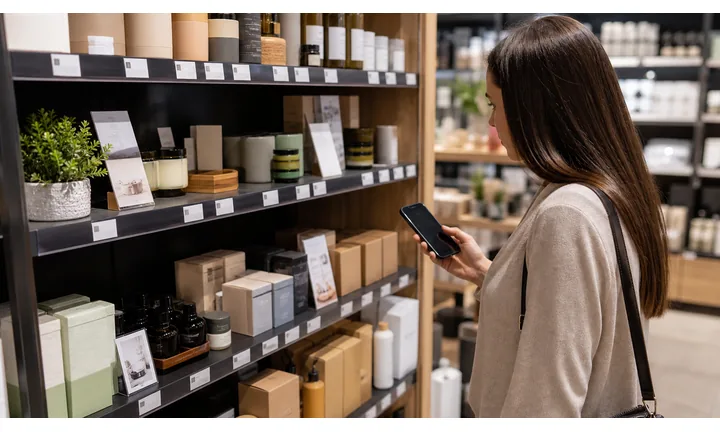
Put the offer terms beside the scan
Use QR codes on flyers, shelf tags, receipts, table cards, packages, postcards, and window signs with clear copy about the discount, deadline, location, and redemption step.
Customers should not need to scan to discover the basic offer.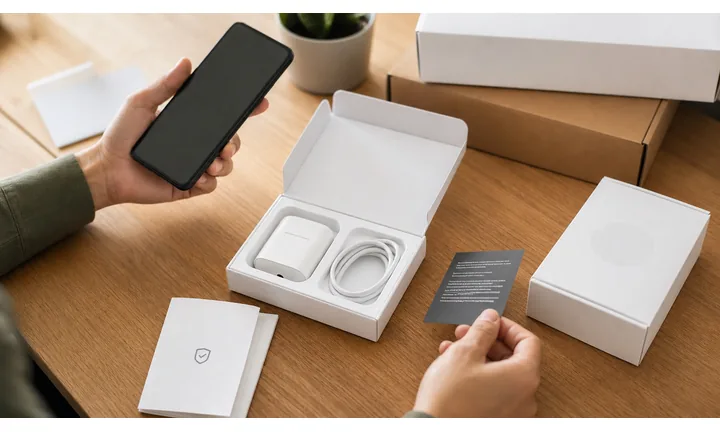
Send shoppers to the exact redemption path
The destination should show the coupon code, apply the discount, open the product, or explain how to redeem in store. A generic homepage wastes the promotion moment.
The scan should shorten the distance from interest to redemption.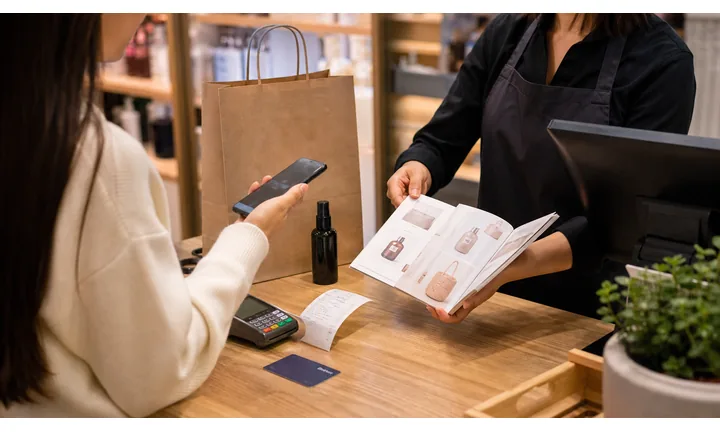
Keep campaigns editable after print
Coupon dates, product links, inventory, promo codes, and landing pages change. Dynamic QR helps printed offers move from active campaign to expired notice, waitlist, or replacement offer.
Printed coupons need expiration control.A coupon QR code should make the offer feel trustworthy and actionable
The first screen should confirm the deal, merchant, deadline, redemption method, and any major exclusions. If the offer is limited, say so before checkout.
Do not hide important terms behind tiny print or a vague landing page.Retail
Use shelf tags, receipts, postcards, and displays for product discounts, loyalty offers, and local campaigns.
Restaurants
Open happy hour, delivery, birthday, loyalty, and table-specific offers with clear terms.
Events
Use QR coupons for ticket discounts, sponsor offers, booth promotions, and post-event follow-up.
Ecommerce
Route scanners to product pages, applied discount links, cart pages, and campaign landing pages.
Promotion workflow
Make coupon QR codes connect the printed offer to the redemption moment
PromotionCoupon QR codes work when they remove steps from a real purchase path: scan, understand the deal, redeem, and know what to do if the offer has limits.

Drive a specific product or service offer
Send shoppers to the exact product, menu item, service page, ticket, or booking path instead of asking them to search after scanning.

Support in-store and online redemption
Explain whether the customer should show the screen at checkout, copy a code, open a cart link, join loyalty, or complete a form before redeeming.

Use separate codes by campaign material
Different flyers, receipts, shelf tags, posters, partners, or locations can use separate QR codes so the team can understand which print assets earn interest.

Handle expired or changed offers gracefully
When the promotion ends, route scans to an expired-offer explanation, current campaign, loyalty signup, or evergreen page instead of a dead link.

Directions and service area
A QR code on a window sign, flyer, local ad, reception card, or booth can open directions, parking notes, entrance instructions, branch selection, service area, or call-before-arrival details without making customers search manually.

Coupons and quote forms
QR codes can turn local interest into a first-visit offer, seasonal coupon, estimate form, callback request, lead form, or quote request. The best offers match the placement: window sign, flyer, receipt, vehicle wrap, or local event booth.

Customers should understand the deal before checkout
Show the discount, deadline, eligible product or service, location limits, and redemption action clearly. Surprise exclusions create support problems.
Teams need campaign control after print
Coupons often circulate after inventory, dates, or promo codes change. Editable destinations help avoid wasted print and unhappy customers.
Choose coupon placements by purchase moment
Offer placement
Place coupon QR codes where the customer can act on the discount
PlacementCoupon QR placement should match the buying moment: shelf, receipt, package, table, counter, flyer, postcard, or event booth.

The QR appears away from the buying decision
A coupon QR that is far from the product, menu, checkout, or offer copy can become decoration.
Customers need to understand what they get and how to redeem it before the moment passes.
The code sits beside the offer and redemption cue
Place product coupons near products, bounce-back offers on receipts, local deals on postcards, and reorder discounts inside packages.
The printed copy should include the core deal, not just a scan prompt.
What is being discounted?
Product, service, ticket, meal, subscription, or booking should be clear before scanning.
Where can the customer redeem?
Online, in store, at checkout, by showing the screen, or through a cart link should be visible.
When does it expire?
Time-sensitive offers need visible dates or an editable destination that handles expired scans.
Do campaign materials need comparison?
Use separate QR codes for flyers, receipts, shelf tags, locations, and partners when reporting matters.
Shelf tag or product display
Best for item-specific discounts, bundles, product education, and checkout codes.
Receipt or invoice
Use for next-visit offers, loyalty signup, review incentives, and customer recovery coupons.
Flyer or postcard
Good for local campaigns, seasonal deals, event promotions, and booking offers.
Package insert
Send buyers to reorder discounts, refill offers, compatible accessories, warranty registration, and loyalty paths.
Poster or event sign
Best where people pause: registration line, booth, waiting area, seat back, schedule board, or exit path. Weak when people only pass at speed.
Business card
Useful after a conversation because the person already knows why they might save a contact, open a portfolio, book a call, or follow up.
Window sign
Good for after-hours menus, booking, pickup instructions, or quick offers. Avoid complex actions when the person is outside and just walking by.
Cover or front label
Use it only when the promise is immediate and clear. Otherwise the better scan moment is often inside the material or after the first interaction.
Coupon QR placement should make redemption feel immediate
Use the QR where the customer already understands the offer and can take the next purchase step.
Offer control
Use dynamic QR when coupon terms, dates, or destinations may change
DynamicCoupon campaigns change fast. Dynamic QR lets printed offers move from active discount to expired notice, replacement offer, loyalty signup, or current product page without reprinting.
Printed coupons keep opening the old offer
Static QR is fine when the offer page is permanent and terms never change.
But promo codes expire, products sell out, prices change, landing pages move, and campaign windows close. Old print can keep creating confusion.
The same printed coupon can open the current campaign page
Dynamic QR lets the team update the destination while flyers, receipts, cards, and inserts remain in circulation.
That helps when a coupon needs an expired-state page, a replacement offer, or a new redemption path.

Expiration handling
Route expired offers to a clear message, current campaign, waitlist, or loyalty signup instead of a dead page.
Inventory changes
Move scans when a product sells out, a service slot fills, or a menu item is unavailable.
Location-specific campaigns
Update deals by store, booth, region, partner, or event without redesigning print.
Testing offer pages
Improve landing pages, redemption instructions, and checkout links after printed materials are already distributed.
Use dynamic when printed coupon traffic needs campaign control
A coupon QR should keep customers pointed to a useful offer state even after the original promotion changes.
Campaign placement
Put coupon QR codes where the offer decision is close
Use coupon QR codes on flyers, receipts, packaging inserts, shelf tags, table tents, posters, direct mail, checkout counters, takeout bags, event cards, loyalty materials, product labels, and window signs. The CTA should be direct: claim coupon, get discount, open offer, save this deal, or show at checkout.
The scan moment matters. A coupon on a receipt can encourage the next visit. A table tent can support an order add-on. A package insert can drive reorder. A shelf tag can move a shopper from interest to product details or an offer. Place the code where the person is close to deciding, not where it only decorates the design.
Dynamic QR codes are useful for changing offers, expiring campaigns, A/B testing, and seasonal promotions. Scan analytics can compare where people notice the offer, while actual redemptions should be measured in your POS, ecommerce, or coupon system. This lets you keep printed coupons flexible without overstating what a QR scan proves. It also helps you retire weak placements instead of repeating them.






