
Restaurant Review QR Code Generator for Guest Reviews
Create restaurant review QR codes for Google reviews, guest feedback, table cards, receipts, takeout packaging, follow-up emails, and local trust. Give guests a clear path to honest feedback.
Free QR code generator
Create a QR code online
Generate QR codes for websites, email, phone numbers, vCards, Wi-Fi, plain text, forms, PDF files, and campaign links. Customize colors, add a logo or frame, then download a print-ready PNG or SVG.
Choose QR code type
Website QR code, Email QR code, Phone QR code, vCard QR code, Wi-Fi QR code, Text QR code, SMS, WhatsApp, event, and download links.
Add your content
Enter your website URL, contact details, message, phone number, location, or file destination before generating the QR code.
Customize and download
Adjust QR colors, error correction, logo, frame, size, and margin. Generate QR Code, Download PNG, Download SVG, or Save and track scans.
Review request path
Ask for restaurant reviews at the moment guests remember the visit
A restaurant review QR code is useful when guests should reach a public review page or feedback flow from a table card, receipt, takeout insert, delivery bag, counter sign, thank-you card, or follow-up material. It removes the awkward step of asking guests to search for the restaurant name later, when the visit is no longer fresh.
Review QR codes work best when the request is timed and honest. A receipt can ask after checkout. A takeout bag can ask after delivery. A small table card can invite feedback after the meal. For less public comments, a separate private feedback QR may be better. QR Code Lab helps create dynamic QR destinations and scan analytics, so the restaurant can compare where review prompts get attention.
QR Code Lab creates URL QR codes and tracks scans. It does not create fake reviews, filter reviews, incentivize ratings, or control Google, Yelp, TripAdvisor, or other platforms. Your review platform or feedback form handles the guest response. The clean win is convenience: guests reach the right page while the experience is still easy to remember.
Restaurant review moments
Restaurant review moments restaurants, cafes, bars, and food service teams with digital menus, ordering links, reservations, reviews, loyalty rewards, coupons, guest Wi-Fi, and feedback forms
Review QRUse QR codes to move restaurants, cafes, bars, and food service teams from table tents, menus, receipts, takeout bags, counter signs, food trucks, delivery packaging, and loyalty cards to digital menus, ordering links, reservations, reviews, loyalty rewards, coupons, guest Wi-Fi, and feedback forms without making guests search or type a long URL.
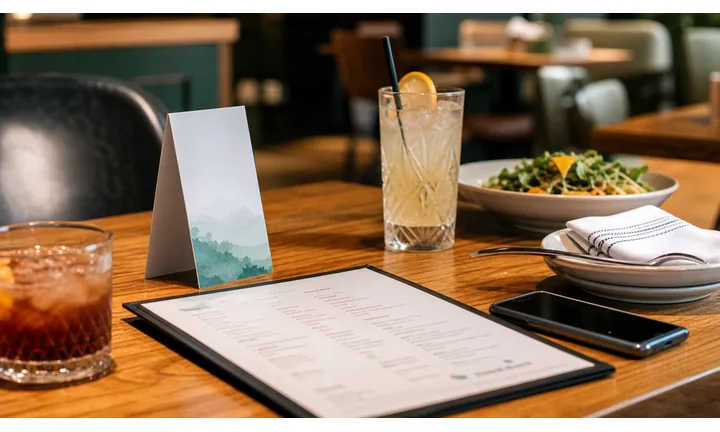
Ask after the experience is complete
Reviews work best after the meal, pickup, delivery, catering order, or private event has happened. Put the QR code on receipts, table cards, thank-you notes, delivery inserts, or loyalty follow-up where guests still remember the service.
Do not ask for a review before the guest has enough context to judge the visit.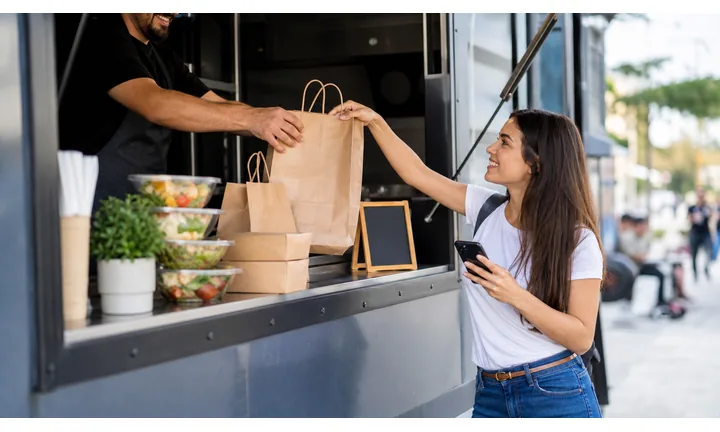
Separate praise from unresolved issues
A fair review destination gives unhappy guests a private way to reach the restaurant before sending everyone to a public review page. That protects guest trust and gives the team a chance to fix real problems.
Use private feedback, manager contact, or support first when the visit needs recovery.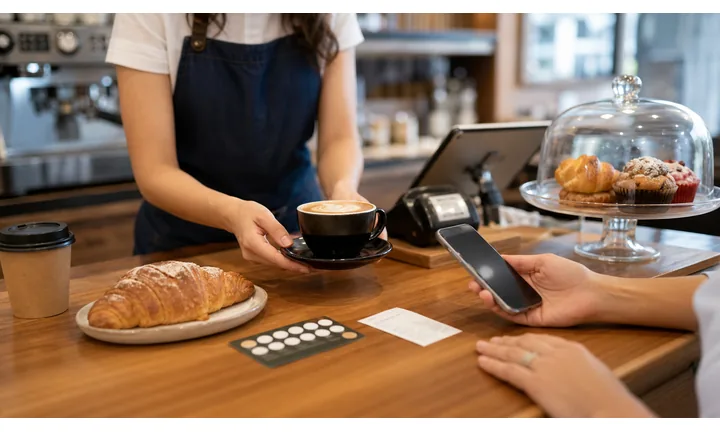
Route reviews to the right profile or branch
Multi-location restaurants need review links that match the exact branch, delivery zone, event team, or dining room. A QR code on the wrong receipt can send good feedback to the wrong listing.
Keep branch identity and review platform obvious before the guest taps through.Restaurant review QR should make the ask feel earned
The guest should understand who is asking, where the review will be posted, and what to do if something went wrong. A clean review flow can grow reputation without hiding support.
Use CTAs such as review your visit, tell us what happened, praise the team, or contact the manager.Right timing
Place review QR codes after service, delivery, checkout, event completion, or loyalty follow-up.
Right destination
Send each branch or service type to the correct Google, Tripadvisor, Yelp, social, or private feedback path.
Fair support path
Give unhappy guests a visible private route before asking for a public rating.
Readable ask
Print the review action beside the code so guests know what the scan will open.
Review trust
Ask restaurant guests for reviews without turning feedback into a filter
TrustA review QR should encourage happy guests to share their experience while still giving unhappy guests a real path to contact the restaurant.

Send satisfied guests to the correct public profile
Use this path after a completed dine-in visit, pickup order, delivery, catering job, or private event when the guest is ready to leave a public rating.
Receipts, thank-you cards, table tents, delivery inserts, loyalty follow-up, and event cards. Do not pressure guests, reward only positive reviews, or hide negative experiences from public platforms.
Give unhappy guests a direct way to reach the restaurant
Food quality, order accuracy, wait time, service, allergy concerns, billing, and delivery problems need a private support path staff can actually act on.
Use beside review prompts when the restaurant wants reputation growth without ignoring recovery. Do not make private feedback feel like a trap that blocks honest public reviews.
Keep review routing specific by location and channel
A review from a downtown dining room, catering event, delivery order, or airport kiosk should not land on the wrong listing or team inbox.
Multi-location restaurants, franchises, delivery kitchens, pop-ups, and catering teams. Ask for only the context needed to route the issue or praise correctly.Restaurant reviews work best when the ask is honest
Use review QR codes to reduce friction for willing guests, not to manufacture praise or hide problems.
Restaurants, cafes, and bars
Build the review QR around the moment guests are ready to speak
Guest-first flowA restaurant review scan should feel like a natural follow-up after service, not a generic marketing request pasted onto every surface.
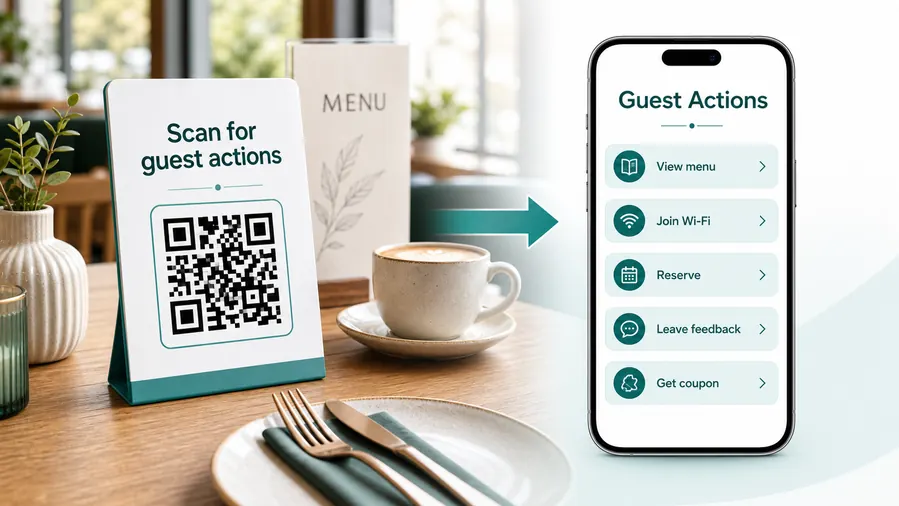
The guest needs to know whether this is a public review or private feedback
Put the review path, support path, branch identity, and expected action on the first screen so guests are not surprised after scanning.
Ask from receipts and table cards
Use the QR where the guest has just paid, finished the meal, or received the check and can still remember food, timing, hospitality, and value.
Route happy guests to the right profile
Send each location to its correct review page so public praise helps the branch that earned it.
Give unhappy guests a recovery path
Let guests report order mistakes, service concerns, billing issues, or delivery problems privately before the relationship is lost.
Use delivery inserts carefully
Delivery feedback should include order accuracy, packaging, timing, food condition, and support before asking for a public rating.
Invite praise for staff or events
Private dining, catering, and special events can collect testimonials, staff praise, and review prompts tied to the exact occasion.
Keep the review ask readable
Print a short CTA such as review your visit, tell us how we did, or contact the manager so the scan is not a mystery.
At the table
Menu, Wi-Fi, ordering, ask-for-help, specials.
While waiting
Drinks, dessert, event calendar, story behind the dish.
After payment
Review, private feedback, coupon, reservation.
Takeaway or delivery
Reorder link, loyalty signup, coupon, feedback.
Use dynamic QR when the destination may change
Menus, specials, reservation tools, coupons, review flows, seasonal campaigns, and ordering links change. A dynamic QR code keeps the printed code stable while letting you update where it sends the guest.
Do not make the guest solve your whole website
Most guests scan because they want one next action, not a tour of the restaurant site. If the QR code opens a hub, keep the first buttons aligned with the place where the code appears: menu at the table, review or coupon on the receipt, reorder or feedback on packaging.
Review placement
Place restaurant review QR codes after the guest has something real to evaluate
PlacementReview QR placement should follow a completed experience: checkout, receipt, table visit, delivery, pickup, catering, loyalty follow-up, or private event.

A review QR before the experience feels premature
A code near the entrance or on a generic wall sign can be visible but poorly timed because guests have not yet formed an opinion.
Review placement should be judged by the moment of completed service, not empty space in the layout.
Ask when the guest remembers the visit
Receipts, table cards, delivery inserts, and thank-you materials connect the review request to a specific meal, order, or event.
That context makes praise more useful and gives problems a better chance of reaching the right team.
What just happened?
The guest finished dining, picked up an order, received delivery, attended an event, or completed checkout.
What should happen next?
Public review, private feedback, manager contact, loyalty signup, testimonial, or return-visit offer.
Is the branch obvious?
The page should show the correct restaurant, location, service channel, and review destination.
Is support visible?
Guests with problems should see a private route before being asked for a public rating.
Receipt
Strong for visit-specific reviews because payment just happened and order context is still fresh.
Table card
Useful for comments during or immediately after the meal, especially when staff can still recover the visit.
Delivery insert
Capture packaging, timing, order accuracy, support needs, and review follow-up after delivery.
Pickup bag
Ask about wait time, staff, food condition, and order accuracy while the customer remembers pickup.
Thank-you card
Invite public reviews, testimonials, loyalty, or referral after a positive experience.
Event menu
Collect private dining, catering, banquet, or pop-up feedback tied to the specific event.
Loyalty follow-up
Ask repeat guests for reviews after they have a relationship with the restaurant.
Manager card
Give guests a direct recovery path for issues that should not wait for a public review.
Review QR placement should protect timing and trust
Use the code where the review request feels earned and the guest has a fair way to report problems.
Ethical review flow
Make review QR codes easy, honest, and separate from private feedback
Useful placements include receipts, table tents, counter signs, delivery inserts, takeout bags, thank-you cards, loyalty cards, and event menus. CTAs should say leave a review, share your visit, review us on Google, tell guests what you liked, or send private feedback. The wording should be respectful and should not pressure guests into a specific rating.
Dynamic QR codes are practical because review destinations and feedback strategies can change. You might send dine-in guests to one review page, delivery guests to private feedback, or update a link if a review platform changes. Scan analytics can compare receipts, tables, bags, and counters without claiming that every scan became a published review.
Keep the experience transparent. If the QR opens a public review site, say so. If it opens a private form, say that too. QR Code Lab manages the printed link and scan counts, while review platforms handle public posts and your feedback system handles private comments. Do not promise rewards for positive reviews or push guests toward a rating they did not choose.






