
Restaurant Feedback QR Code Generator for Guest Forms
Create restaurant feedback QR codes for guest surveys, service comments, food quality forms, table cards, receipts, review links, and follow-ups. Use them on tables, menus, packaging, and emails.
Free QR code generator
Create a QR code online
Generate QR codes for websites, email, phone numbers, vCards, Wi-Fi, plain text, forms, PDF files, and campaign links. Customize colors, add a logo or frame, then download a print-ready PNG or SVG.
Choose QR code type
Website QR code, Email QR code, Phone QR code, vCard QR code, Wi-Fi QR code, Text QR code, SMS, WhatsApp, event, and download links.
Add your content
Enter your website URL, contact details, message, phone number, location, or file destination before generating the QR code.
Customize and download
Adjust QR colors, error correction, logo, frame, size, and margin. Generate QR Code, Download PNG, Download SVG, or Save and track scans.
Guest feedback path
Collect restaurant feedback while the visit is still fresh
A restaurant feedback QR code is useful when guests should have an easy private way to share comments about service, food quality, wait time, cleanliness, ordering, or delivery. It can appear on table cards, receipts, takeout bags, menus, counter signs, hotel room dining cards, and follow-up inserts. The scan gives guests a direct path instead of making them search for a contact page.
Feedback QR codes work best when they are clearly different from public review requests. A review code sends happy guests to a public platform. A private feedback code gives guests a calmer place to explain what went well or what went wrong. That can help a restaurant fix issues before they turn into public complaints. QR Code Lab helps create dynamic feedback links and scan analytics for each printed placement.
QR Code Lab creates URL QR codes and tracks scans. It does not collect survey answers by itself unless you connect a form destination, and it does not replace a guest feedback platform. Your form, CRM, review tool, email workflow, or restaurant management system handles the responses.
Restaurant feedback moments
Restaurant feedback moments restaurants, cafes, bars, and food service teams with digital menus, ordering links, reservations, reviews, loyalty rewards, coupons, guest Wi-Fi, and feedback forms
Feedback QRUse QR codes to move restaurants, cafes, bars, and food service teams from table tents, menus, receipts, takeout bags, counter signs, food trucks, delivery packaging, and loyalty cards to digital menus, ordering links, reservations, reviews, loyalty rewards, coupons, guest Wi-Fi, and feedback forms without making guests search or type a long URL.
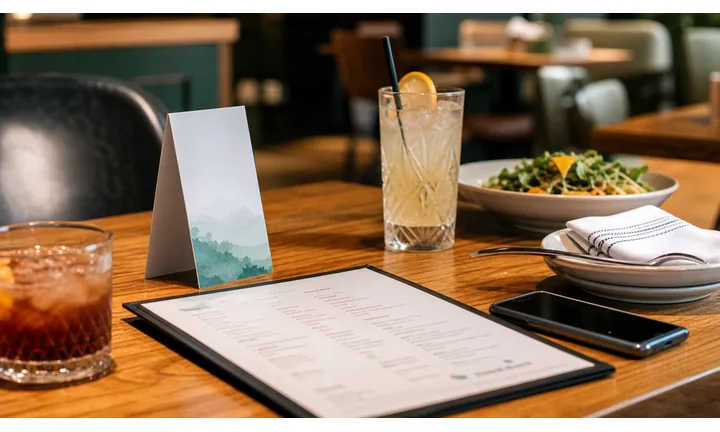
Collect feedback while the meal is still fresh
Receipts, table cards, delivery inserts, and thank-you notes can invite comments while guests still remember food, service, wait time, order accuracy, cleanliness, and atmosphere.
Ask for specific feedback, not a vague rate us prompt.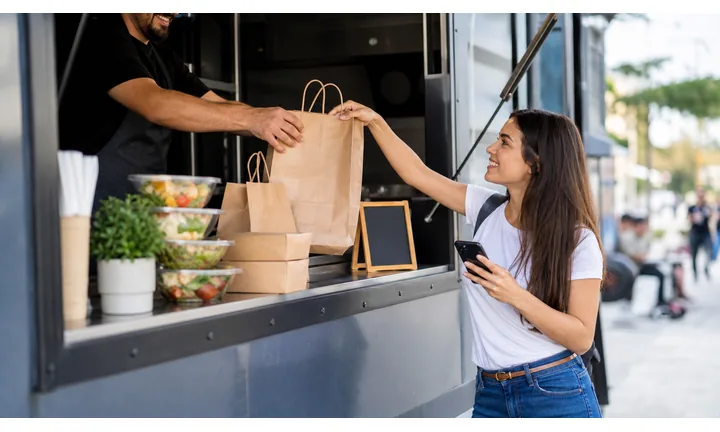
Separate private recovery from public review requests
Guests with problems need a way to contact the restaurant before they are pushed to review sites. A fair QR destination can offer issue reporting, manager contact, refund or remake help, and then public review only when appropriate.
Private feedback protects both guest trust and reputation.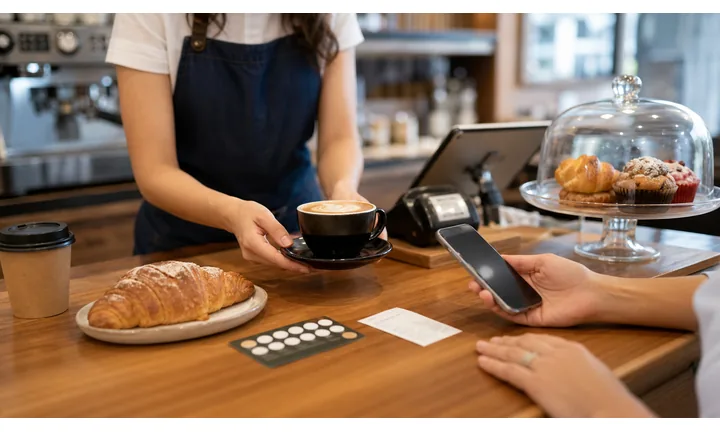
Route feedback to the right team or location
Multi-location restaurants, delivery programs, events, and catering jobs need enough context to act. QR paths can capture branch, service channel, date, table, order type, or event without making the guest write a full essay.
Useful feedback is specific enough to fix something.Restaurant feedback QR should make listening feel real
The guest should know whether they are leaving a private comment, reporting an issue, praising staff, joining loyalty, or writing a public review. Mixing those paths weakens trust.
Use clear CTAs: tell us about your visit, report an issue, praise the team, review your meal, or contact the manager.Private issue path
Use for order mistakes, service concerns, allergy notes, billing issues, and delivery problems.
Experience feedback
Ask about food, timing, hospitality, cleanliness, atmosphere, and value while details are fresh.
Review handoff
Invite public reviews only after guests have a fair private feedback option.
Operational routing
Send comments to the right branch, manager, service channel, or event team.
Guest feedback ethics
Ask restaurant guests for feedback without filtering only for public praise
TrustA feedback QR should make unhappy guests easy to help and happy guests easy to thank. Public reviews are useful, but private support must not disappear.

Let guests report issues directly to the restaurant
Use private forms for food quality, service, wait time, order mistakes, delivery issues, billing questions, allergy concerns, or cleanliness notes.
Receipts, table cards, delivery inserts, event menus, and pickup bags. Do not hide the support path behind a review-only flow.
Invite reviews after the guest has a fair support path
When guests had a good experience, route them to a public review, testimonial, social post, or loyalty follow-up with clear context.
Thank-you cards, receipt follow-up, loyalty pages, and post-meal confirmation pages. Avoid pressure, incentives for positive-only reviews, or language that filters unhappy guests away from public options.
Collect enough context to fix the problem
Ask for location, visit time, order type, table, server, or contact permission only when it helps the restaurant respond.
Multi-location restaurants, delivery operations, catering, events, and high-volume service. Keep the form short enough for a phone after a meal.Restaurant feedback should protect the relationship first
The scan should help guests feel heard before asking them to promote the restaurant publicly.
Restaurants, cafes, and bars
Design the feedback QR around the guest’s real experience
Guest-first flowA feedback scan should help guests share useful comments after a meal, pickup, delivery, event, or service moment without feeling pushed into public praise.
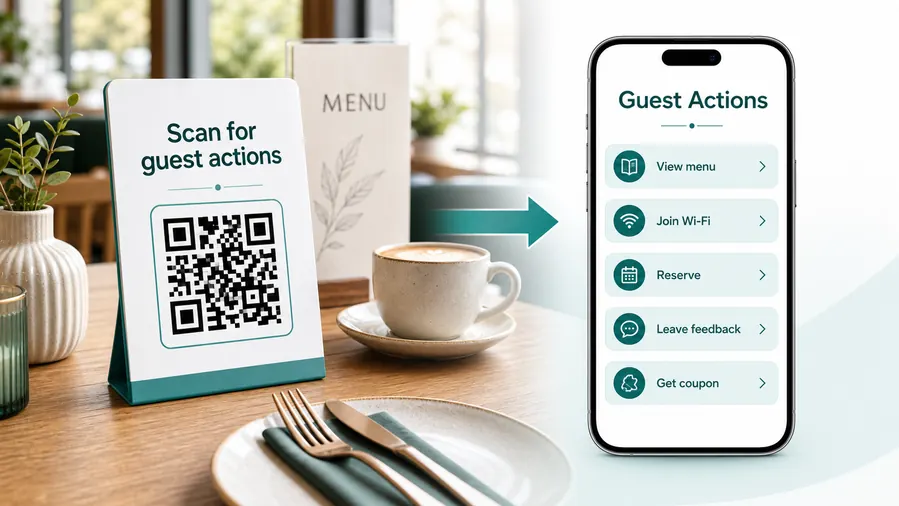
The guest needs a fair way to tell the restaurant what happened
The destination should separate private feedback, service recovery, reviews, loyalty, and follow-up so the restaurant can respond appropriately.
Ask for private feedback first
Use table cards, receipts, delivery inserts, and post-meal notes to collect comments before pushing guests toward public review sites.
Route urgent issues to support
Food issues, billing problems, delivery mistakes, allergy concerns, and service complaints should have a support route that staff can act on.
Ask for reviews after context is clear
When the guest experience is complete, the QR can offer public review, testimonial, loyalty, referral, or next visit paths without hiding private feedback.
Capture operational details that help staff improve
Ask for location, visit time, order type, table, server, channel, or item context only when it helps the team solve the issue.
Use feedback to protect repeat visits
A strong feedback path can save a customer before the issue becomes a public complaint or silent churn.
Keep feedback destinations current by location
Different branches, delivery zones, event nights, and menus may need separate feedback paths so comments reach the right team.
At the table
Menu, Wi-Fi, ordering, ask-for-help, specials.
While waiting
Drinks, dessert, event calendar, story behind the dish.
After payment
Review, private feedback, coupon, reservation.
Takeaway or delivery
Reorder link, loyalty signup, coupon, feedback.
Use dynamic QR when the destination may change
Menus, specials, reservation tools, coupons, review flows, seasonal campaigns, and ordering links change. A dynamic QR code keeps the printed code stable while letting you update where it sends the guest.
Do not make the guest solve your whole website
Most guests scan because they want one next action, not a tour of the restaurant site. If the QR code opens a hub, keep the first buttons aligned with the place where the code appears: menu at the table, review or coupon on the receipt, reorder or feedback on packaging.
Feedback placement
Place restaurant feedback QR codes where guests can respond with context
PlacementFeedback QR placement should follow the experience: table, receipt, delivery insert, pickup bag, catering card, event menu, or loyalty follow-up.

Feedback asks feel weak when the meal context is missing
A generic QR on a wall may not capture useful detail because guests are not tied to a specific visit.
The best feedback prompt appears when the guest remembers what happened.
Ask when the guest can describe the experience
Use receipts, table cards, delivery inserts, pickup bags, and event materials to capture the right service moment.
The destination should make private issue reporting easy before public review prompts.
Which experience is being reviewed?
Dine-in, pickup, delivery, catering, event, loyalty visit, or private dining.
What feedback is useful?
Food, service, timing, order accuracy, cleanliness, atmosphere, billing, or delivery.
Who should receive it?
Branch manager, support team, delivery team, event coordinator, or owner.
Is public review appropriate yet?
Offer private feedback and issue recovery before asking for public praise.
Receipt
Best for visit-specific feedback, order issues, reviews, loyalty, and return offers.
Table card
Use for quick comments, service issues, manager contact, and private feedback while context is fresh.
Delivery insert
Capture packaging, timing, accuracy, food quality, and support issues after delivery.
Pickup bag
Ask about wait time, order accuracy, staff, packaging, and reorder interest.
Event menu
Collect catering, private dining, group event, and staff feedback.
Loyalty page
Invite feedback, reviews, referrals, and next-visit offers after support is visible.
Thank-you card
Ask for comments, testimonials, and reviews after a positive experience.
Manager follow-up
Use when staff need a direct channel for issue recovery and service improvement.
Feedback QR placement should make the comment actionable
Use the code where the restaurant can understand what happened and respond appropriately.
Private response flow
Ask for feedback where guests have enough context to answer
Useful placements include table tents, receipts, takeout packaging, delivery inserts, counter cards, room service cards, event menus, and follow-up cards. CTAs should say tell us how we did, share private feedback, rate this visit, report an issue, or help us improve. The wording should feel human and low-pressure, not like a demand.
Dynamic QR codes are helpful because feedback forms and campaigns change. You can send dine-in guests to one form, delivery guests to another, or update the destination after a menu change or event. Scan analytics can compare table cards, receipts, and takeout inserts, giving managers a signal about which feedback request actually gets noticed.
Keep the form short. Guests are more likely to respond when they can answer in a minute and understand who will read the message. QR Code Lab manages the QR destination and scan reporting, while your chosen feedback system stores answers, alerts staff, and supports follow-up. Add an optional contact field only when the team is truly ready to reply, because guests notice when feedback disappears.






