
Restaurant Reservation QR Code Generator for Bookings
Create restaurant reservation QR codes for booking pages, waitlists, private dining forms, event tables, contact pages, and guest reminders. Use them on windows, menus, cards, and concierge materials.
Free QR code generator
Create a QR code online
Generate QR codes for websites, email, phone numbers, vCards, Wi-Fi, plain text, forms, PDF files, and campaign links. Customize colors, add a logo or frame, then download a print-ready PNG or SVG.
Choose QR code type
Website QR code, Email QR code, Phone QR code, vCard QR code, Wi-Fi QR code, Text QR code, SMS, WhatsApp, event, and download links.
Add your content
Enter your website URL, contact details, message, phone number, location, or file destination before generating the QR code.
Customize and download
Adjust QR colors, error correction, logo, frame, size, and margin. Generate QR Code, Download PNG, Download SVG, or Save and track scans.
Reservation path
Help guests book a table from signs, menus, receipts, and event cards
A restaurant reservation QR code is useful when guests should move from interest to booking without searching online. It can open booking pages, waitlists, private dining forms, event table pages, contact pages, guest reminders, and special occasion inquiry forms. The code can appear on window signs, menus, table tents, receipts, hotel cards, event flyers, and social print materials.
Reservation QR codes are especially useful where the guest is already thinking about a future visit. A receipt can invite them to book next weekend. A table tent can promote brunch reservations. A window decal can help after-hours passersby reserve a table. A private dining flyer can open an inquiry form. QR Code Lab helps create dynamic links and scan analytics so these printed prompts stay useful after schedules or booking tools change.
QR Code Lab creates URL QR codes and tracks scans. It does not manage table availability, accept reservations, send reminders, process deposits, or replace your booking platform. Your reservation tool, website, form, or restaurant system handles the actual booking flow.
Reservation scan moments
Reservation scan moments restaurants, cafes, bars, and food service teams with digital menus, ordering links, reservations, reviews, loyalty rewards, coupons, guest Wi-Fi, and feedback forms
Reservation QRUse QR codes to move restaurants, cafes, bars, and food service teams from table tents, menus, receipts, takeout bags, counter signs, food trucks, delivery packaging, and loyalty cards to digital menus, ordering links, reservations, reviews, loyalty rewards, coupons, guest Wi-Fi, and feedback forms without making guests search or type a long URL.
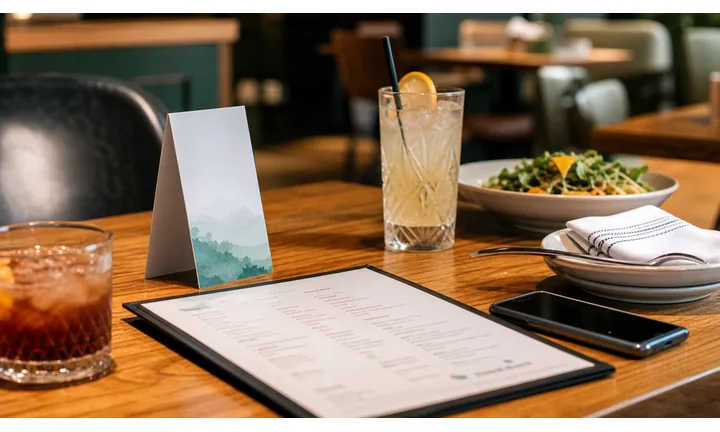
Turn venue interest into a booking action
Window signs, table cards, hotel lobby flyers, event handouts, menus, and receipts can all create booking intent. The QR should open reservations, waitlist, private dining inquiry, catering request, or event table booking without forcing guests to search.
Print the action clearly: reserve a table, join waitlist, book brunch, or request private dining.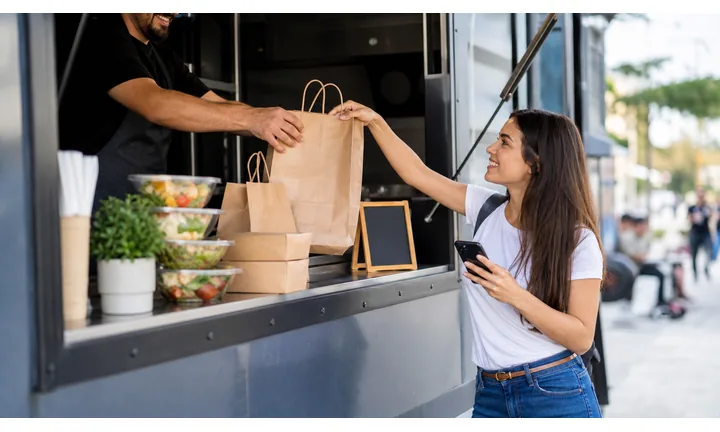
Match the booking path to the service moment
A walk-up guest may need today’s waitlist, a hotel guest may need dinner reservations, and a private-event prospect may need a group inquiry form. One generic page can lose the intent that the print created.
The landing page should confirm the restaurant, location, and booking purpose immediately.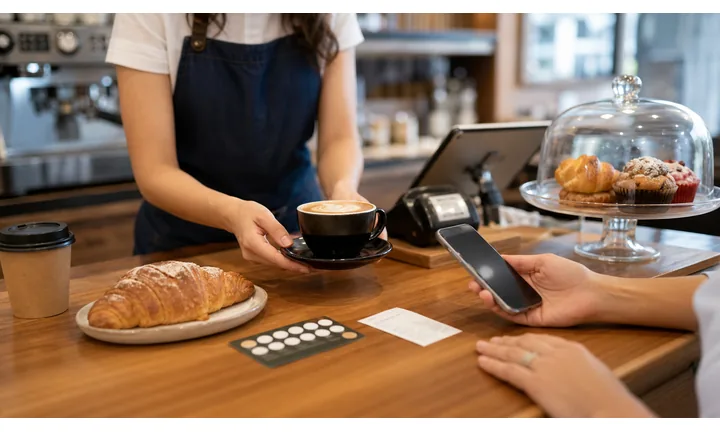
Keep booking links current as availability changes
Reservation providers, event pages, holiday menus, deposits, waitlist rules, and private-dining forms can change while printed materials stay live. Dynamic QR keeps the booking route current.
Use dynamic QR for reusable signs, menus, hotel cards, and event print.A reservation QR should reduce the distance between interest and a confirmed next step
The guest should land on the right booking context for the moment: tonight’s table, weekend brunch, waitlist, private dining, event inquiry, catering, or holiday reservation.
Make availability, location, party size, time, deposit, and support expectations easy to understand.Table booking
Use for current availability, date, time, party size, location, and confirmation flow.
Waitlist and walk-ins
Use for busy service windows where guests need status, timing, and staff instructions.
Private dining
Use for group inquiries, event menus, deposits, room details, and follow-up.
Dynamic booking control
Use when provider links, holiday pages, event forms, or availability routes may change.
Restaurants, cafes, and bars
Design the reservation QR around the booking decision
Guest-first flowA reservation scan should move from printed interest to booking confidence: location, availability, party size, time, waitlist, deposit, and confirmation path.
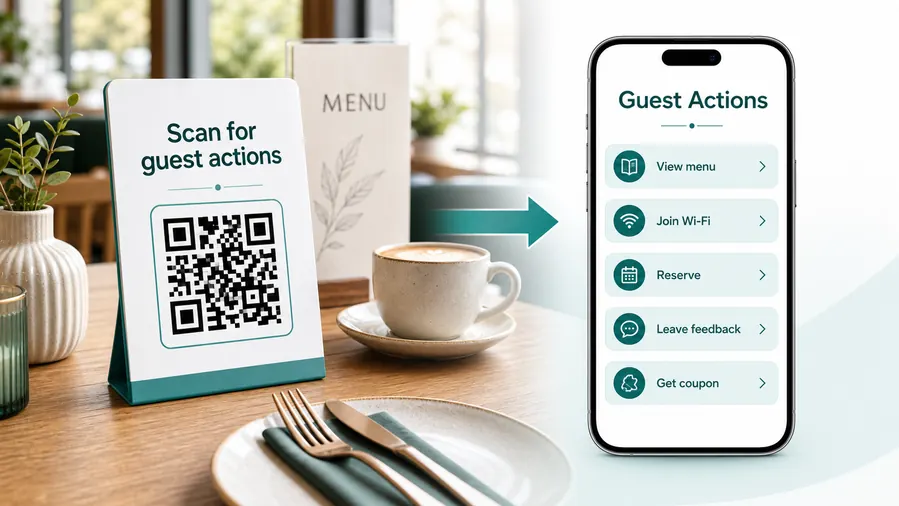
The guest needs to know whether a table path is available
The destination should confirm the restaurant, branch, service window, and booking action before the guest enters details.
Open the right reservation flow
Send guests to table booking, waitlist, private dining, holiday reservation, brunch booking, or event inquiry based on the printed prompt.
Show availability and expectations clearly
Make date, time, party size, deposit, cancellation, location, and confirmation behavior easy to understand on a phone.
Support walk-ins and waitlist moments
Busy restaurants can use window signs, host stands, and event cards to explain waitlist, same-day booking, or callback expectations.
Handle private dining and event inquiries
Group dining needs date, headcount, budget, menu, room, deposit, and contact details without forcing prospects through a normal two-person booking flow.
Keep payment or deposit expectations clear
Deposits, cancellation fees, ticketed meals, and prepaid events should show trusted provider, amount context, and support before payment.
Update provider links without replacing print
If the booking provider, holiday page, waitlist form, or event inquiry changes, dynamic QR keeps signs and menus useful.
At the table
Menu, Wi-Fi, ordering, ask-for-help, specials.
While waiting
Drinks, dessert, event calendar, story behind the dish.
After payment
Review, private feedback, coupon, reservation.
Takeaway or delivery
Reorder link, loyalty signup, coupon, feedback.
Use dynamic QR when the destination may change
Menus, specials, reservation tools, coupons, review flows, seasonal campaigns, and ordering links change. A dynamic QR code keeps the printed code stable while letting you update where it sends the guest.
Do not make the guest solve your whole website
Most guests scan because they want one next action, not a tour of the restaurant site. If the QR code opens a hub, keep the first buttons aligned with the place where the code appears: menu at the table, review or coupon on the receipt, reorder or feedback on packaging.
Reservation placement
Place restaurant reservation QR codes where guests are already thinking about the next table
PlacementReservation QR placement should match booking intent: window signs, menus, hotel cards, event flyers, table tents, lobby displays, receipts, or private dining packets.

A booking QR without context can interrupt the meal
Guests need to know whether the scan opens tonight’s waitlist, a future reservation, private dining, catering, or a holiday event.
A generic reservation link can lose the intent created by the print.
Put the code beside the moment people plan ahead
Use windows and hotel cards for first bookings, menus and receipts for next visits, and event materials for private dining or special menus.
The QR should open the correct booking context immediately.
What booking action is expected?
Reserve table, join waitlist, book brunch, request private dining, reserve event, or contact host.
Which location or service window?
Branch, patio, bar, private room, holiday menu, tasting, event, or catering may need separate links.
Is a deposit or policy involved?
Show cancellation, minimum spend, party-size limits, and deposit expectations before payment.
Will the booking link change?
Use dynamic QR for provider changes, holiday pages, event forms, and temporary waitlist flows.
Window sign
Help passersby reserve, join waitlist, view hours, or book a future visit when staff are busy or closed.
Menu or table tent
Invite guests to reserve brunch, dinner, tasting menus, private dining, or the next visit.
Hotel lobby card
Route travelers to dinner reservations, directions, menu, and current availability.
Receipt
Invite repeat bookings, birthday dinners, loyalty reservations, or review-to-return paths.
Event flyer
Open holiday meals, chef nights, pop-ups, ticketed dinners, and group reservations.
Private dining packet
Collect date, headcount, budget, room preference, menu notes, and contact details.
Host stand
Explain waitlist, callback, same-day availability, and seating expectations.
Social or print ad
Open campaign-specific booking pages for brunch, tasting menus, and seasonal events.
Reservation QR placement should turn intent into a confirmed path
Use the code where guests are ready to plan, then open the exact booking action they expect.
Booking update control
Use dynamic QR when reservation links, event pages, or availability paths change
DynamicReservation providers, waitlist tools, holiday pages, private dining forms, deposit links, and event menus can change while signs, menus, and hotel cards remain in use.
A fixed reservation QR can send guests to the wrong booking path
Old provider links, closed holiday pages, outdated waitlists, and wrong location pages create friction when guests are ready to book.
Reservation print often gets reused across seasons and events.
The same QR can follow the current booking workflow
Move the destination from standard reservations to waitlist, private dining, event tickets, holiday menu, or updated provider links.
The printed material keeps working as restaurant operations change.

Booking provider changes
Update the QR when the restaurant changes reservation platforms or branch-specific links.
Holiday and event menus
Move guests to special booking pages, ticketed dinners, deposits, and limited seating.
Waitlist and walk-ins
Switch signs between reservation, same-day waitlist, callback, or host instructions.
Private dining
Route group inquiries to current forms, menus, minimums, and event contact pages.
Use dynamic when booking operations are not fixed
If the reservation path may change after print, keep the QR destination updateable.
Booking moment flow
Place reservation QR codes where guests are planning their next visit
Useful placements include window decals, host stand signs, receipts, menus, table tents, hotel concierge cards, private dining brochures, event flyers, and takeout inserts. CTAs should say book a table, join waitlist, reserve brunch, plan private dining, view availability, or request event space. The CTA should make the booking purpose obvious.
Dynamic QR codes help when booking pages, waitlist tools, holiday schedules, and private event forms change. You can update the destination without replacing printed materials. Scan analytics can compare window signs, receipts, menus, and hotel cards, showing which reservation prompts lead guests to scan.
Make the scanned page quick and trustworthy. Guests should see the restaurant name, date selection, party size, and next step without hunting. If deposits or personal details are required, the booking platform should handle that securely. QR Code Lab manages the printed QR code and scan data, not the reservation records. For private dining or events, link directly to the inquiry form instead of making guests search through the whole site online.






