
Restaurant Coupon QR Code Generator for Offers & Deals
Create restaurant coupon QR codes for discounts, promo pages, loyalty offers, lunch specials, delivery deals, receipt coupons, and local campaigns. Use them on flyers, receipts, bags, and windows.
Free QR code generator
Create a QR code online
Generate QR codes for websites, email, phone numbers, vCards, Wi-Fi, plain text, forms, PDF files, and campaign links. Customize colors, add a logo or frame, then download a print-ready PNG or SVG.
Choose QR code type
Website QR code, Email QR code, Phone QR code, vCard QR code, Wi-Fi QR code, Text QR code, SMS, WhatsApp, event, and download links.
Add your content
Enter your website URL, contact details, message, phone number, location, or file destination before generating the QR code.
Customize and download
Adjust QR colors, error correction, logo, frame, size, and margin. Generate QR Code, Download PNG, Download SVG, or Save and track scans.
Restaurant offer path
Put coupons where guests can actually use them
A restaurant coupon QR code is useful when guests should reach a discount, lunch special, delivery deal, loyalty offer, birthday reward, receipt coupon, or local campaign without typing a long link. It can live on table tents, receipts, takeout bags, counter signs, window posters, menus, flyers, and delivery inserts. The scan turns a small printed offer into a clear mobile action.
The best coupon QR codes match the guest moment. A receipt can invite a next-visit deal. A takeout bag can open a reorder offer. A table card can promote dessert, drinks, or loyalty signup. A window sign can bring people inside with a timely special. QR Code Lab helps create dynamic QR destinations, so restaurants can update the offer after printing and still measure which placements get scanned.
QR Code Lab creates URL QR codes and scan analytics. It does not run the coupon system, validate discounts, process orders, or connect directly to your POS. Your menu, ordering page, loyalty platform, coupon tool, or restaurant website handles the actual redemption.
Restaurant coupon moments
Restaurant coupon moments restaurants, cafes, bars, and food service teams with digital menus, ordering links, reservations, reviews, loyalty rewards, coupons, guest Wi-Fi, and feedback forms
Coupon QRUse QR codes to move restaurants, cafes, bars, and food service teams from table tents, menus, receipts, takeout bags, counter signs, food trucks, delivery packaging, and loyalty cards to digital menus, ordering links, reservations, reviews, loyalty rewards, coupons, guest Wi-Fi, and feedback forms without making guests search or type a long URL.
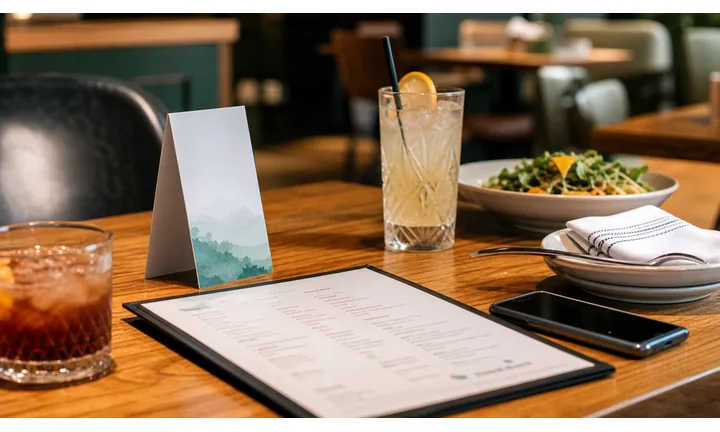
Make the offer specific before the guest scans
Coupons work best when the printed promise is concrete: free dessert, lunch special, first-order discount, happy-hour offer, catering credit, birthday reward, or return-visit deal. The QR destination should repeat that exact promise immediately.
Avoid vague scan for savings copy when the offer has conditions.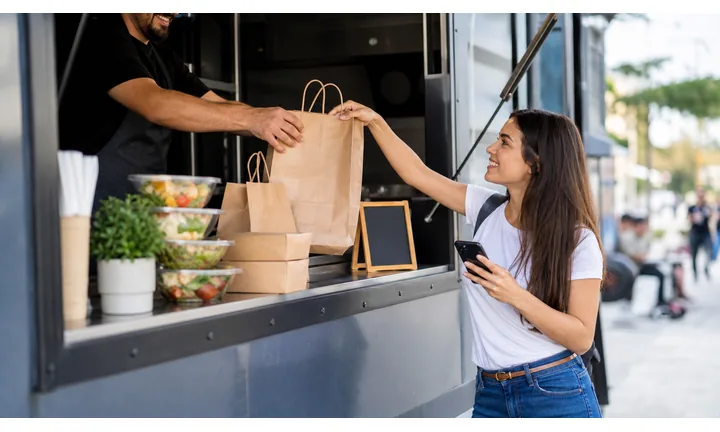
Connect the coupon to the ordering path
The scan can open a coupon page, menu, online ordering link, loyalty signup, reservation offer, or staff redemption screen. The right destination depends on whether the guest is at the table, at checkout, holding a flyer, or opening takeaway packaging.
The coupon should reduce friction, not create a second explanation for staff.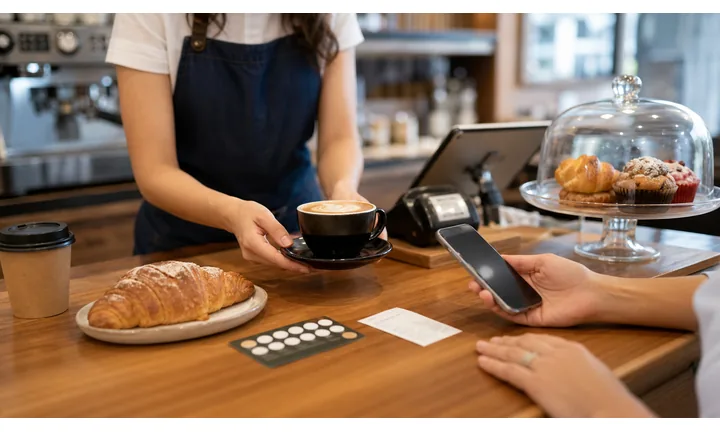
Keep printed offers current when promotions change
Restaurant offers expire, rotate, sell out, or change by daypart and location. A dynamic QR keeps receipts, flyers, bags, table cards, and window signs useful when the promotion changes behind the same printed code.
Use dynamic QR for campaigns that may be reused or extended.A restaurant coupon QR should make redemption feel easy and fair
Guests should understand the offer, where it applies, when it expires, and what to do next before they reach the counter, server, or checkout page.
Use CTAs such as claim coupon, redeem at table, get lunch offer, save for next visit, or open pickup discount.Visit timing
Match coupons to lunch, dinner, happy hour, birthday, weekday, event, or return-visit moments.
Redemption clarity
Show eligibility, location, expiration, service channel, and staff or checkout instructions.
Offer updates
Move the same printed QR to new seasonal, daypart, or location-specific promotions.
Guest trust
Keep the restaurant identity, menu context, and support path visible before asking for signup or payment.
Restaurants, cafes, and bars
Design the coupon QR around the guest redemption moment
Guest-first flowA coupon scan should explain the offer, rules, location, and redemption step while the guest is still deciding whether to order, return, or share the deal.
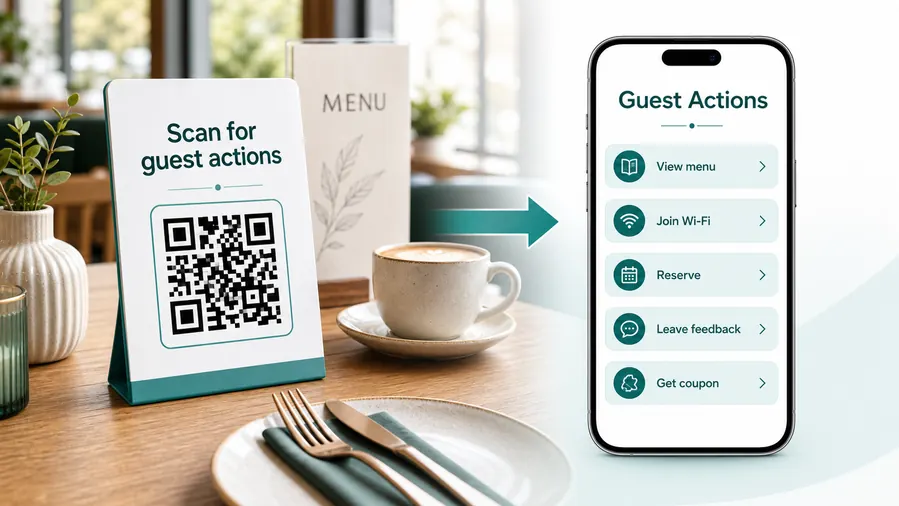
The guest needs to know whether the offer applies right now
The destination should make the coupon value, expiration, restrictions, and redemption method clear before the guest asks staff or reaches checkout.
Open the exact current offer
Route receipts, flyers, bags, table cards, and window signs to the active coupon with location, service channel, and expiration visible.
Connect the coupon to menu or ordering
If the coupon affects ordering, show the relevant menu, pickup link, dine-in note, delivery condition, or staff redemption step.
Use offers to invite return visits
Receipts, bags, and thank-you cards can send satisfied guests to a next-visit coupon, loyalty reward, birthday offer, or catering promotion.
Keep staff instructions simple
The destination should make it obvious whether staff scan, guest shows screen, code enters checkout, or the offer applies automatically.
Separate coupon signup from payment
If claiming the offer requires loyalty signup, payment, or app install, explain that before asking guests to continue.
Update offer pages after campaigns end
When a coupon expires, route scanners to the next valid offer, menu, loyalty page, or current promotion instead of a dead campaign.
At the table
Menu, Wi-Fi, ordering, ask-for-help, specials.
While waiting
Drinks, dessert, event calendar, story behind the dish.
After payment
Review, private feedback, coupon, reservation.
Takeaway or delivery
Reorder link, loyalty signup, coupon, feedback.
Use dynamic QR when the destination may change
Menus, specials, reservation tools, coupons, review flows, seasonal campaigns, and ordering links change. A dynamic QR code keeps the printed code stable while letting you update where it sends the guest.
Do not make the guest solve your whole website
Most guests scan because they want one next action, not a tour of the restaurant site. If the QR code opens a hub, keep the first buttons aligned with the place where the code appears: menu at the table, review or coupon on the receipt, reorder or feedback on packaging.
Coupon placement
Place restaurant coupon QR codes where guests can act on the offer
PlacementCoupon QR placement should match when the guest can redeem, save, or return: receipt, table card, takeaway bag, flyer, window sign, delivery insert, or event handout.

A coupon QR without timing feels like clutter
If the offer appears when the guest cannot use it or does not know the value, the code is easy to ignore.
Coupon placement should answer why scan now and what reward opens.
Put the code beside the buying or return-visit moment
Use receipts for next-visit offers, table cards for dine-in specials, bags for reorder, and flyers for campaign traffic.
The QR should open the exact offer promised by the printed material.
What offer is the guest claiming?
Discount, free item, loyalty reward, birthday offer, catering coupon, or seasonal promotion.
Where can it be redeemed?
Dine-in, pickup, delivery, online order, specific branch, event, or next visit.
Is the offer still valid?
Use dynamic QR when expiration, menu availability, or campaign rules may change.
Is the CTA specific enough?
Print claim coupon, get dessert offer, save lunch deal, or scan for next visit instead of vague savings copy.
Receipt
Best for next-visit coupons, loyalty signup, review follow-up, and reorder offers.
Table card
Use for dine-in specials, dessert offers, drink promotions, and limited service-window deals.
Takeaway bag
Invite reorder, delivery discount, family meal, catering, or seasonal menu offers.
Flyer or door hanger
Open campaign-specific coupons with menu, location, expiration, and ordering link.
Window sign
Help passersby claim a current offer, lunch special, happy hour, or first-visit deal.
Delivery insert
Send delivery guests to reorder discounts, feedback, support, or loyalty rewards.
Event handout
Use for festival, tasting, catering, pop-up, or grand-opening coupons.
Loyalty card
Connect coupons to points, birthday rewards, referral bonuses, and member-only offers.
Coupon QR placement should make redemption obvious
Use the code where the guest understands the offer and can take the next step without asking staff to decode it.
Offer update control
Use dynamic QR when restaurant coupons, rules, or ordering links change after print
DynamicCoupons expire, rotate, and change by location, service channel, and menu availability. Dynamic QR keeps receipts, flyers, bags, table cards, and window signs useful when the offer changes.
Printed coupons can outlive the offer
A static QR can keep sending guests to expired discounts, sold-out items, old menus, or wrong ordering pages.
That creates awkward staff explanations and guest disappointment.
The same printed QR can open the current promotion
Move scanners from an expired coupon to the new offer, loyalty page, menu, or current ordering route.
This protects campaign print that stays in bags, mailers, windows, and receipts.

Seasonal offers
Update holiday, lunch, happy-hour, birthday, and limited-time campaigns.
Location rules
Route different branches to local offer terms, menus, and redemption instructions.
Ordering links
Move coupons between dine-in, pickup, delivery, loyalty, or app destinations.
Expired campaigns
Redirect old print to the next valid offer instead of a dead page.
Use dynamic when the offer is not permanent
If a coupon has dates, conditions, or rotating menu context, keep the QR destination editable.
Coupon placement flow
Make the offer clear before the guest scans
Useful placements include table tents, receipts, checkout counters, takeout packaging, delivery flyers, window posters, menus, loyalty cards, sidewalk signs, and local mailers. CTAs should say claim offer, get lunch deal, save on next visit, open delivery coupon, join rewards, or see today’s special. A vague “scan me” is weaker than a clear offer.
Dynamic QR codes are practical because restaurant offers change often. A weekday lunch coupon can become a holiday offer, loyalty signup, delivery discount, or private event promotion without reprinting every sign. Scan analytics can compare receipts, bags, tables, and windows so you can see where guests actually notice the offer.
Keep the landing page fast and mobile friendly. Show the restaurant name, offer terms, expiration, and redemption path early. If the coupon is redeemed in a POS or ordering system, QR Code Lab can manage the printed link and scan counts, while that system handles discounts, orders, and receipts. This keeps the offer easy for guests and easier for staff to explain during a busy shift.






