
Fine Dining Menu QR Code Generator for Elegant Menus Online
Create fine dining menu QR codes for tasting menus, wine lists, prix fixe menus, seasonal courses, allergens, pairing notes, and reservation pages. Build a polished scan experience for guests.
Free QR code generator
Create a QR code online
Generate QR codes for websites, email, phone numbers, vCards, Wi-Fi, plain text, forms, PDF files, and campaign links. Customize colors, add a logo or frame, then download a print-ready PNG or SVG.
Choose QR code type
Website QR code, Email QR code, Phone QR code, vCard QR code, Wi-Fi QR code, Text QR code, SMS, WhatsApp, event, and download links.
Add your content
Enter your website URL, contact details, message, phone number, location, or file destination before generating the QR code.
Customize and download
Adjust QR colors, error correction, logo, frame, size, and margin. Generate QR Code, Download PNG, Download SVG, or Save and track scans.
QR solutions for this use case
Elegant menu access
Let guests open tasting menus, wine lists, and notes without breaking the room
A fine dining menu QR code is useful when a restaurant wants digital menu access but still cares about the room, the table setting, and the service rhythm. It can open tasting menus, wine lists, prix fixe menus, seasonal courses, allergen notes, pairing notes, private dining menus, chef notes, reservation pages, and hotel dining information. The scan should feel quiet and intentional, not like a generic fast-service menu link.
For fine dining, the destination matters as much as the code. Guests should land on a clean mobile menu with readable type, current courses, accurate allergen notes, and no clutter. A wine list QR can be separate from a tasting menu QR. A private dining QR can be separate from a public reservation QR. QR Code Lab helps create print-ready codes, dynamic destinations, and scan analytics so the restaurant can update menus without reprinting every card.
QR Code Lab creates QR codes that point to menu or reservation URLs. It does not run the menu page, reservation system, POS, ordering flow, service policy, or guest experience. The restaurant controls the content and service.
Fine dining menu path
Help fine-dining guests open an elegant, current menu without weakening the table experience
Menu experienceA fine-dining menu QR code should feel intentional: it should open the current menu, wine list, tasting notes, allergen details, language version, or reservation follow-up while preserving the premium feel of the table.
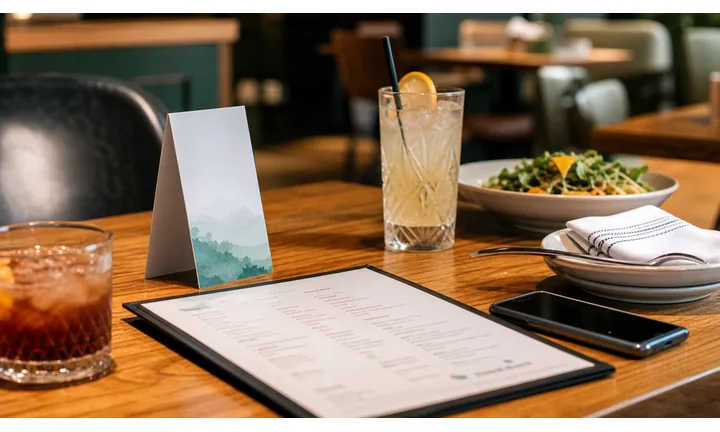
Make the digital menu feel like part of service
Use table cards, check presenters, host-stand cards, or reservation reminders to open a refined mobile menu with clear sections, readable typography, wine pairing notes, and current availability.
Guests should feel guided, not sent to a generic ordering page.
Use QR for details print cannot hold gracefully
A QR destination can carry allergen notes, tasting-menu changes, beverage pairings, chef notes, seasonal sourcing, language versions, and private-event menus without crowding the table.
The printed piece can stay minimal while the digital menu handles depth.
Keep menu content editable without reprinting premium materials
Dynamic QR is useful when dishes, prices, pairings, vintages, seasonal notes, holiday menus, and private-dining pages change after cards or menu inserts are produced.
Premium print should stay beautiful while the destination stays current.A fine-dining menu QR should support hospitality, not replace it
The scan should open a polished, fast, mobile menu that helps guests decide, understand ingredients, ask better questions, and enjoy the meal. It should not feel like a self-service shortcut pasted onto an expensive table.
Use CTAs such as view tasting menu, open wine list, see allergen notes, explore pairings, or view tonight’s menu.Table experience
Use discreet placement, refined copy, and a destination that respects the restaurant’s tone.
Menu accuracy
Keep dishes, vintages, availability, prices, and tasting notes current.
Guest confidence
Make allergens, dietary notes, language versions, and pairing details easy to find.
Service support
Use QR as a quiet companion to staff recommendations, not a substitute for hospitality.
Restaurants, cafes, and bars
Match fine-dining menu QR codes to the guest’s table moment
Guest-first flowA fine-dining menu QR code works when it helps guests explore the current menu, wine list, tasting notes, allergens, pairings, or language options without interrupting the atmosphere.
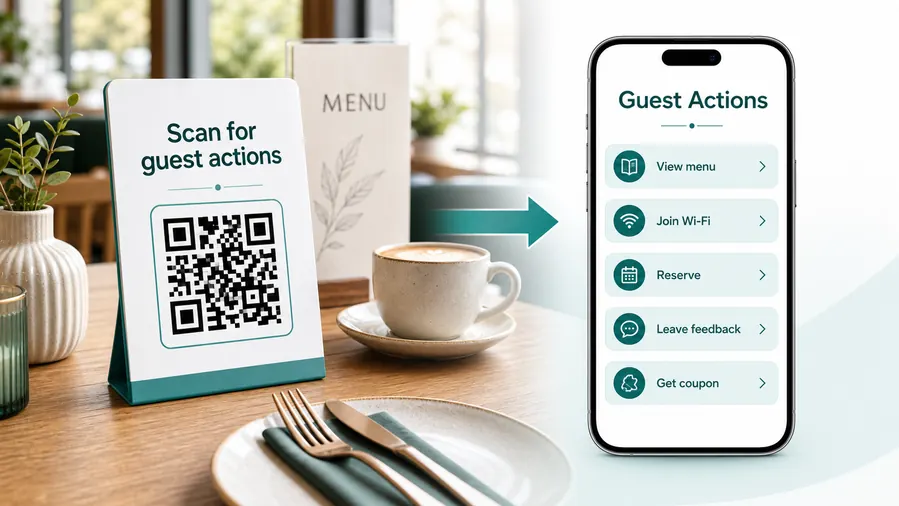
Start with the dining-room experience
The QR destination should feel like an extension of the menu and service style. It should be fast, quiet, elegant, and focused on the decisions guests are making at the table.
Open the current dinner or tasting menu
Use a refined table card or menu insert to show the latest courses, descriptions, seasonal changes, prices, and availability.
Present wine and beverage details clearly
Link to wine lists, cocktail notes, pairing suggestions, vintages, bottle updates, and sommelier context without overloading print.
Support allergen and dietary questions gracefully
Give guests a discreet path to allergen notes, vegetarian options, gluten context, ingredient details, and service questions.
Offer language versions without extra menu stacks
Use QR destinations for translated menu versions while keeping the printed table presentation clean.
Connect private dining and reservations
Use host-stand cards, check presenters, or follow-up pieces to open private-event menus, reservation pages, and chef’s table inquiries.
Invite feedback after service
Use check presenters or thank-you cards for private comments, review links, newsletter signup, or return-visit offers after the meal.
Before ordering
Current menu, wine list, pairing notes, dietary details, and language options.
During service
Ingredient context, tasting notes, beverage details, and quiet support prompts.
After the meal
Feedback, reservation follow-up, private dining, newsletter, and return visit.
Private events
Event menus, room details, inquiry forms, tasting packages, and contact paths.
Use dynamic QR when the menu changes with the kitchen
Dynamic QR keeps table cards and premium inserts useful when dishes, vintages, tasting notes, seasonal menus, pricing, and holiday offers change.
Do not make a premium guest pinch and hunt
The menu page should load quickly, use readable type, keep sections obvious, and avoid app-style clutter that breaks the fine-dining mood.
Dining-room placement
Place fine-dining QR codes where they feel intentional, discreet, and useful
PlacementFine-dining QR placement should respect the room. The code belongs where it quietly supports menu discovery, wine decisions, allergen questions, private dining, or follow-up after service.

The QR feels like a generic sticker on a premium table
A visible QR code can still feel wrong if it clashes with the room, interrupts service, or opens a page that does not match the restaurant’s tone.
Fine dining placement has to consider material, typography, distance, lighting, and the guest’s expectation of hospitality.
The QR quietly extends the menu experience
Place the code on a menu insert, table card, wine list, check presenter, reservation card, or private-dining piece where the scan has a clear purpose.
Use copy that feels like service guidance: view tonight’s menu, explore wine pairings, or see allergen notes.
What is the guest deciding?
Menu choice, pairing, dietary question, language need, private dining, reservation, or feedback.
What should happen next?
Open menu, view wine list, see allergens, request staff help, book again, or inquire about private events.
Does the material fit the room?
Use premium card stock, discreet sizing, clean contrast, and a CTA that matches the restaurant’s voice.
Will the menu change after printing?
Use dynamic QR for seasonal dishes, tasting menus, vintages, prices, and event menus.
Menu insert
Open tonight’s menu, tasting notes, dish details, and dietary information without reprinting the full menu.
Wine list card
Show pairings, vintages, bottle updates, cellar notes, and sommelier recommendations.
Table card
Use discreetly for menu depth, language options, allergens, or chef notes when it supports service.
Check presenter
Invite feedback, review, newsletter signup, private dining inquiry, or next reservation after the meal.
Host stand
Open reservations, waitlist, private dining, event menus, or current availability.
Private-event packet
Route to banquet menus, room details, beverage packages, inquiry forms, and planning notes.
Reservation reminder
Show parking, dress guidance, menu preview, dietary notes, and arrival details.
Gift card or invitation
Connect premium print to menu preview, booking, private events, and special experiences.
Fine-dining QR placement should feel like hospitality
Use the code only where it makes the meal easier, more informed, or more memorable.
Elegant scan-safe design
Design fine-dining menu QR codes so the table feels premium and the scan still works
DesignA fine-dining QR code can be discreet and branded, but the pattern, quiet zone, contrast, material, and printed size still have to scan in real restaurant lighting.
Keep the code refined without making it fragile

Risk
Low-contrast ink, textured stock, tiny placement, or decorative crops can look elegant while making the menu QR hard to scan at the table.

Better
Use strong contrast, enough quiet zone, a restrained frame, and a CTA that matches the menu style while preserving quick scanning.
Make the CTA part of the service tone

Generic
A plain “scan me” sticker can feel disconnected from a polished menu, wine list, or check presenter.

Refined
Use copy such as “Tonight’s menu,” “Wine pairings,” or “Allergen notes” so the QR feels intentional and helpful.
Customize corners and modules

Standard pattern
A colored framed code already looks better, but it can still look like every other QR code.
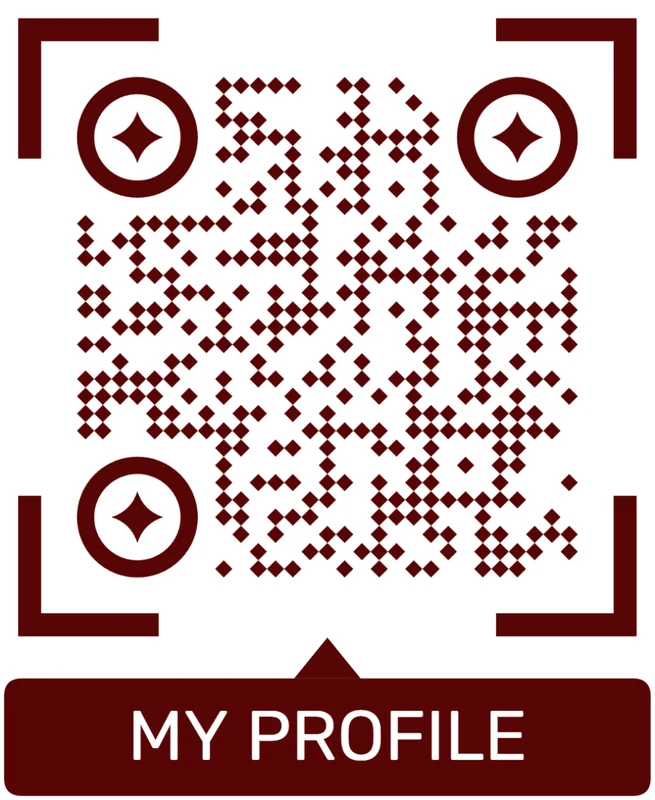
Custom eyes and module shape
Rounded modules, styled finder corners, and cleaner patterns can make the code feel premium. Keep the three corner markers clear.
Add a logo carefully
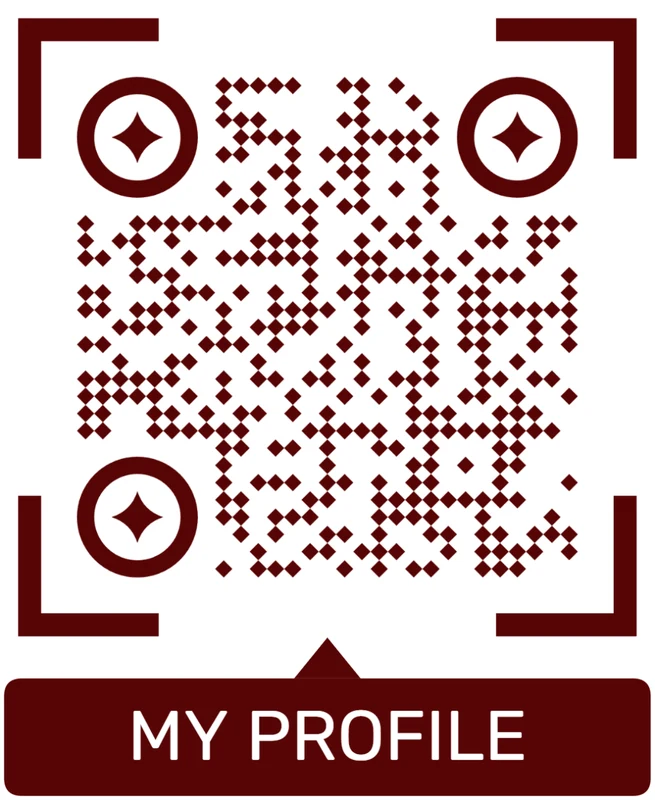
Styled QR code
A styled code can look polished, but people may still not know what brand, profile, file, or campaign it represents.
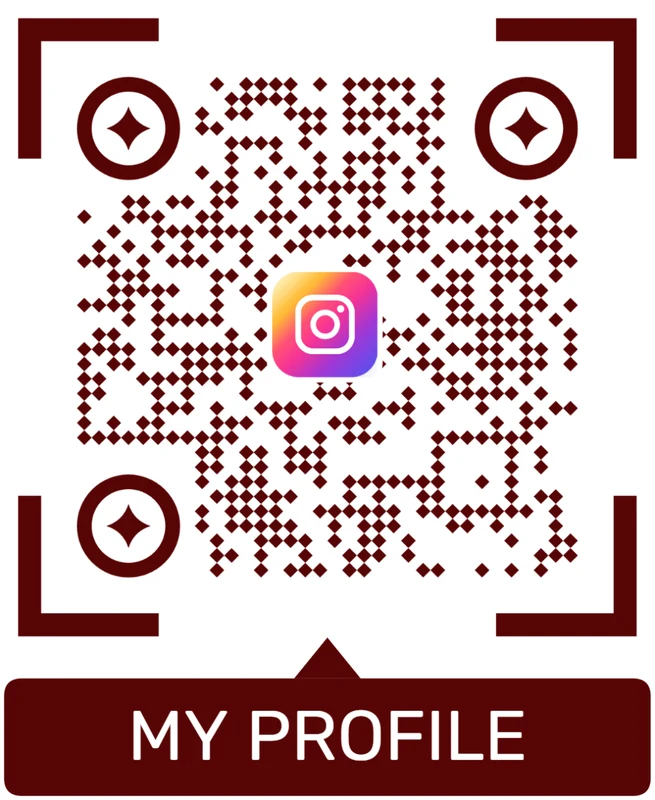
Logo QR code
A centered logo helps signal the destination. Keep it small, use a clean background behind it, and test the exported code.
Design for the guest’s phone and the restaurant’s tone
A fine-dining QR should look considered, but a guest should still be able to scan it without effort.
Menu freshness
Keep fine-dining menu QR destinations current as dishes and wine lists change
DynamicPremium menu materials are expensive to reprint, while dishes, vintages, allergens, prices, and special menus can change often. Dynamic QR keeps the printed piece stable and the menu page current.
Beautiful print can point to yesterday’s menu
A static URL works only while the menu page remains permanent and accurate.
Fine-dining menus often change with sourcing, season, chef decisions, private events, and wine availability.
The same table card can open tonight’s version
Dynamic QR lets the restaurant update dinner menus, tasting notes, wine lists, allergen pages, private-event menus, and reservation links behind the same printed code.
That protects premium print and keeps the guest experience aligned with service.

Seasonal menus
Update tasting menus, prix fixe pages, chef notes, and dish availability without reprinting table cards.
Wine and beverage lists
Change vintages, pairings, bottle availability, cocktail notes, and cellar selections behind the same QR.
Dietary details
Keep allergen notes, substitutions, language versions, and ingredient explanations current.
Private dining
Update event menus, packages, room details, inquiry forms, and holiday offers after premium packets are produced.
Use dynamic QR when the menu is alive
If dishes, pricing, wine, or events change after print, editable destinations are safer than fixed menu URLs.
Table presentation
Make the printed code match the menu, lighting, and pace of service
Use fine dining QR codes on menu inserts, wine cards, table cards, host stand materials, private dining cards, hotel room dining notes, reservation follow-up cards, tasting-menu cards, and allergen information sheets. The CTA should say view tasting menu, see wine list, read allergens, explore pairings, reserve again, or open private dining details. Keep the wording refined and direct.
Dynamic QR codes help when seasonal menus, wine lists, allergen notes, tasting pages, and reservation links change. That flexibility is useful because fine dining menus can change by season, event, supplier, or chef direction. Scan analytics can show which table materials get used, but reservations and guest data remain in your restaurant systems.
Test the code under actual restaurant lighting before printing. Low light, glossy paper, small type, and decorative layouts can hurt scanning. Give the code enough quiet zone and avoid making guests zoom or pinch after they scan. If the QR opens allergen details, make that label explicit so guests and staff know the code has a practical purpose.
Premium print handoff
Proof fine-dining menu QR codes before they reach the dining room
Print readyA fine-dining QR code has to survive premium stock, low evening light, table distance, glossy finishes, and discreet sizing without making the guest struggle.

Make the table scan effortless
Match QR size to the real table distance, preserve quiet zone, and keep contrast strong enough for dim dining-room lighting.
Test the printed card on the actual stock, finish, and table setup before placing it in service.
Send printers clean, scan-safe artwork
Use vector artwork for premium print and avoid decorative treatments that blur finder squares or crowd the code.
Check that the CTA, menu title, and code remain readable after trimming, lamination, embossing, or textured paper.
Use a polished mobile menu when one scan needs more than a PDF
A simple PDF can work for fixed menus, but fine dining often needs sections for dinner, wine, tasting notes, allergens, language versions, private dining, and reservations.
A focused mobile menu keeps the printed table piece minimal while the digital destination gives guests the exact details they need.
Table menu card
Open tonight’s menu, tasting notes, dietary details, and wine pairings from the seated moment.
Wine list insert
Show current bottles, vintages, pairings, by-the-glass changes, and sommelier notes.
Check presenter
Invite feedback, newsletter signup, private dining inquiries, and next reservations after service.
Private dining packet
Link to event menus, room details, beverage packages, inquiry forms, and planning notes.
Print only after the menu scan works in the real room
Test the QR image, printed material, table distance, lighting, and mobile menu together before guests see it.
Menu trust
Make fine-dining menu QR destinations feel official and safe
TrustGuests should know the menu QR belongs to the restaurant, opens the promised menu or wine list, and does not unexpectedly ask for payment, login, or unrelated personal information.

Menu links that do not look official
A QR code on a table can make guests cautious if the destination does not show the restaurant name, menu context, or expected page.
Use branded menu pages and clear CTAs beside the code.
Unexpected checkout or account prompts
Menu-only pages should not surprise guests with payment, app install, or account requirements unless the printed CTA promised that flow.
Keep menu viewing separate from ordering, payment, loyalty, and reservations when the page is menu-only.
Public table material can be replaced or outdated
Table cards, inserts, and check presenters should be reviewed for stale links, mismatched QR codes, or damaged print before service.
Staff can make QR checks part of opening setup.Inspect menu QR codes before service
Confirm the encoded destination, restaurant identity, menu type, mobile readability, and whether the first screen matches the printed promise.
A QR checker shows the destination, but service staff still need to verify the menu content is current.Decoded destination
Review whether the QR opens menu, wine list, allergen notes, reservation, or private dining pages.
Restaurant identity
The page should clearly match the restaurant, venue, or event guests expect.
Menu promise
The first screen should match the CTA: tonight’s menu, wine list, allergens, or tasting notes.
Table material
Check printed cards for damage, old versions, or misplaced codes before service.
Publish fine-dining QR menus guests can trust
Use refined printed CTAs, branded mobile pages, current menu content, and staff checks so the QR feels like part of hospitality.






