
QR Code Loyalty Program - Signup, Rewards & Member Links
Create QR codes for loyalty programs linking signup forms, rewards pages, member portals, coupon pages, referral pages, app downloads, and reviews. Use them on receipts, signs, packaging, and menus.
Free QR code generator
Create a QR code online
Generate QR codes for websites, email, phone numbers, vCards, Wi-Fi, plain text, forms, PDF files, and campaign links. Customize colors, add a logo or frame, then download a print-ready PNG or SVG.
Choose QR code type
Website QR code, Email QR code, Phone QR code, vCard QR code, Wi-Fi QR code, Text QR code, SMS, WhatsApp, event, and download links.
Add your content
Enter your website URL, contact details, message, phone number, location, or file destination before generating the QR code.
Customize and download
Adjust QR colors, error correction, logo, frame, size, and margin. Generate QR Code, Download PNG, Download SVG, or Save and track scans.
Loyalty signup path
Make rewards easier to join from receipts, counters, tables, and packages
A QR code for a loyalty program is useful when customers should be able to join, check rewards, claim a coupon, download an app, open a member portal, or refer a friend from a printed touchpoint. It can appear on receipts, table tents, checkout signs, package inserts, loyalty cards, menus, flyers, event booths, and storefront windows.
The value is timing. A customer who just bought, ate, visited, or received a package is more likely to care about rewards than someone seeing a random ad later. A receipt can invite points after purchase. A table card can offer a signup bonus. A package insert can bring a buyer back for reorder. QR Code Lab helps create dynamic loyalty QR codes and track which placements earn scans.
QR Code Lab creates URL QR codes and scan analytics. It does not run the loyalty program, store points, issue rewards, process purchases, or manage member accounts. Your loyalty platform, POS, app, coupon tool, referral system, or website handles the actual member experience.
Loyalty moments
Loyalty moments retail, ecommerce, and product teams with product pages, catalogs, product information, warranty pages, reorder links, reviews, coupons, loyalty signup, and support
RetentionUse QR codes to move retail, ecommerce, and product teams from shelves, product tags, packaging, catalogs, receipts, checkout counters, pop-up displays, and loyalty cards to product pages, catalogs, product information, warranty pages, reorder links, reviews, coupons, loyalty signup, and support without making shoppers search or type a long URL.
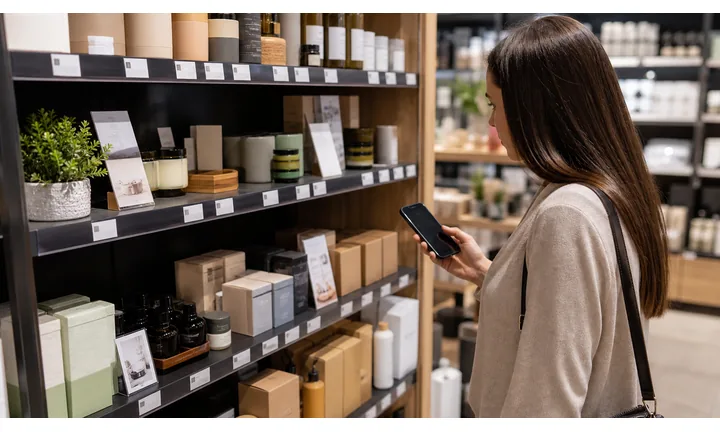
Make reward signup easy at the purchase moment
Use QR codes on receipts, counter cards, bags, table tents, and thank-you inserts so customers can join rewards, claim points, or save an offer while the visit is still fresh.
The printed CTA should name the benefit: points, coupon, birthday reward, referral, or member deal.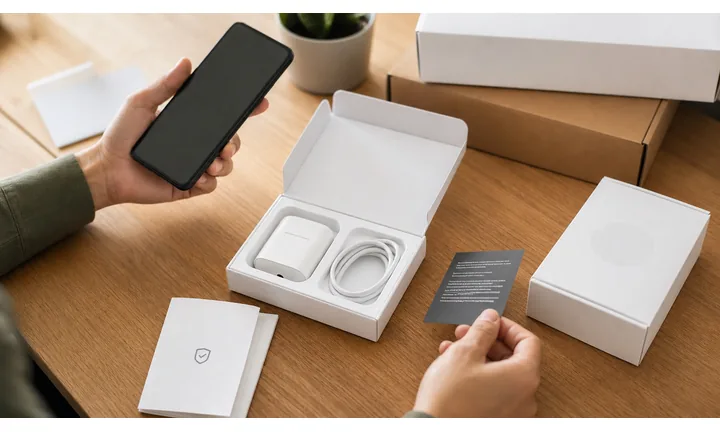
Keep offers and member pages current
Dynamic QR lets businesses update reward rules, signup forms, seasonal offers, app links, referral pages, and store-specific campaigns without replacing every printed card.
Loyalty print often stays in circulation longer than a promotion.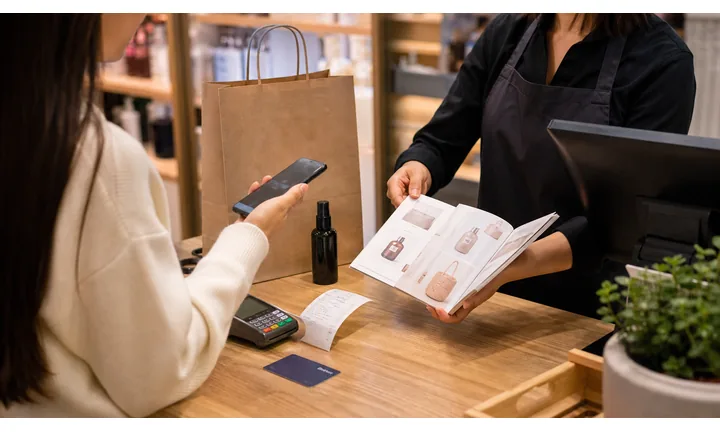
Ask for reviews and feedback without losing support
Loyalty QR flows can invite private feedback, reviews, referrals, and repeat visits while keeping support visible for order, product, or service problems.
Retention works better when trust is protected first.A loyalty QR code should give the customer a clear reason to return
The scan should connect a completed purchase, visit, meal, or service moment to a benefit the customer understands immediately: rewards, discount, points, status, referral, reorder, or next booking.
Use specific CTAs: join rewards, claim points, get coupon, save offer, refer a friend, or review your visit.Checkout signup
Use receipts and counters for rewards, points, birthday offers, and member accounts.
Post-purchase value
Use bags, packaging, and thank-you cards for reorder, warranty, review, and referral paths.
Editable campaigns
Update offers, referral rules, loyalty pages, and seasonal promotions after print.
Customer trust
Keep support and feedback visible before asking for reviews or repeat purchases.
Customer return moments
Turn receipts, counters, packaging, and follow-up print into loyalty signups and repeat visits
Loyalty growthLoyalty QR codes work when they connect a real customer moment to a specific benefit: points, coupon, reorder, review, referral, birthday reward, membership, or next booking.

Invite customers while the purchase is fresh
Open a simple rewards signup, app link, SMS opt-in, email form, or member account from receipts and counter cards.

Make the next visit feel worth it
Route customers to coupons, birthday rewards, stamp cards, bundles, seasonal offers, and member-only promotions.

Turn product or meal satisfaction into another purchase
Use packaging, bags, and inserts for reorder, refill, subscription, favorite item, or pickup links.

Ask for feedback after support is visible
Use receipts and thank-you cards for private feedback, public reviews, issue recovery, and testimonials.

Give happy customers an easy sharing path
Open referral offers, friend coupons, gift cards, group booking, and social sharing pages.

Support customers after they join
Send members to points balance, benefits, rewards rules, support, account help, and current campaigns.

Customers scan loyalty QR codes when the value is immediate
The destination should make the benefit visible quickly: save money, earn points, reorder, get support, unlock perks, or come back easily.
Editable QR keeps loyalty print useful as offers and rules change
Dynamic QR lets businesses update reward pages, app links, forms, coupons, referral offers, review paths, and support pages without replacing every printed piece.
Match loyalty QR placement to the customer return moment
Loyalty placement
Place loyalty QR codes where the customer has just received value
PlacementLoyalty QR placement should follow the moment when a customer is most likely to care: checkout, unboxing, pickup, table payment, product use, support, review, or return visit.

A loyalty QR without a benefit feels like extra marketing
Customers need to know what they get after scanning: points, coupon, reorder, referral, review, or member support.
A vague signup code is easy to ignore after a purchase.
Put the code beside the reward moment
Use receipts for points and reviews, packaging for reorder and support, counters for signup, and thank-you cards for referrals.
The first screen should continue the benefit printed beside the code.
What did the customer just do?
Purchased, picked up, unboxed, paid, used the service, reordered, asked support, or completed a visit.
What should the loyalty action be?
Join, claim points, get coupon, reorder, review, refer, save contact, open app, or get support.
Will the offer change?
Use dynamic QR for seasonal rewards, referral rules, app links, coupons, member pages, and campaign redirects.
Is the value obvious in two seconds?
Print the reward promise near the code and make the first button match it.
Receipt
Best for points, review, coupon, referral, receipt support, and next-visit offer.
Checkout counter
Use for rewards signup, app install, email/SMS opt-in, and member benefits.
Packaging insert
Open reorder, warranty, product care, support, referral, and review paths.
Table tent
Invite loyalty, birthday rewards, app download, reviews, and return offers after dining.
Bag or label
Connect takeaway and retail purchases to reorder, coupon, product tips, and rewards.
Thank-you card
Use for referral, review, next booking, member offer, and private feedback.
Email printout or invoice
Route business customers to account signup, payment, support, and reorder.
Event booth
Open loyalty signup, giveaway, coupon, app install, and follow-up offer.
Loyalty QR placement should make returning easier
If the code does not give a clear customer benefit, the offer or placement needs a sharper purpose.
Scan reporting
Use loyalty QR scan data to compare receipts, counters, packaging, and return offers
AnalyticsTracking helps compare where customers show interest in loyalty, without treating scans as signups, purchases, or retained customers.

One shared loyalty code hides the customer moment
A single QR can show total scans, but it cannot tell whether interest came from a receipt, counter, package, table tent, bag, or thank-you card.
It also cannot separate signup, points, coupon, reorder, review, and referral intent.
Separate tracked codes make loyalty touchpoints easier to read
Use distinct dynamic codes for receipts, counters, packaging, events, referrals, and reviews when comparison matters.
Scan data is not retention proof, but it helps show where loyalty prompts earn attention.
Scan volume
Review scans by receipt, counter card, package insert, table tent, bag, event, or campaign.
Timing
Check activity after purchase, during promotions, around holidays, and after follow-up print.
Broad location
Use approximate location signals for store, branch, or region comparison.
Device context
Confirm signup forms, apps, coupons, and support pages work well on customer phones.
Signup placement
Compare counter signs, receipts, bags, and table tents to see where customers join.
Offer testing
Use separate codes for coupons, birthday rewards, referral offers, and reorder campaigns.
Branch reporting
Give each store or location its own loyalty QR code when comparison matters.
Cleanup old campaigns
Find expired loyalty offers or old app links still receiving scans.
Name loyalty QR codes by placement and reward action
Use names like receipt-points, counter-signup, package-reorder, table-review, or referral-card so reports stay readable.
Loyalty feedback
Use loyalty QR codes for feedback without hiding support behind rewards
ReviewsLoyalty programs should invite reviews and referrals after customers can get help with order, product, billing, account, or service issues.

Ask for reviews after the customer experience is complete
Use receipts, thank-you cards, and loyalty pages when the customer has received the product or service and knows how support was handled.
Receipts, bags, table cards, pickup inserts, membership pages, and post-purchase print. Do not make rewards feel conditional on a positive public review.
Keep issue recovery visible for unhappy customers
Offer private feedback for product problems, order errors, billing issues, account trouble, delivery questions, or service concerns.
Receipts, support cards, packaging inserts, loyalty account pages, and follow-up cards. Private support should be visible before public review prompts.
Invite referrals after the benefit is clear
After support is visible, invite happy customers to share a friend offer, gift card, coupon, or member referral.
Thank-you cards, reward confirmation, receipt follow-up, and reorder packaging. Keep referral incentives transparent and separate from complaint handling.Loyalty QR feedback should build trust, not pressure
A strong loyalty scan helps customers return while still giving them a fair path to support.
Rewards and repeat visits
Place loyalty QR codes where the customer already sees a reason to come back
Useful placements include receipts, checkout counters, table tents, takeaway bags, product packaging, appointment cards, flyers, window signs, loyalty cards, and event booths. CTAs should say join rewards, get points, claim offer, check balance, download app, get birthday reward, refer a friend, or unlock member deal. The reward should be clear before the scan.
Dynamic QR codes are practical because offers, signup pages, member portals, and campaign rules change. You can update the destination without replacing every printed card or receipt template. Scan analytics can compare counters, receipts, packaging, tables, and flyers, helping you understand which loyalty prompts actually get customer attention.
Keep the signup page short and mobile friendly. Customers should see the benefit before giving personal details. If the loyalty experience lives in another platform, QR Code Lab can still manage the printed scan path and reporting, while the loyalty system handles accounts, rewards, privacy, and redemptions. This split is useful because you can improve the printed entry point without touching the loyalty engine. A better code placement can raise participation even when the program itself stays the same.
Payment boundary
Use loyalty QR codes for paid memberships, deposits, or reward checkout with clear terms
PaymentsA loyalty payment QR should explain whether the customer is buying a membership, prepaid package, gift card, subscription, deposit, event ticket, or reward checkout.

Membership and prepaid packages
Open trusted checkout for paid loyalty tiers, class packs, subscriptions, credits, or bundles with clear terms.
Gift cards and rewards
Route customers to gift cards, reward redemptions, member checkout, and coupon pages with visible rules.
Deposits and event fees
Use loyalty offers for reservations, events, bookings, or limited promotions when payment context is clear.
QR Code Lab creates the shortcut; the payment provider processes the money
Checkout, funds, receipts, refunds, disputes, chargebacks, tips, deposits, balances, and confirmation stay inside the trusted payment, POS, booking, or invoice provider.
A scan can show interest in the payment path, but it does not prove that payment was completed.Loyalty payment QR codes need offer and account clarity
Customers should know exactly what loyalty benefit or payment purpose the scan belongs to before paying.
Scan trust
Make loyalty QR codes trustworthy before customers join, pay, or share contact details
TrustLoyalty QR codes may open signup forms, apps, rewards, payments, referrals, reviews, and support. The destination should clearly belong to the business and explain the benefit.

Anonymous signup forms
Customers may hesitate to share phone, email, birthday, or account details if the page does not show the business identity.
Watch for similar-looking domains, long URLs, login or verify keywords, and pages asking for credentials after an unexpected scan.
Expired offers and confusing reward terms
Old coupons, changed rules, moved app links, and unclear expiration dates damage trust.
A trustworthy QR should not make the final destination mysterious, especially on posters, labels, menus, parking signs, or event materials.
Public sticker replacement
Receipts, counters, table tents, and signs should be checked when codes open payments, accounts, or personal data forms.
Before paying, check the domain, HTTPS, amount, recipient, and whether the destination matches the place or brand that printed the QR.Inspect the destination before people rely on it
Scan the printed proof, check the domain, review the first screen, and confirm the action matches the printed promise before distribution.
A QR code removes typing, but the destination still has to prove that it belongs to the business, author, or payment provider.Decoded destination
Check that the QR opens the current signup, coupon, app, payment, referral, review, or support page.
Brand identity
Confirm the page shows the business, store, or program name before asking for contact details.
Reward clarity
Review points, terms, expiration, opt-in, privacy, and support details before printing.
Public placement
Inspect counters, receipts, table cards, and packaging for damage or sticker replacement.
Publish QR codes people can understand
The printed CTA, destination title, brand identity, and first button should all describe the same action.






