
Trade Show QR Code Generator for Booth Leads & Demos
Create trade show QR codes for booth lead forms, product demos, brochures, catalogs, event maps, schedules, giveaway pages, and follow-up links. Use them on booth signs, badges, flyers, and demo stations.
Free QR code generator
Create a QR code online
Generate QR codes for websites, email, phone numbers, vCards, Wi-Fi, plain text, forms, PDF files, and campaign links. Customize colors, add a logo or frame, then download a print-ready PNG or SVG.
Choose QR code type
Website QR code, Email QR code, Phone QR code, vCard QR code, Wi-Fi QR code, Text QR code, SMS, WhatsApp, event, and download links.
Add your content
Enter your website URL, contact details, message, phone number, location, or file destination before generating the QR code.
Customize and download
Adjust QR colors, error correction, logo, frame, size, and margin. Generate QR Code, Download PNG, Download SVG, or Save and track scans.
Booth lead path
Turn booth traffic into demos, brochures, lead forms, and follow-up
A trade show QR code is useful when booth visitors should be able to open a lead form, product demo, brochure, catalog, event map, schedule, giveaway page, meeting booking link, case study, or follow-up resource without carrying extra paper. It can appear on booth banners, badges, table signs, product displays, flyers, business cards, and giveaway cards.
Trade show scans happen quickly, so the destination should match the conversation. A product display can open a demo. A sales sheet can open a brochure or case study. A giveaway sign can open entry details. A badge card can open a meeting link. QR Code Lab helps create dynamic QR codes and scan analytics, so teams can compare booth placements and update links after the event.
QR Code Lab creates URL QR codes and tracks scans. It does not collect lead data by itself unless you connect a form, run your CRM, process giveaways, or host demos by itself. Your form tool, CRM, website, calendar, catalog, or marketing platform handles the actual lead workflow.
Booth lead moments
Booth lead moments event, wedding, venue, and attendee teams with registration, RSVPs, ticket pages, schedules, maps, guest details, and follow-up
Trade show QRUse QR codes to move event, wedding, venue, and attendee teams from invitations, banners, badges, programs, table cards, venue signs, and attendee handouts to registration, RSVPs, ticket pages, schedules, maps, guest details, and follow-up without making guests search or type a long URL.
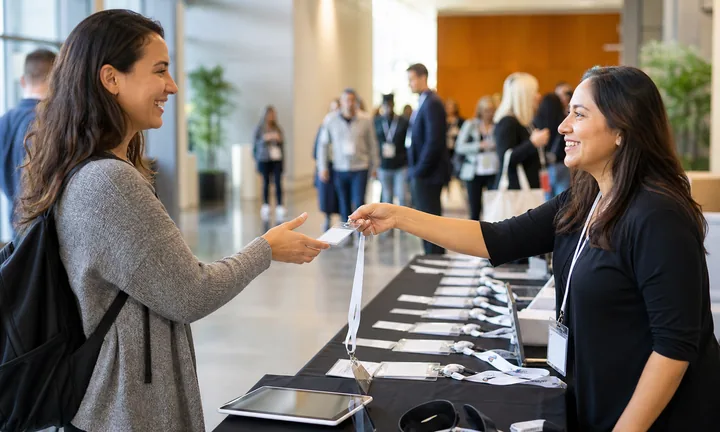
Capture interest while the conversation is fresh
Booth visitors may not want to type a URL or carry another brochure. A QR code can open the exact demo page, lead form, calendar, product sheet, or giveaway tied to the conversation.
The CTA should say what happens after the scan.
Give every booth asset a useful destination
Use separate QR codes on banners, table cards, badges, product displays, demo stations, handouts, and sponsor materials when each touchpoint has a different job.
A banner scan and a demo-table scan may need different pages.
Keep follow-up editable after the show
Dynamic QR lets teams update demo links, PDFs, calendars, pricing pages, UTM campaigns, and post-show offers without reprinting booth assets or losing the original scan path.
Trade show print often travels from event to event.A trade show QR code should make the next business step obvious
The scanner is near a booth, product, rep, demo, or handout. The destination should continue that context with a concise action and enough proof to justify follow-up.
Lead capture works best when the promise is specific: book a demo, download specs, claim offer, enter giveaway, or get the deck.Lead capture
Open short forms with event, booth, product, rep, or campaign context already clear.
Product education
Send scanners to spec sheets, demo videos, comparison pages, sample kits, or implementation notes.
Meeting booking
Move warm conversations to calendar booking, sales handoff, follow-up routing, or post-show recap.
Campaign reporting
Separate booth assets so scans can be read by event, placement, product, and team.
Events, conferences, and weddings
Match trade show QR codes to the booth action you want next
Attendee flowA trade show QR should not be a generic website shortcut. It should open the specific action promised by the booth asset: demo, lead form, meeting, PDF, offer, giveaway, or sales follow-up.

Collect qualified booth leads
Open a short form with event, product, rep, and interest context so visitors can request follow-up without explaining the conversation again.

Book meetings from warm conversations
Send serious prospects to calendar slots, post-show consultations, demos, distributor meetings, or partner introductions.

Share product proof fast
Give visitors spec sheets, case studies, comparison guides, pricing request forms, implementation notes, or sample kit pages.

Run giveaways without losing intent
Use giveaway QR codes that also capture permission, interest, product category, and post-show follow-up preference.

Support booth operations
Use internal or public QR codes for schedules, rep handoff, demo queue, lead routing, collateral download, and event notes.
Visitors scan when the booth promise is worth keeping
Make the first screen confirm the product, offer, event, and next action so the scan feels like a continuation of the conversation.
Teams need booth QR codes that report by asset and event
Use separate dynamic codes for banners, demo stations, handouts, badges, and campaigns when each one should have its own follow-up story.
Give each booth placement a clear job
Scan reporting
Use trade show QR analytics to compare booth assets and follow-up paths
AnalyticsTracking is useful when banners, handouts, demo stations, lead forms, giveaways, and product displays each need their own scan readout.

One booth QR hides which asset earned attention
A shared QR code can show total booth interest, but it cannot explain whether the banner, handout, demo station, product display, or giveaway caused the scan.
That makes post-show cleanup and campaign learning weaker.
Separate booth codes turn scans into follow-up signals
Use one dynamic code per event asset, product, rep, offer, or sponsor placement when comparison matters.
Scan analytics are not full pipeline attribution, but they make booth engagement less anecdotal.
Scan volume
Review which booth assets and offers received scans during the event window.
Time and device
Compare show hours, speaking slots, demos, breaks, and device patterns.
Broad location
Use approximate location to spot unusual scans after assets leave the booth.
Campaign comparison
Compare demos, PDFs, giveaways, calendar links, price requests, and follow-up pages.
Asset comparison
Separate banner, table card, handout, badge, and product display scans.
Event reporting
Name codes by event, booth, product, rep, region, and campaign.
Lead handoff
Connect scan context to sales follow-up without overclaiming closed revenue.
Reusable booth cleanup
Find old event links, retired offers, and outdated PDFs still receiving scans.
Name trade show codes before the show opens
Use names like expo2026-banner-demo, booth-a-sample-kit, rep-julia-calendar, or giveaway-entry so reports make sense later.
Booth placement
Place trade show QR codes where the booth visitor can act immediately
PlacementTrade show QR placement should match the physical booth moment: walking past, watching a demo, holding a handout, talking to a rep, entering a giveaway, or booking follow-up.

A QR code on every booth surface creates noise
If every code opens the same generic homepage, visitors and staff cannot tell which scan mattered.
The CTA and destination should change with the booth asset.
Put the QR beside the offer, demo, or follow-up step
Use banner QR for top-level interest, demo QR for product proof, handout QR for post-show content, and rep QR for booking or contact.
The first screen should make the booth context unmistakable.
What triggered the scan?
Banner, demo, tabletop, badge, brochure, sample, giveaway, meeting, sponsor wall, or product display.
What should happen next?
Lead form, demo request, calendar booking, PDF download, price request, giveaway entry, or follow-up path.
Who owns follow-up?
Use campaign, event, product, territory, rep, or partner naming before the show opens.
Will the booth travel again?
Use dynamic QR for reusable banners, stands, table cards, and handouts that move across events.
Booth banner
Best for high-level product interest, event offer, demo request, or category landing page.
Demo station
Open specs, videos, implementation notes, sample kit request, or demo follow-up.
Table card
Use for lead form, meeting booking, giveaway, pricing request, or collateral download.
Rep badge
Route to contact save, calendar, territory page, or rep-specific follow-up.
Printed handout
Open the post-show resource page, PDF, campaign page, or nurture sequence.
Product display
Connect a physical product to specs, SKU details, comparison, warranty, or quote request.
Giveaway sign
Make rules, consent, prize details, and follow-up expectation clear before entry.
Sponsor placement
Use separate codes for sponsor offers, partner pages, and event-specific attribution.
Trade show QR placement should make follow-up easier for both sides
The visitor should know why to scan, and the team should know what the scan meant after the show.
Booth-safe design
Design trade show QR codes to scan from real booth distance
DesignA trade show QR has to survive banners, glare, crowds, handouts, small table cards, and fast foot traffic while still looking on-brand.
Start with scan distance before decoration
Risk
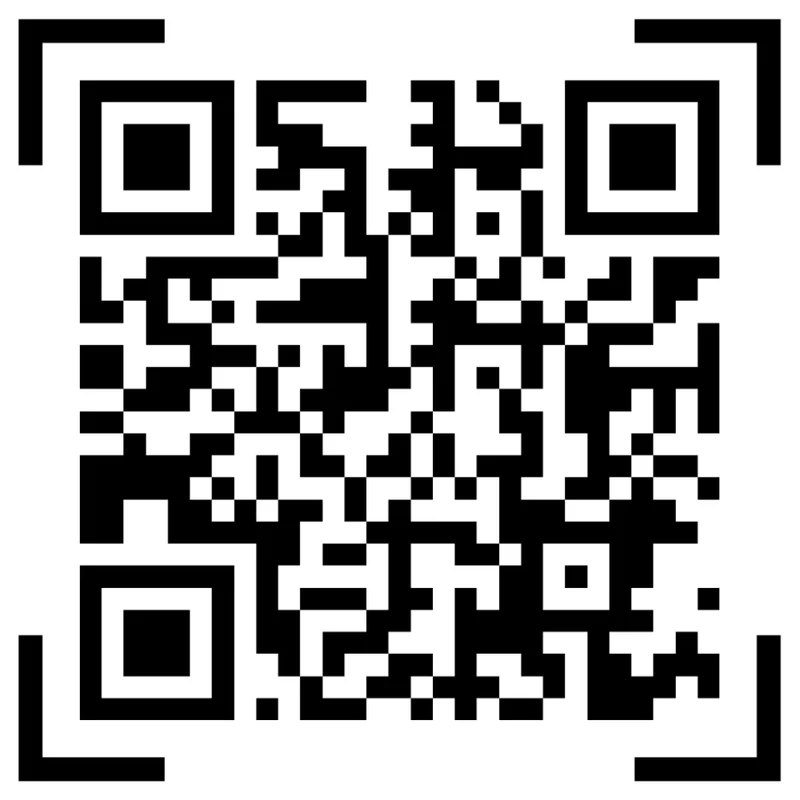
A tiny QR on a large booth wall may look clean in the design file but fail when visitors are several feet away.
Better
Match size to viewing distance, preserve quiet zone, and place the CTA close enough that visitors know what the scan opens.
Use brand color only after contrast is safe
Risk
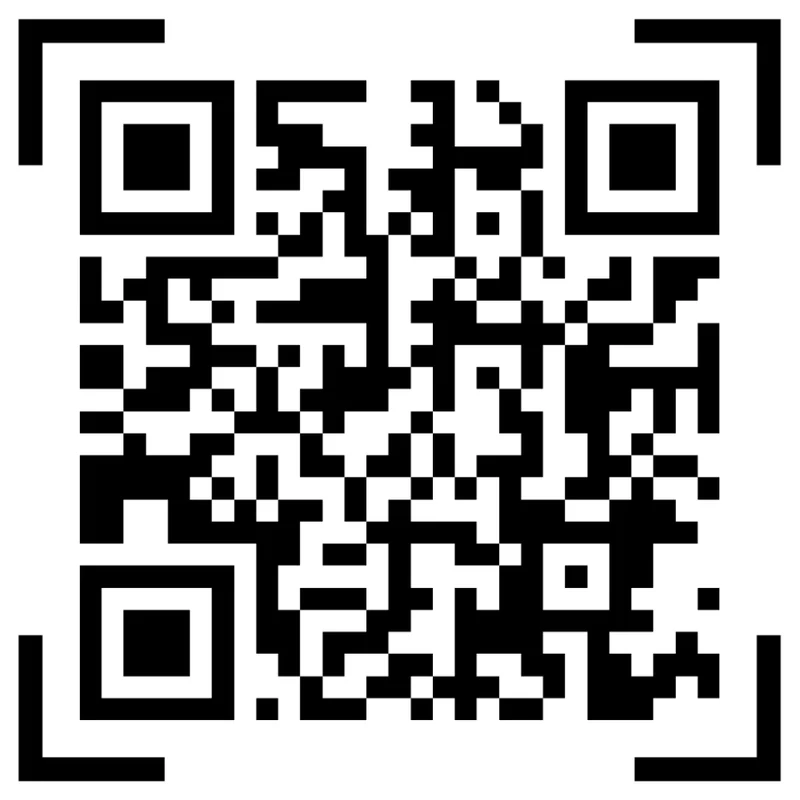
Low contrast, glossy print, busy backgrounds, and heavy logo treatments can make booth QR codes feel branded but unreliable.
Better
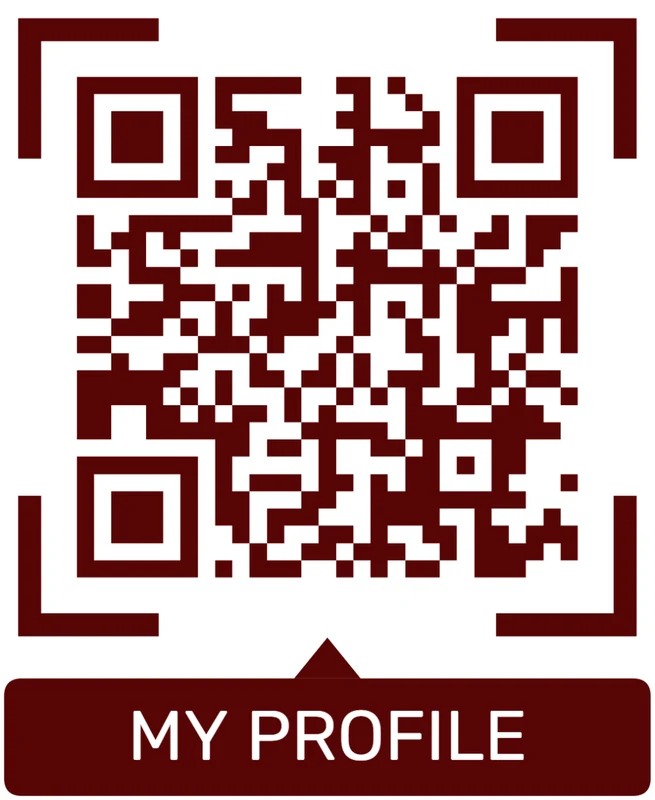
Keep the QR pattern readable, use color around the code rather than inside critical modules, and test under show lighting.
Customize corners and modules
Standard pattern
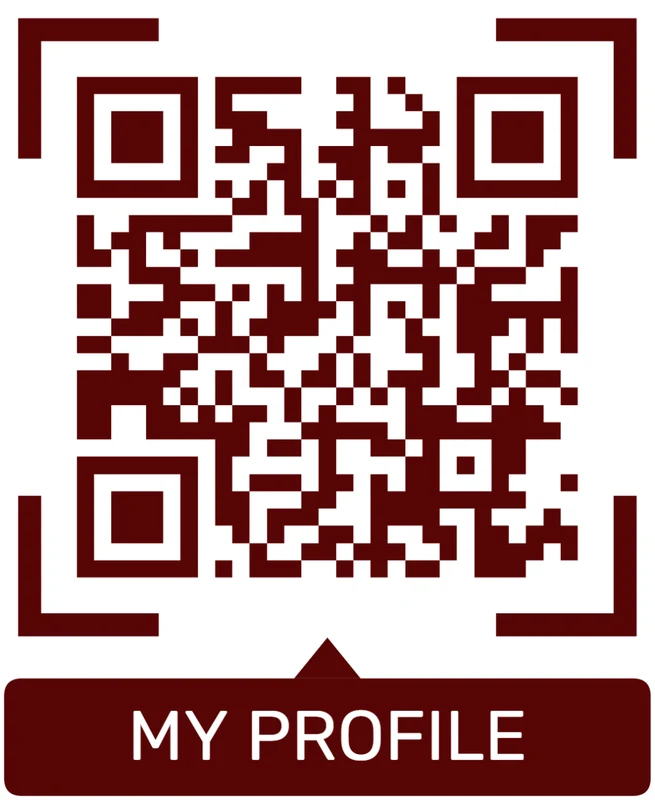
A colored framed code already looks better, but it can still look like every other QR code.
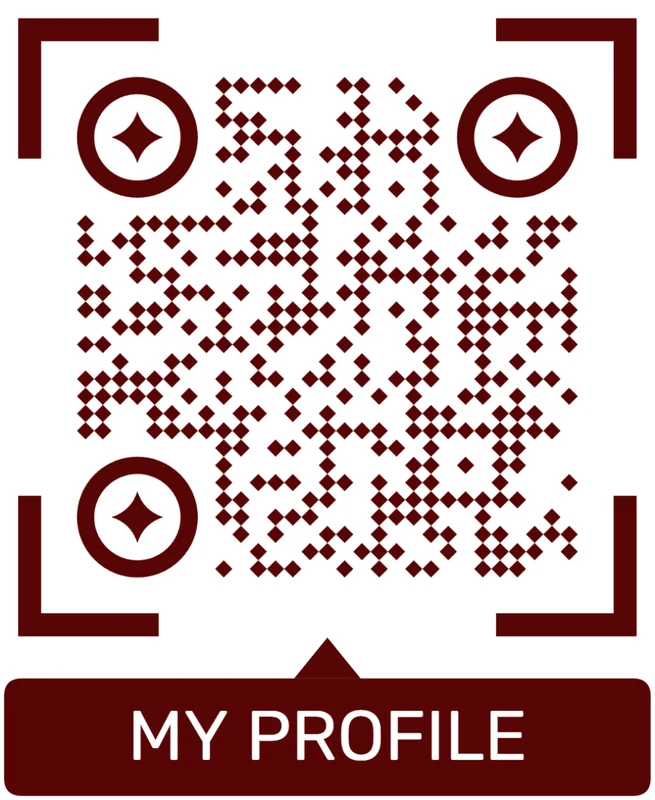
Custom eyes and module shape
Rounded modules, styled finder corners, and cleaner patterns can make the code feel premium. Keep the three corner markers clear.
Add a logo carefully
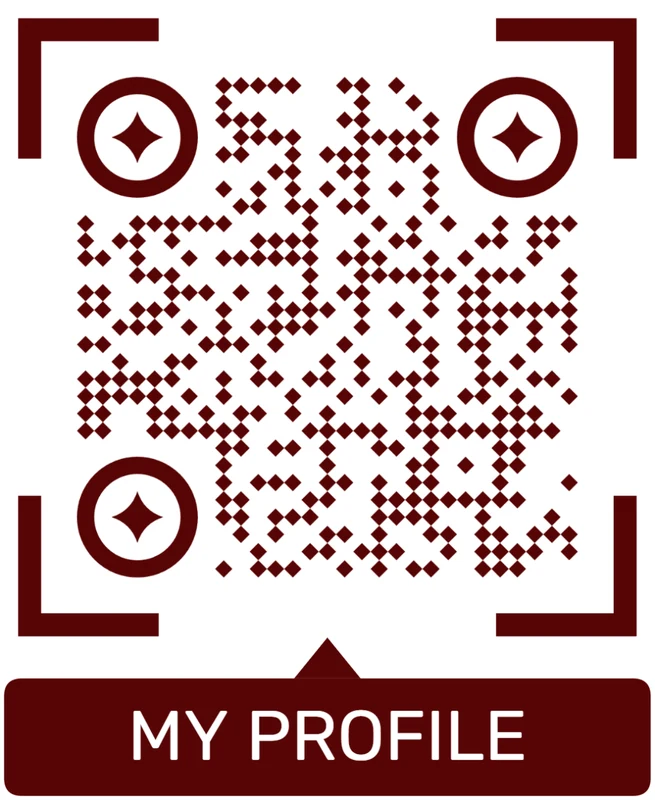
Styled QR code
A styled code can look polished, but people may still not know what brand, profile, file, or campaign it represents.
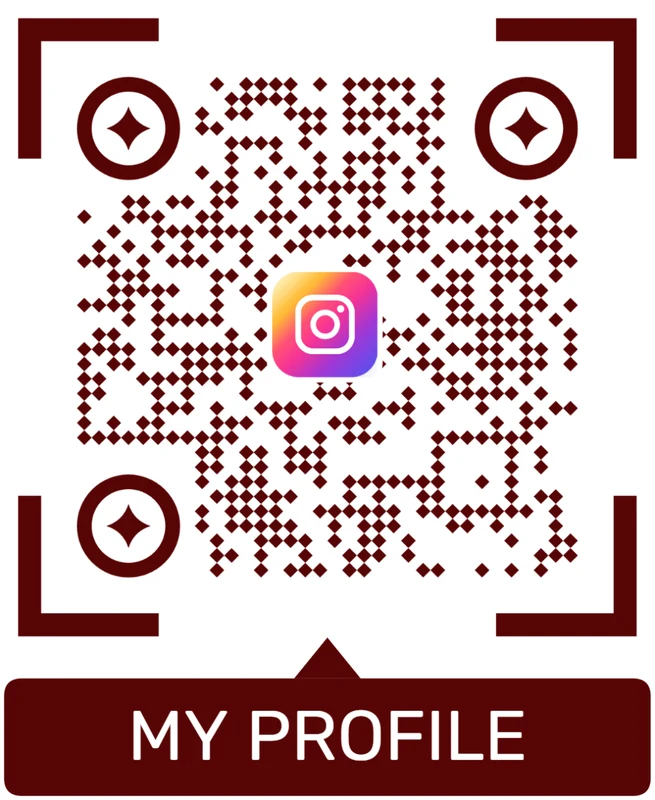
Logo QR code
A centered logo helps signal the destination. Keep it small, use a clean background behind it, and test the exported code.
Booth QR design should win the scan before it wins the style review
The visitor may be walking, holding a bag, or talking to a rep. The code needs enough size, contrast, and promise to be worth scanning.
Booth and follow-up flow
Place trade show QR codes where visitors can act before the conversation disappears
Useful placements include booth walls, product displays, tabletop cards, badges, printed brochures, giveaway cards, demo stations, meeting signs, and post-event follow-up mailers. CTAs should say book demo, get brochure, enter giveaway, view catalog, scan product specs, schedule meeting, or send me follow-up. The action should be easy to complete on a busy show floor.
Dynamic QR codes are practical because trade show links change from pre-event promotion to live booth resources and post-event follow-up. You can update the same printed materials instead of reprinting everything. Scan analytics can compare banners, table cards, product displays, and giveaway cards, helping the team learn which touchpoints generated interest.
Keep forms short and respectful. Visitors may be walking between sessions or talking to several vendors. Ask only for what you need, and let the landing page continue the exact promise from the printed CTA. QR Code Lab manages the QR path and scan counts, while your CRM handles lead records and follow-up. After the show, the same dynamic code can point to recordings, recap pages, or sales follow-up.
Scan trust
Make trade show QR codes trustworthy before visitors share contact details
TrustTrade show QR codes often open lead forms, calendar links, PDFs, giveaways, pricing requests, or partner pages. Visitors should know exactly who is asking and what happens next.

Unclear lead capture
Visitors hesitate when a QR opens a form without company identity, event context, offer details, or follow-up expectation.
Watch for similar-looking domains, long URLs, login or verify keywords, and pages asking for credentials after an unexpected scan.
Old event links
Reusable booth assets can keep sending visitors to expired offers, retired PDFs, or last year’s landing page.
A trustworthy QR should not make the final destination mysterious, especially on posters, labels, menus, parking signs, or event materials.
Public sticker tampering
QR codes on booth surfaces, signs, and shared tables should be checked during setup and show hours.
Before paying, check the domain, HTTPS, amount, recipient, and whether the destination matches the place or brand that printed the QR.Scan the printed proof like the customer will
Confirm that the destination shows the right brand, HTTPS page, action, payment context, map context, or lead path before people rely on the QR code.
Public QR codes need more trust signals because anyone can scan them and some placements can be tampered with.Brand and event match
Confirm company, event, product, offer, and CTA match the printed booth asset.
Lead promise is clear
State whether the scan opens a demo request, PDF, giveaway, meeting, quote, or contact form.
Privacy and follow-up
Explain what information is collected and how sales or marketing will use it.
Reusable asset check
Scan old banners and table cards before every show to catch expired destinations.
Publish QR codes people can verify
The printed CTA, page title, business identity, and first action should all describe the same destination.






