
Facebook Page QR Code Generator - Pages, Groups & Local Campaigns
Create QR codes for Facebook Pages, profiles, groups, events, posts, Messenger links, and local business campaigns. Share it from cards, posters, packaging, merch, and events.
Free QR code generator
Create a QR code online
Generate QR codes for websites, email, phone numbers, vCards, Wi-Fi, plain text, forms, PDF files, and campaign links. Customize colors, add a logo or frame, then download a print-ready PNG or SVG.
Choose QR code type
Website QR code, Email QR code, Phone QR code, vCard QR code, Wi-Fi QR code, Text QR code, SMS, WhatsApp, event, and download links.
Add your content
Enter your website URL, contact details, message, phone number, location, or file destination before generating the QR code.
Customize and download
Adjust QR colors, error correction, logo, frame, size, and margin. Generate QR Code, Download PNG, Download SVG, or Save and track scans.
Related QR code generators
Facebook discovery
Create a QR code for the Facebook page or action that matches the moment
A Facebook Page QR code can send scanners to a business page, creator page, public profile, group, event, post, Messenger link, offer, or local campaign destination. It is useful for restaurants, local businesses, community managers, event teams, creators, nonprofits, and marketers who want offline materials to lead into an existing Facebook presence.
The destination should match the printed context. A storefront sign can open the business page. A table card can open Messenger or an event post. A flyer can open a limited offer. A community notice can open a group or announcement. A broad Facebook Page is good for general discovery, but a specific post, event, offer, or message link is often better when the printed material has one clear purpose.
QR Code Lab creates a URL QR code for the Facebook destination you choose. It does not manage your Facebook account, create content, post updates, collect leads, operate Messenger, or control what Facebook shows after the scan. The QR code simply makes the destination easier to reach from print and in-person surfaces.
Facebook Page moments
Use a Facebook Page QR code when the scan should open a public brand or business page
Page QRA Facebook Page QR should move people from print, signage, packaging, receipts, menus, events, or local ads to a public page where they can follow, message, review, or check current updates.

Turn offline attention into a public Facebook touchpoint
Use Facebook Page QR codes on storefront signs, business cards, receipts, flyers, packaging, event tables, local posters, and service materials when the next step is follow, message, review, or learn more.
The CTA should say follow us, message us, see updates, or leave a review.
Set expectations before Facebook opens
Tell scanners whether the page is for business updates, local events, customer messages, reviews, menu changes, service proof, product launches, or community announcements.
Public page intent is broader than a group join.
Keep page campaigns editable after print
Dynamic QR helps when page URLs, campaign links, review prompts, Messenger paths, seasonal offers, or backup destinations change after printed materials are already distributed.
Local and social campaigns change faster than printed signs.A Facebook Page QR should connect offline trust to public social proof
The scanner may be deciding whether to follow, contact, trust, review, or visit a business. The destination should make the public page useful immediately.
Use Page QR for broad public presence; use Group QR when membership and community participation are the goal.Public presence
Open a Facebook Page for business updates, reviews, messaging, services, hours, or local credibility.
Customer action
Guide people toward follow, message, call, review, menu, booking, event, or latest update actions.
Local proof
Use public Facebook content as social proof for local businesses, creators, services, and community pages.
Reporting control
Use separate QR codes for flyers, receipts, posters, events, packaging, partners, and local placements when comparison matters.
Page scan UX
Make the Facebook Page scan explain what people can do there
Scan UXA Facebook Page QR should not rely on the logo alone. The scanner should understand whether the page is for updates, messaging, reviews, events, menus, offers, or local proof.
Use a direct Page link for broad public discovery
Follow, message, review, updatesA direct Facebook Page link works when the printed CTA tells people what to do after landing: follow, message, review, see hours, or check updates.
The first screen should match the promise beside the QR code so the handoff feels intentional.
Use a landing page when Facebook is one of several actions
Facebook, website, booking, reviews, menuA short page can offer Facebook beside website, booking, menu, reviews, phone, and map links when one social destination is not enough.
This is stronger for public print and mixed audiences.
Use dynamic routing when page campaigns change
Seasonal offer, event, review, Messenger, new postFacebook destinations can change after printed materials go live.
Dynamic QR lets the same printed code route to the current page, post, campaign, review prompt, Messenger path, or fallback destination.
Does the CTA name the Facebook Page action?
Use copy like follow our page, message us, see reviews, check events, or get updates.
Is there a fallback for people not signed in?
Consider a landing page or website fallback when Facebook login, privacy, or app behavior may block the action.
Will the social destination change?
Use dynamic QR when campaigns, offers, events, page URLs, or promoted posts may change after print.
The Page scan should turn offline trust into a clear social action
Choose the route that makes following, messaging, reviewing, or checking updates obvious.
Social brand handoff
Design the Facebook Page QR so the scan feels official and still works
DesignA Facebook Page QR can carry brand color, frame, and CTA, but the code still needs contrast, quiet zone, readable size, and a clear promise beside it.
Start with a readable code before adding social styling
Risk
A tiny QR beside a Facebook icon may look branded but fail on receipts, menus, posters, or window signs.
Better
Use a clean code, strong contrast, enough quiet zone, and CTA text such as Follow us on Facebook or Message us on Facebook.
Add color and a clear CTA
Black framed code
A black framed code is readable, but it may not explain what the scanner gets after the scan.
Brand color + scan prompt
Use a strong brand color and a short CTA like “Scan for menu”, “Get the PDF”, or “Save contact”. The CTA should promise the next step.
Customize corners and modules
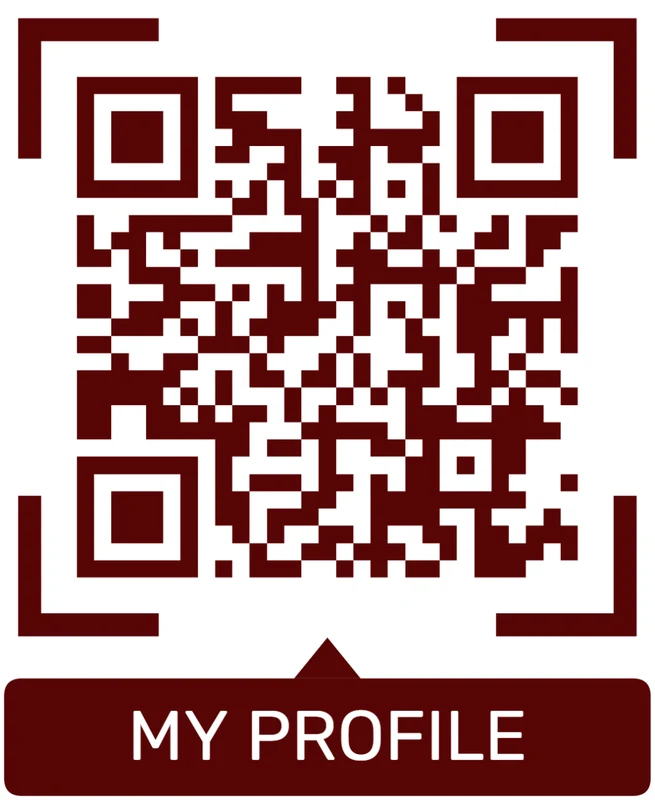
Standard pattern
A colored framed code already looks better, but it can still look like every other QR code.
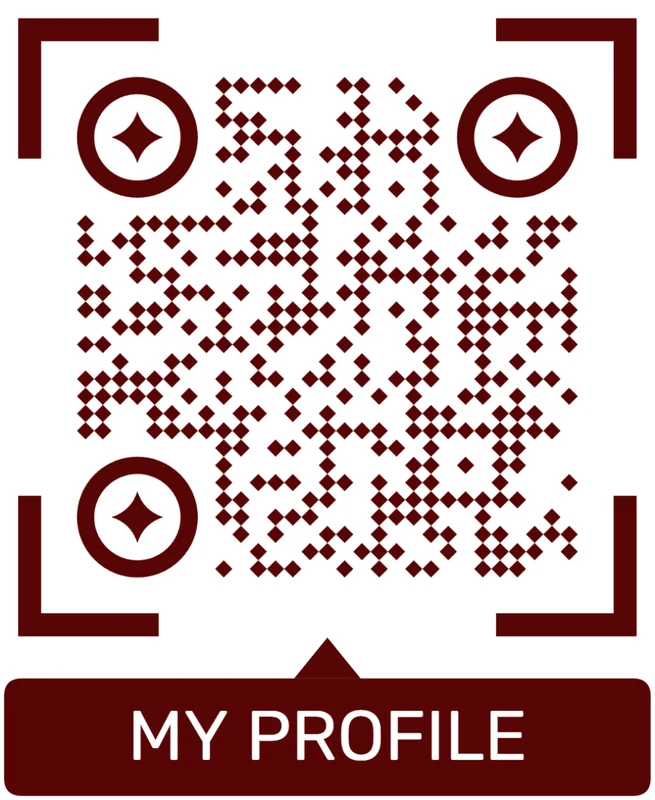
Custom eyes and module shape
Rounded modules, styled finder corners, and cleaner patterns can make the code feel premium. Keep the three corner markers clear.
Add a logo carefully
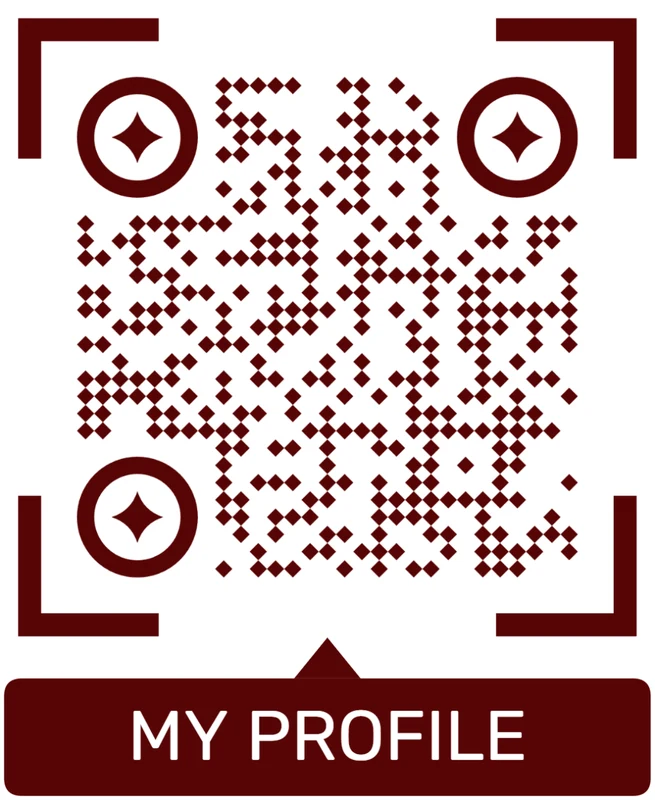
Styled QR code
A styled code can look polished, but people may still not know what brand, profile, file, or campaign it represents.
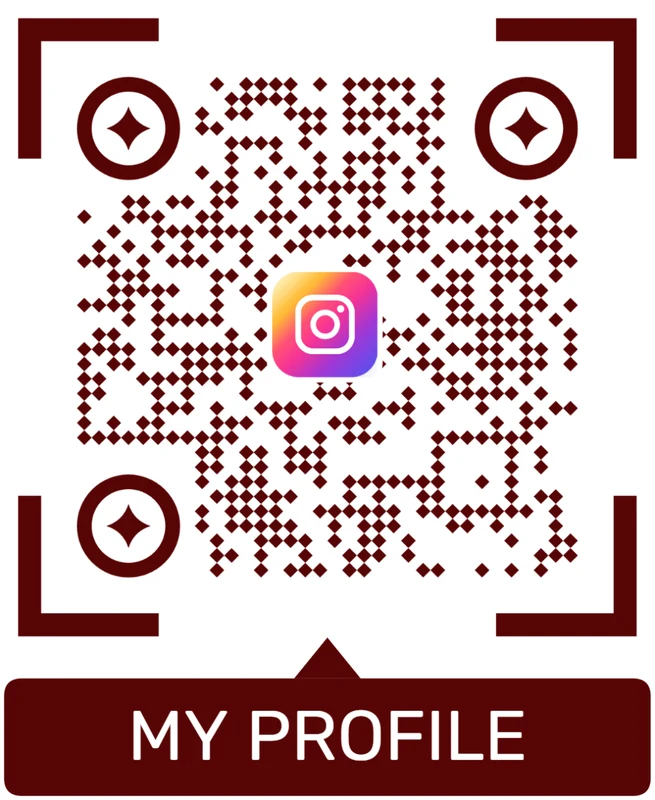
Logo QR code
A centered logo helps signal the destination. Keep it small, use a clean background behind it, and test the exported code.
Brand the promise, not just the code
A Facebook Page QR works best when the design says why to scan and the code remains easy to read in the actual printed placement.
Offline to social
Make the scan continue the real-world action instead of dumping people on a generic page
A table card might point to an event post or Messenger link. A local flyer might point to a Facebook offer. A storefront sign might point to the business page. Packaging might point to a product announcement. Event signage might point to an RSVP page. The best Facebook QR code is specific enough that the scanner immediately understands why they opened it.
Use dynamic QR codes for printed campaigns when the Facebook destination may change. That protects flyers, posters, packaging, menus, table tents, receipts, window signs, and event materials from dead or outdated links. You can redirect the printed code to a newer post, a seasonal offer, or a landing page if the original Facebook URL stops being the best choice.
Scan analytics can show whether people scan from different placements, but Facebook still controls what happens after the visitor arrives. QR Code Lab manages the QR destination and scan counts; Facebook handles page visibility, Messenger, posts, events, comments, and account behavior.






