
Instagram QR Code Generator - Profiles, Reels & Bio Links
Create QR codes for Instagram profiles, posts, Reels, business pages, bio links, and campaigns. Use print materials to grow discovery. Share it from cards, posters, packaging, merch, and events.
Free QR code generator
Create a QR code online
Generate QR codes for websites, email, phone numbers, vCards, Wi-Fi, plain text, forms, PDF files, and campaign links. Customize colors, add a logo or frame, then download a print-ready PNG or SVG.
Choose QR code type
Website QR code, Email QR code, Phone QR code, vCard QR code, Wi-Fi QR code, Text QR code, SMS, WhatsApp, event, and download links.
Add your content
Enter your website URL, contact details, message, phone number, location, or file destination before generating the QR code.
Customize and download
Adjust QR colors, error correction, logo, frame, size, and margin. Generate QR Code, Download PNG, Download SVG, or Save and track scans.
Related QR code generators
Instagram QR workflow
Create QR codes for Instagram profiles, posts, Reels, shops, bio links, and campaigns
An Instagram QR code is usually a URL QR code that opens a profile, post, Reel, business page, shop page, bio link, creator page, or campaign destination. It is useful for creators, restaurants, salons, retail brands, agencies, event teams, photographers, artists, and marketers who want physical materials to drive people into Instagram content.
The best Instagram QR destination depends on the moment. A profile is good for broad discovery. A Reel is good for a demo, tutorial, or short visual proof. A post is good for a specific announcement. A shop page can support product discovery. A bio link or microlanding page is better when the scanner needs several options instead of one social destination.
QR Code Lab creates the QR code for the URL you provide. It does not post to Instagram, manage accounts, create Reels or Stories, collect leads, change visibility settings, or operate the platform. If the content is private, removed, expired, or restricted, the scanner may not reach what you expect.
Instagram QR decisions
Use an Instagram QR code generator to choose the right profile, post, reel, story, or campaign destination
Instagram QRAn Instagram QR can open a profile for discovery, a post for one campaign, a reel for video proof, a story highlight for temporary context, or a landing page when several actions matter.

Match the QR to the Instagram action
Use Instagram QR codes on cards, posters, product packaging, event materials, menus, storefront signs, creator merch, portfolio sheets, and local campaigns when social proof should continue after print.
Profile, post, reel, and story links serve different jobs.
Choose specific content when the print references it
A profile QR is good for broad discovery, but a post or reel QR is stronger when the printed material promotes one product drop, event recap, recipe, tutorial, portfolio piece, or offer.
Destination specificity makes the scan feel intentional.
Keep social campaign links flexible
Dynamic QR helps when usernames, promoted posts, reels, highlights, shops, link-in-bio pages, or campaign landing pages change after materials are printed.
Instagram campaigns move quickly; print does not.An Instagram QR should continue the visual story from print
The scanner already saw a visual cue. The destination should continue that story with the profile, post, reel, shop, or campaign page that makes the most sense.
Use different QR codes by destination type and placement when campaign reporting matters.Profile follow
Open a creator, brand, venue, local business, or portfolio profile for broad discovery.
Specific content
Open a post, reel, highlight, product drop, announcement, tutorial, or campaign visual.
Landing page
Use a managed page when Instagram should sit beside shop, booking, menu, event, website, or contact actions.
Dynamic control
Keep printed social links editable when campaigns, usernames, or promoted content change.
Instagram scan UX
Make the Instagram scan choose the right social destination
Scan UXInstagram QR scans can mean profile, post, reel, story, shop, or campaign. The destination should match the printed promise and the action people expect.
Use direct links when the Instagram action is obvious
Profile, post, reel, storyDirect Instagram links work when the printed CTA clearly says whether the scan opens a profile, post, reel, story, or shop.
The first screen should match the visual promise beside the QR code.
Use a landing page when the social destination needs context
Instagram, shop, booking, website, contactA short page can place Instagram beside shop, booking, menu, website, contact, event, or download actions when one social link is not enough.
This is stronger for public print, mixed audiences, and campaigns where app login or expired content could block the scan.
Use dynamic routing when promoted Instagram content changes
New post, reel, shop, profile, campaignInstagram usernames, posts, reels, highlights, and campaign links can change after print.
Dynamic QR lets the same printed code route to the current social destination or fallback page.
Does the destination match the printed promise?
Confirm whether profile, post, reel, story, shop, or landing page is the right next step.
Is there a fallback for app friction?
Consider a landing page when Instagram login, privacy, app behavior, or expired content may interrupt the action.
Will the social destination change?
Use dynamic QR when campaigns, promoted posts, reels, usernames, or landing pages may change after print.
The Instagram scan should continue the visual story
Choose the destination that best matches what the scanner just saw and what they are ready to do next.
Instagram placement
Place Instagram QR codes where the visual story naturally continues
PlacementInstagram QR placement should match the content type: profile for broad discovery, post or reel for one story, and landing page when several next steps compete.

An Instagram logo alone does not explain why to scan
A visible QR code can still feel vague if people do not know whether it opens a profile, post, reel, shop, or campaign page.
The placement should connect the scan to a specific visual promise or follow reason.
Put the QR where the next visual step is obvious
Use the QR near the product, artwork, menu item, event detail, creator identity, campaign offer, or portfolio piece that it continues.
The CTA should name the action: follow, see the post, watch the reel, open the drop, or view more work.
What did the scanner just see?
Product, artwork, menu, poster, event, packaging, creator card, local ad, portfolio sample, or offer.
What should Instagram add?
More visuals, social proof, comments, tutorial, recipe, behind-the-scenes, shop link, event recap, or follow path.
Is the content durable?
Use dynamic QR if the promoted post, reel, story, highlight, or username may change.
Is the CTA specific?
Say follow us, view this post, watch the reel, see the drop, open the recipe, or view the portfolio.
Business card
Open a profile or portfolio account where the person can browse and follow.
Product packaging
Open a product post, tutorial, recipe, launch reel, shop page, or brand profile.
Event sign
Send attendees to profile, event recap, hashtag post, speaker content, or sponsor campaign.
Menu or table card
Open dish visuals, specials, reviews, behind-the-scenes, or restaurant profile.
Poster or flyer
Route to the campaign post, artist profile, event update, giveaway, or announcement.
Portfolio sheet
Open creator profile, project post, reel, case study, or contact path.
Retail display
Show product styling, launch content, customer proof, creator collab, or shop path.
Creator merch
Invite fans to profile, reel, campaign post, drops, or community links.
Instagram QR placement should make the visual next step obvious
Use the QR where social content can answer the scanner’s next question without making them search.
Social design
Design Instagram QR codes so the visual brand supports the scan
DesignInstagram QR codes often live in visual materials, but the scan still depends on contrast, size, quiet zone, and a CTA that explains profile, post, reel, or campaign destination.
Keep the QR readable inside visual layouts
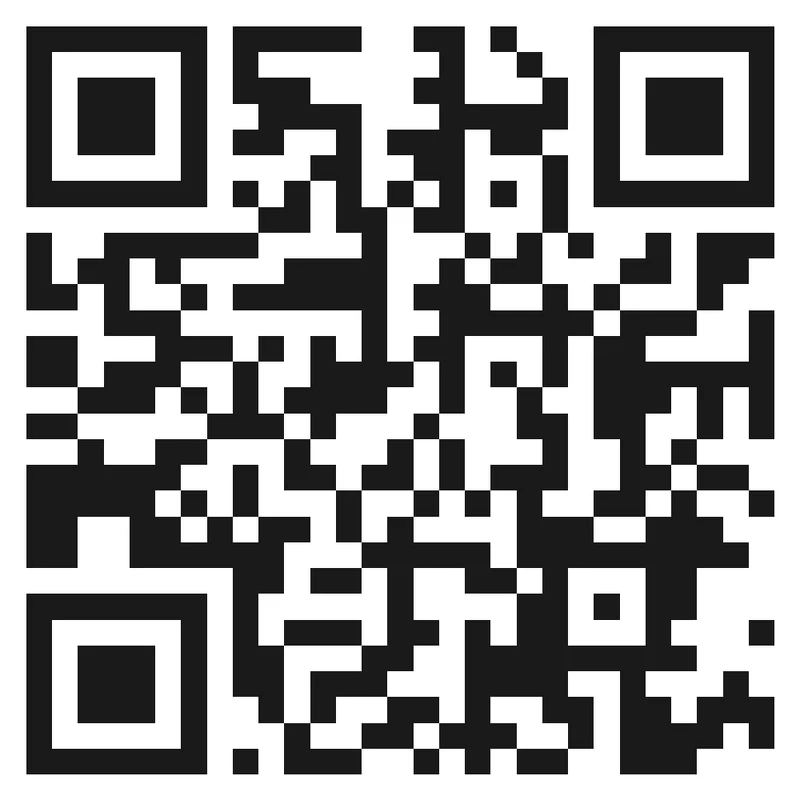
Risk
A QR code buried in artwork, gradients, busy photography, or tiny merch details may match the aesthetic but scan poorly.
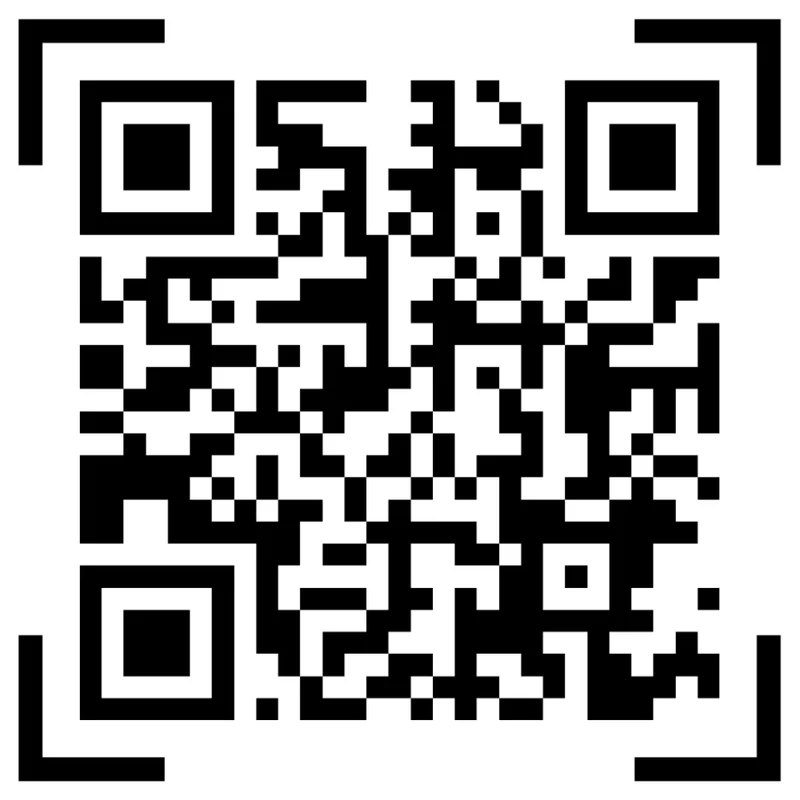
Better
Use a clean code area, enough quiet zone, strong contrast, and a short CTA that names the Instagram action.
Add color and a clear CTA
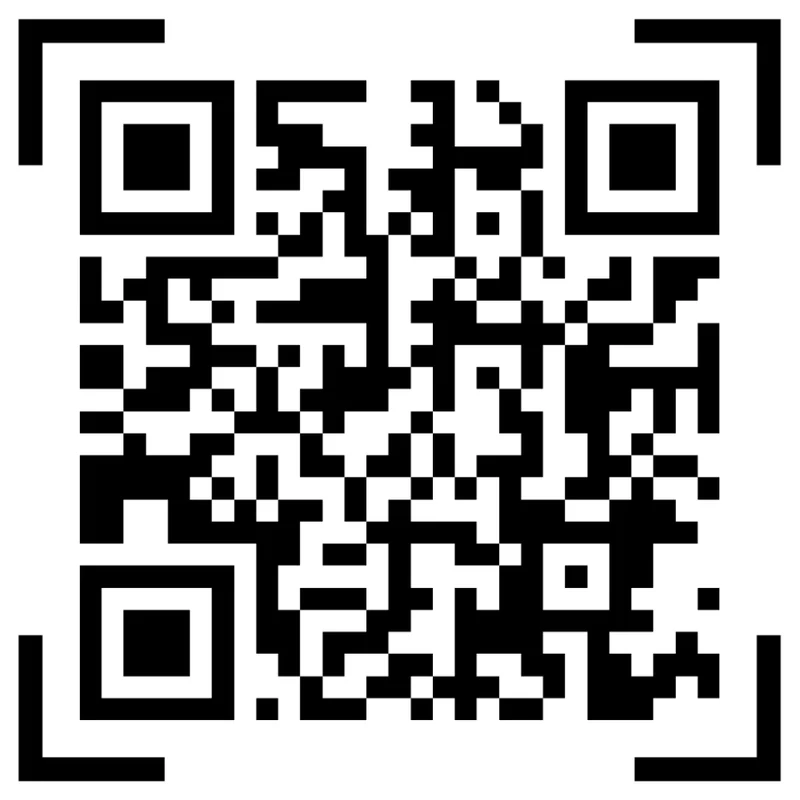
Black framed code
A black framed code is readable, but it may not explain what the scanner gets after the scan.
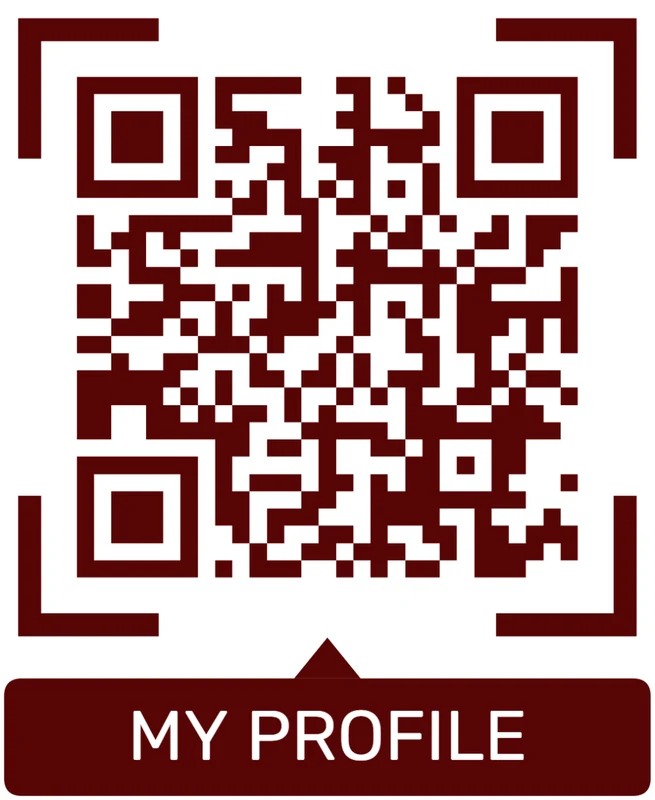
Brand color + scan prompt
Use a strong brand color and a short CTA like “Scan for menu”, “Get the PDF”, or “Save contact”. The CTA should promise the next step.
Customize corners and modules
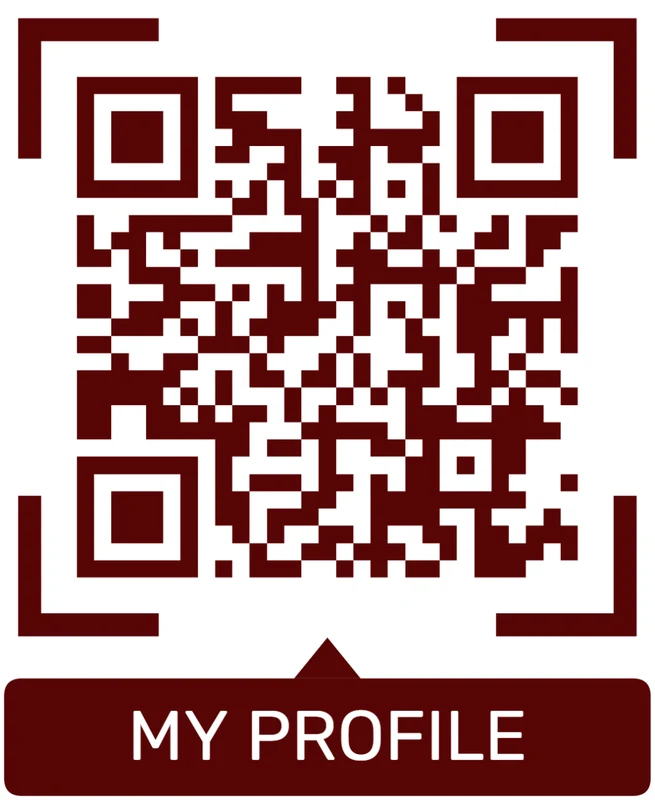
Standard pattern
A colored framed code already looks better, but it can still look like every other QR code.
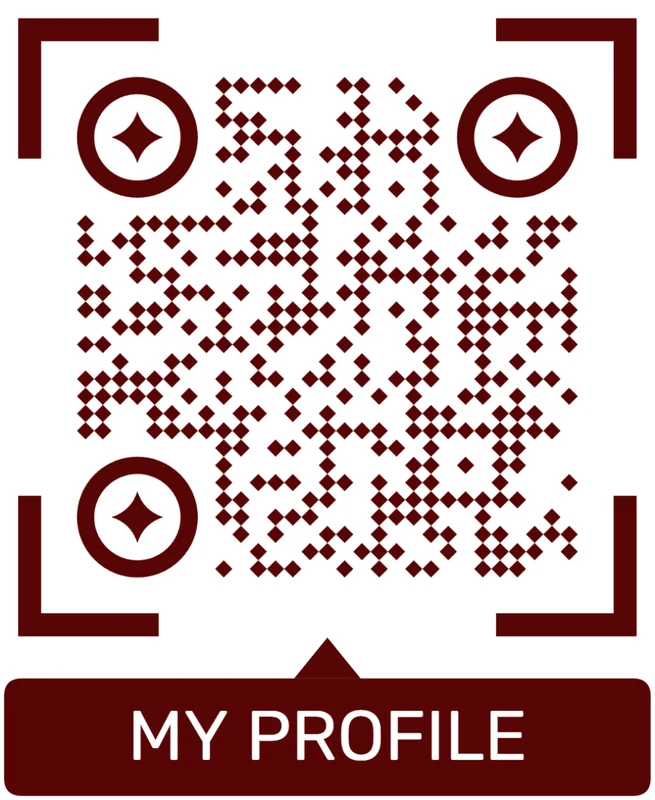
Custom eyes and module shape
Rounded modules, styled finder corners, and cleaner patterns can make the code feel premium. Keep the three corner markers clear.
Add a logo carefully
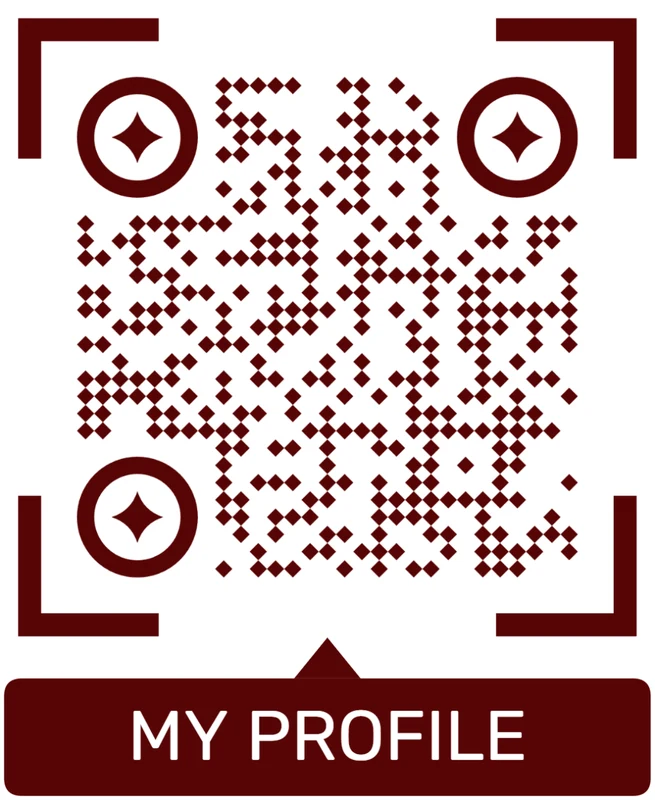
Styled QR code
A styled code can look polished, but people may still not know what brand, profile, file, or campaign it represents.
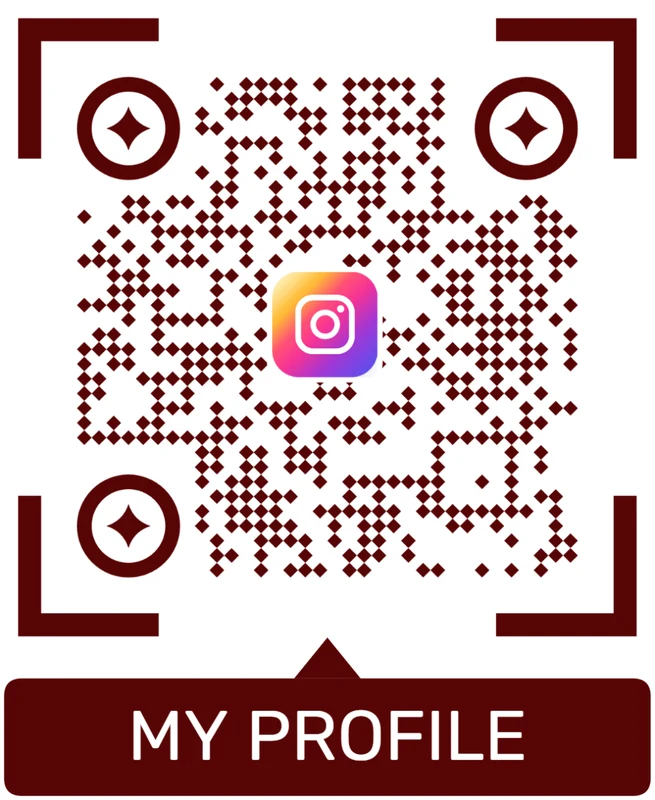
Logo QR code
A centered logo helps signal the destination. Keep it small, use a clean background behind it, and test the exported code.
Design should help people understand the Instagram action
A branded QR is useful only when scanners can read it quickly and know whether it opens a profile, post, reel, shop, or campaign.
Offline to Instagram
Make the physical material explain why this Instagram link matters now
Use Instagram QR codes on packaging, flyers, table cards, business cards, posters, retail displays, event badges, artist labels, menus, receipts, product tags, and creator merch. The scan works best when the printed call to action is specific: follow for updates, watch the tutorial, see the lookbook, open today’s offer, view the event recap, browse the product post, or meet the creator.
Use a dynamic QR code when the campaign destination may change. A printed menu can move from a profile to a seasonal post. A product tag can move from one Reel to a newer demo. An event flyer can move from a teaser to recap content. That protects printed materials and lets you measure whether scans come from table cards, packaging, storefront signs, flyers, or event placements.
Keep the Instagram page mobile-ready and public enough for the expected audience. QR Code Lab manages the QR destination, style, and scan analytics; Instagram controls the profile, app behavior, login prompts, comments, follows, shopping, and content visibility after the scan.






